



"It's Just That Way, Sir"

By Hullian111
- 391 views
- View Hullian111's images
(now that we truly have begun, please imagine this scene, and the following scenes, are full of crowds passing by)
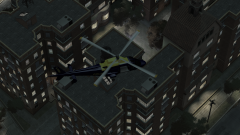
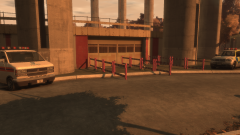
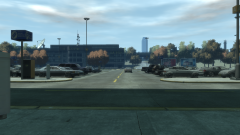
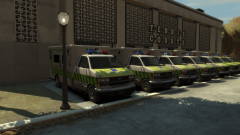
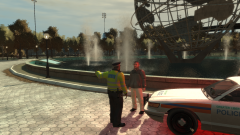
Down in Zone 2, or the Refreshments area, a man from the Netherlands waves down a police officer who was slowly passing by in his car. He got out, and asked what the matter was.
"Er, excuse me, officer, can you tell me where the toilets are? I can't understand the signs." He asked.
"Oh, well they should be marked out on the signs with those symbols. But ah well, it's just that way, sir." The officer replied.
"Thanks a bunch. I really need to go."
"Well don't keep yourself waiting!"
And so the Dutchman ran off to the toilets. Just a titbit of the work the GLP were doing in Meadows Park.
Copyright
© Hullian111
Recommended Comments
Join the conversation
You can post now and register later. If you have an account, sign in now to post with your account.