


Mostly Work, Little Play

By Hullian111
- 540 views
- View Hullian111's images
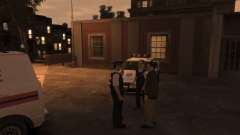
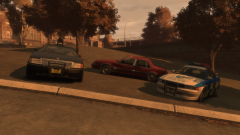
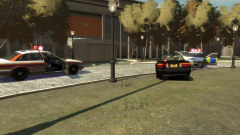
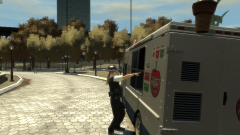
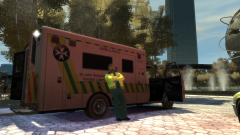
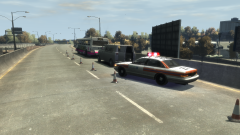
Two hours into the second day of the festival, down at the Liberty Stage, someone had a nasty fall straight into the fountain, forcing part of an up-and-coming band's performance to be cut short. Festivalgoers and nearby GLP officers had helped the injured festivalgoer out of the fountain, and had helped the St. John paramedics in calming her down and putting her safely in the ambulance. The paramedic here is taking a breather before he would set off to the CHMC - he thought he'd get the best seats in the house, but in truth, he didn't.
Copyright
© Hullian111
Recommended Comments
Join the conversation
You can post now and register later. If you have an account, sign in now to post with your account.