


Keeping Watch

By Hullian111
- 470 views
- View Hullian111's images
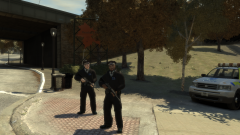
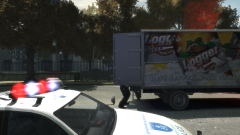
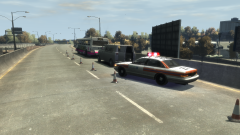
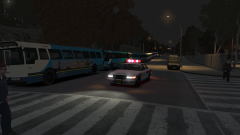
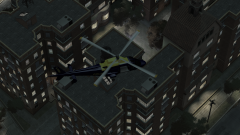
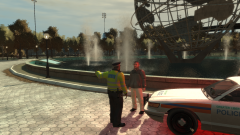
Night has now fallen on Meadows Park, and 30 Seconds to Mars are just about to finish their set. As they have done throughout all of Friday, the GLP's Francis (International Airport) Air Support Unit keeps constant vigilance over the Liberate Festival, ensuring that nobody that they are looking for is running away through the wooded areas of the park, and in exchange, getting a good view of the acts. It is even claimed they opened their doors at one point to listen to the closer of the day, 'Kings and Queens'.
Copyright
© Hullian111
Recommended Comments
Join the conversation
You can post now and register later. If you have an account, sign in now to post with your account.