


Clearing The Meadows

By Hullian111
- 475 views
- View Hullian111's images
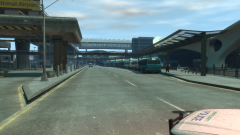
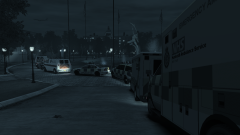
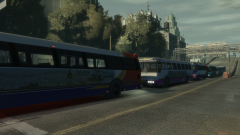
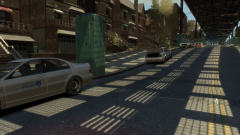
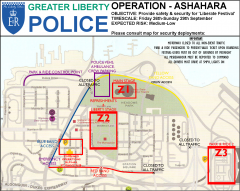
Once all of the stage and equipment had arrived, it was now up to the Greater Liberty Police to start clearing out homes in the secure zone. Sure, some of them were staying to help around in the festival, some even offering open houses after the grounds closed, but the majority didn't want to stay - they wanted to sleep at night.
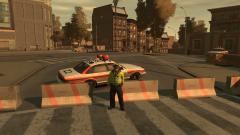
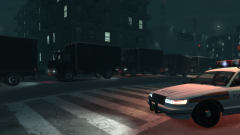
So the night after, the true beginning of Operation Ashahara began. GLP units combed the streets in the secure zone, politely asking that they start packing up and leaving in time for the weekend, and liasing with their supervisors about the progress made. It was essential that those without explicit permission would be off-site by the weekend - who knows what they could be doing there?
Copyright
© Hullian111
Recommended Comments
Join the conversation
You can post now and register later. If you have an account, sign in now to post with your account.