




Look How They Shine for You...

By Hullian111
- 487 views
- View Hullian111's images
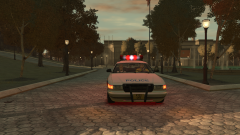
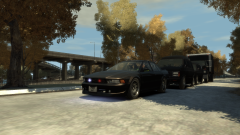
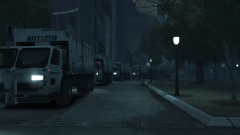
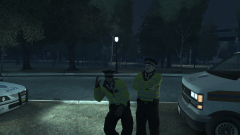
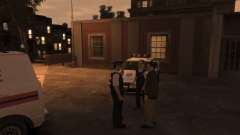
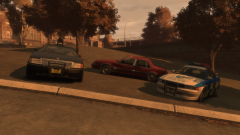
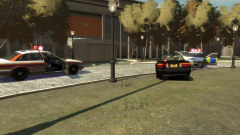
Its nearly the end of the Coldplay setlist, and just as the buses were warmed up and shunted out to the entry/exit points, a contingent of police officers were waiting outside to help festivalgoers get out of the park by midnight. Thanks to the unique design of the Pavillion, the whole concert could be heard from way outside the park - and taking this opportunity, a constable of the GLP decide to let his hair down while another one just stands seriously by him, just as the last chorus of 'Yellow' finished.
Copyright
© Hullian111
Recommended Comments
Join the conversation
You can post now and register later. If you have an account, sign in now to post with your account.