Pavy
Members
-
Joined
Everything posted by Pavy
-
@ovilexfan It doesn't make any sense. I simply gave you the latest dlc list with all vanilla patchdays and simply added modding dlc in the line. Try this dlclist.xml Spawn any models from the hurks chp pack If that doesn't work then you are missing game files. Verify your game files.
-
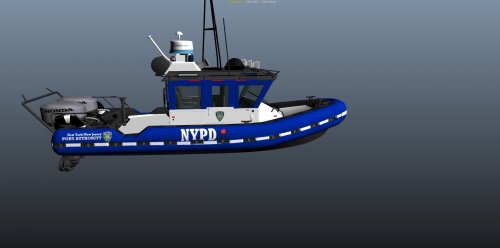 The inaccuracies of this is wild. Are you trying to make an nypd boat or a port authority boat, because it seems you combined the 2 into 1. You need to do better research. You also Put a youtube video of the original vehicle model Los Angeles County. Why didn't you make a video of your skin? I seriously can't believe you put I love NY on it. This is what a port authority boat looks like. They DO NOT have NYPD written on them. They are PAPD. NOT NYPD NOT JCPD. The title of this skin is "NYPD Port Authority". No such thing. Made up. The photos you posted in reply are NYPD boats, not port authority like your title.. And you got the color scheme wrong.
- 7 comments
- 2 reviews
-
-

- 1
-
-
Sorry wrong file I gave you. Here. dlclist.xml Spawn a vehicle from your MODDING Dlc
-
From the album: New York City/State Police Vehicles
-
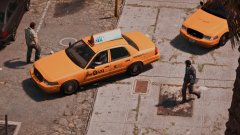
From the album: New York City/State Police Vehicles
-
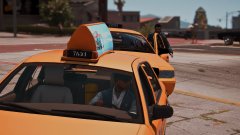
From the album: New York City/State Police Vehicles
-
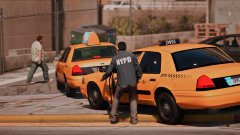
From the album: New York City/State Police Vehicles
-
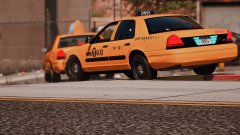
From the album: New York City/State Police Vehicles
-
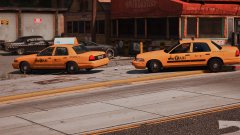
From the album: New York City/State Police Vehicles
-
From the album: New York City/State Police Vehicles
-
Test this dlclist.xml
-
This exists tho if u didn't know https://www.gta5-mods.com/scripts/car-wipers
-
You need to install that since the update Reset it.
-
Install this https://www.gta5-mods.com/misc/gta-5-gameconfig-300-cars
-
What is the Full location of your dlclist.xml?
-
-
Make sure you have this placed in your main gta 5 Directory. http://www.dev-c.com/gtav/scripthookv/ And inside openIV Go to Tools>Asi Manager and Uninstall everything and install it again. Test this please
-
-
You added the lines wrong. You put this \ instead of this / Wrong: <Item>dlcpacks:\MODDING\</Item> Correct: <Item>dlcpacks:/MODDING/</Item>
-
@Cyan Are attachments from "My Attachments" saved by the website if we delete them?
-
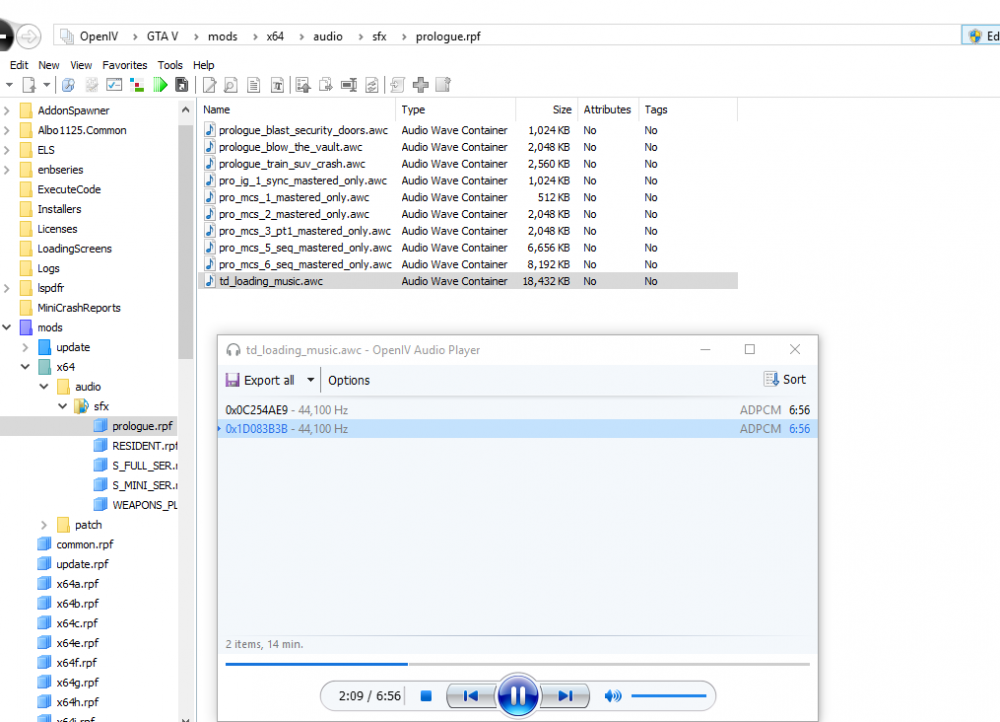
Holy shit the song gets good @ 1:56, I'd rather have it start at that point, and the whole thing is 7 minutes long damn.
-
Then verify with your Rockstar Edition. https://support.rockstargames.com/articles/115014280127/Verifying-system-files-on-your-PC-for-GTAV
-
Verify your game files with steam. openiv lets you make a mods folder so you are supposed to put everything in there. You are not supposed to mod the vanilla game files Ever.
-
What do you mean by animated can you give an example? I prefer els always.
-
"Doing that fixes it. So I think I'll need to reinstall all the mods again one by one. Thanks." Lol what? If that didn't fix it, Rename your scripts folder to scripts_ and Verify the game cache so it checks if you're missing any files.