Pavy
-
Joined
Everything posted by Pavy
-
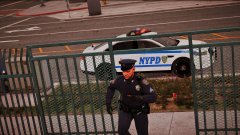
From the album: New York City/State Police Vehicles
-
Download this. https://www.gta5-mods.com/misc/gta-5-gameconfig-300-cars
-
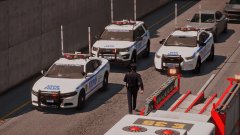
From the album: New York City/State Police Vehicles
-
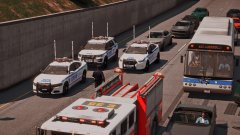
From the album: New York City/State Police Vehicles
-
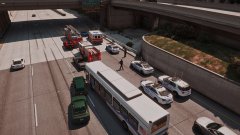
From the album: New York City/State Police Vehicles
-
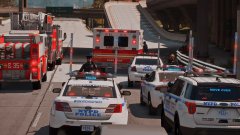
From the album: New York City/State Police Vehicles
-
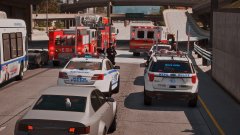
From the album: New York City/State Police Vehicles
-
Your brackets are wrong <Item>dlcpacks:\MODDING\</Item> correct way <Item>dlcpacks:/MODDING/</Item>
-
Paste your entire dlclist.xml or upload it
-
<Item>dlcpacks:\MODDING\</Item> Is the correct way
-
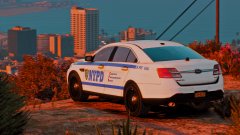
From the album: New York City/State Police Vehicles
-
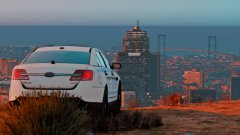
From the album: New York City/State Police Vehicles
-
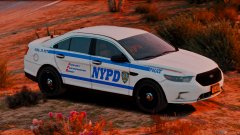
From the album: New York City/State Police Vehicles
-
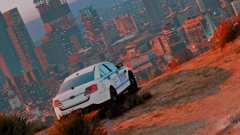
From the album: New York City/State Police Vehicles
-
Correct
-
What
-
You updated ur update.rpf due to a new gta 5 dlc update. This means any graphics mods, visualsettings.dat gameconfig.xml dlclist.xml you have had, are now Updated. You need to add lines to your dlclist.xml for the addons.
-
We can upload pictures but can't take them down? Is that intended? I just realized this. It's pretty dumb if we can't delete them.
-
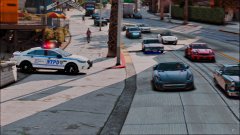
From the album: New York City/State Police Vehicles
-
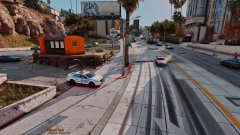
From the album: New York City/State Police Vehicles
-
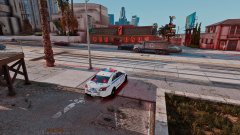
From the album: New York City/State Police Vehicles
-
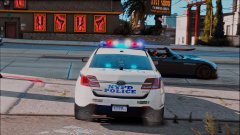
From the album: New York City/State Police Vehicles
-
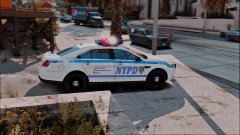
From the album: New York City/State Police Vehicles
-
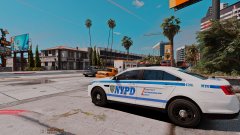
From the album: New York City/State Police Vehicles
-