




Illusionyary
Members
-
Joined
-
Last visited
Everything posted by Illusionyary
-
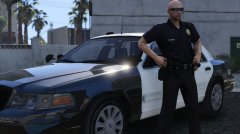 ...you need to buy the game from your local retailer or Steam... :s
 -
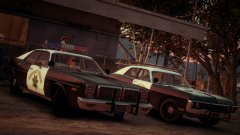 I get them too! Benefits of being best-friends with Lund. :D
 -
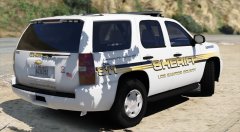
From the album: GTA V Illusions
-
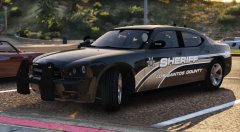 Yeah.
Yeah. -
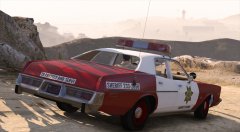
From the album: GTA V Illusions
Experimenting... -
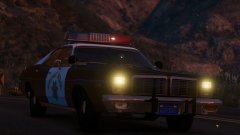 There's a tied up loli in the trunk instead.
 -
"AM I UNDER ARREST?!" "YES!" Someone on GPM posted that clip years back, it's been a favourite of mine since then. You run an RBT stop and then wonder why the police are after you. The stupidity of some people is astounding.
-
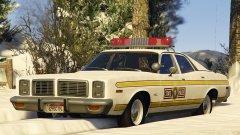 Looks better already. Death to trim.
 -
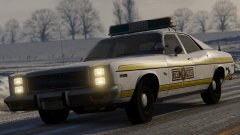 Well at-least my skin works. Remember to delete the trim on the Monaco version though.
 -
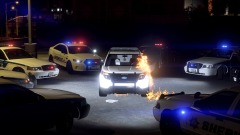 Hopefully the Exploder lives up to it's name.
 -
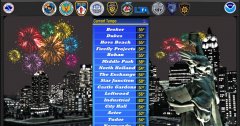 Why are the temperatures all so different when the districts are literally right next to each other?
 -
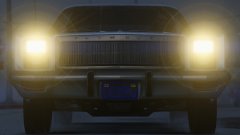 You told me yesterday that you were giving up on the Fury because it didn't work no matter what and you were pursing the 96/97 Vic instead, so get back to it.
 -
You mean it'll crash the game and won't work.
-
-
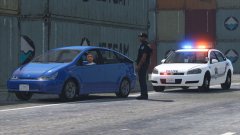 Any decklights will do. I think they'll compliment your setup more than a solid long bar or license plate lights.
 -
I think just some small deck lights (like an Avenger or something) in the rear window would be nicer than a full bar or plate lights.
-
It's also lost in an abundance of other mods and projects.
-
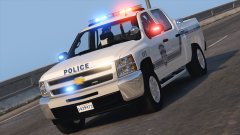 The front of it is just aids, it's too spaced out. The back looks alright and I like your setup... but the truck itself... urgh.
 -
I never noticed just how ugly the Silverado is... ew.
-
Most departments use different sirens to one another. There isn't a "universal" siren used by all departments.
-
-
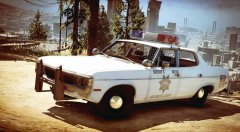
From the album: GTA V Illusions
-
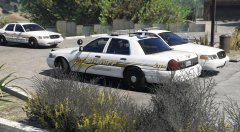
From the album: GTA V Illusions
-
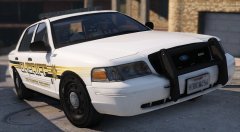 Thanks! I'm working on a similar design for Blaine County too. I'll show it off when I'm done.
 -
From the album: GTA V Illusions



