



Fmr MSPR
-
Joined
-
Last visited
Everything posted by Fmr MSPR
-
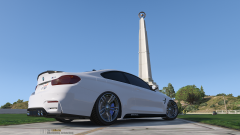
From the album: Civilian/Other Service Vehicle photoshoots
photoshoot 3 of 3 -
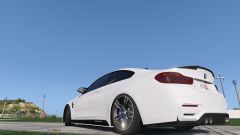
From the album: Civilian/Other Service Vehicle photoshoots
photoshoot 2 of 3 Need to change the plate, don't worry about it. -
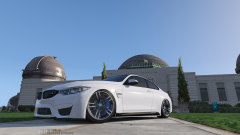
From the album: Civilian/Other Service Vehicle photoshoots
photoshoot 2 of 3 -
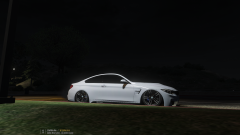
From the album: Civilian/Other Service Vehicle photoshoots
On air -
.thumb.jpg.1db0be3e377ccefdd47e57a95ec56762.jpg) Is the red/blue just the default flashing pattern and the blue is that "ELS" flashing pattern? Any chance of making red/blue flashing pattern like the blue ones?
Is the red/blue just the default flashing pattern and the blue is that "ELS" flashing pattern? Any chance of making red/blue flashing pattern like the blue ones?- 239 comments
- 70 reviews
-
All I can say is WOW...The All blue police lights with custom pattern is awesome!!! Will you do one with red/blue oiv?
- 239 comments
- 70 reviews
-
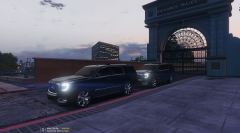
From the album: Civilian/Other Service Vehicle photoshoots
-
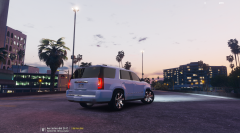
From the album: Civilian/Other Service Vehicle photoshoots
-
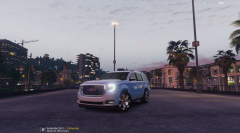
From the album: Civilian/Other Service Vehicle photoshoots
-
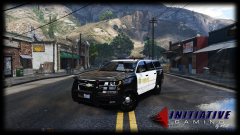 That is correct, since the model came with Granger's wheel and it doesn't look good. Thanks! @Ranger61
 -
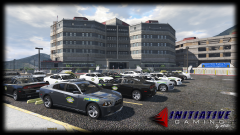 Hahaha thanks!
 -
I've been trying to figure that out lol. I just photoshopped the sign on there haha.
-
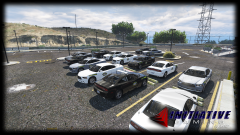
From the album: MSHP Vehicle photoshoots
-
From the album: MSHP Vehicle photoshoots
-
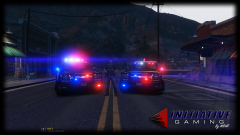 Haha, it's all good. I wish I was displaying WIP models. Some of them are though.
 -
The Tahoe has been released for awhile, it's by Captain14 lol
-
From the album: LE Vehicle Photoshoots
-
From the album: LE Vehicle Photoshoots
Yes, those are BxBugs Charger wheels. The wheels that came with the 2015 Tahoe file sucks. -
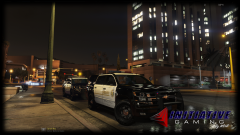
From the album: LE Vehicle Photoshoots
-
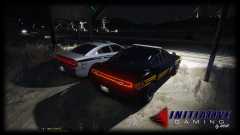
From the album: LE Vehicle Photoshoots
-
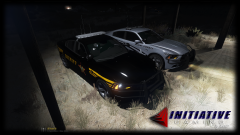
From the album: LE Vehicle Photoshoots
-
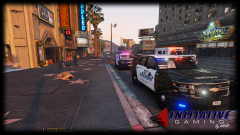
From the album: LE Vehicle Photoshoots
-
 Now, if you can get the actual tahoe steelie on there and it will be perfect!
- 148 comments
- 34 reviews
-
 Nice screen shot, n*****!!
 -
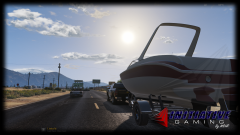 This is what I have for Sheriff2 flags: <flags>FLAG_HAS_LIVERY FLAG_LAW_ENFORCEMENT FLAG_DONT_SPAWN_IN_CARGEN FLAG_IS_OFFROAD_VEHICLE FLAG_HAS_INTERIOR_EXTRAS FLAG_REPORT_CRIME_IF_STANDING_ON FLAG_IS_OFFROAD_VEHICLE FLAG_IS_BULKY FLAG_ATTACH_TRAILER_ON_HIGHWAY FLAG_ATTACH_TRAILER_IN_CITY</flags> After that under Wheel Type I have this, <trailers> (shown in pic)

.thumb.jpg.1db0be3e377ccefdd47e57a95ec56762.jpg)

