
Fmr MSPR
Members
-
Joined
-
Last visited
Everything posted by Fmr MSPR
-
 By far the best FPIS out there!! Great job on it @Gump!! Only thing is that the radar at the front and rear is oversized lol.
- 62 comments
- 44 reviews
-
-
 Wow. Just when my PC took a crap this came out lmao. FML. New PC soon. Thanks for the hard work @Lt.Caine
- 2,683 comments
- 236 reviews
-
-

- 4
-
-
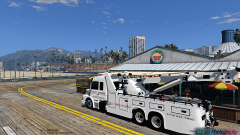
From the album: Civilian/Other Service Vehicle photoshoots
Probably the best wrecker we're gonna get for GTA V. Gotta edit the carcols to make the lights work. Model by mohaalsmeer on GTA 5 mods.© M3F80 Photography
-
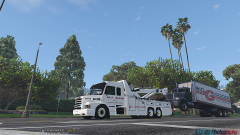
From the album: Civilian/Other Service Vehicle photoshoots
Probably the best wrecker we're gonna get for GTA V. Gotta edit the carcols to make the lights work..maybe @straitdill can do it! Model by mohaalsmeer on GTA 5 mods.© M3F80 Photography
-
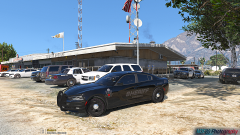 Thanks!
 -
-
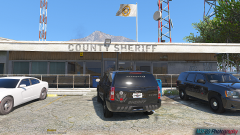 Tahoe
Tahoe
-
2015 Dodge Charger
-
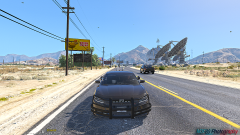 2015 Dodge Charger
-
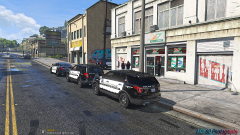 Attempted Robbery
-
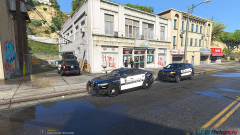 Attempted Robbery
-
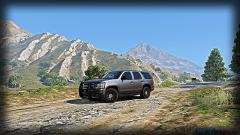 Taho PPV
-
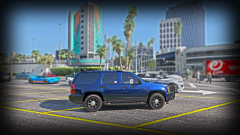 Tahoe
Tahoe
-
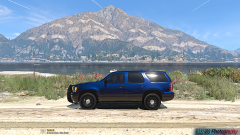 Side Shot
-
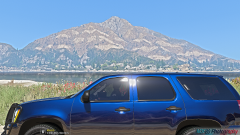 That blue!
-
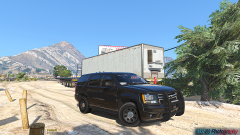 Black Slicktop Tahoe
-
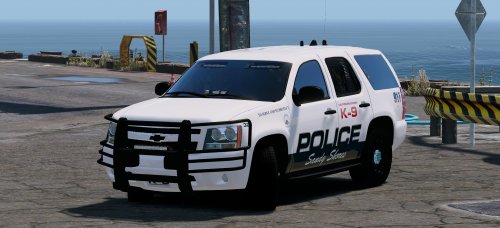
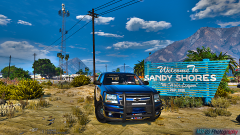 Sandy Shores Police Tahoe
-
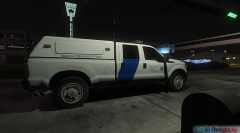 Homeland Security
-
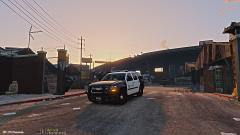 Sheriff Tahoe
-
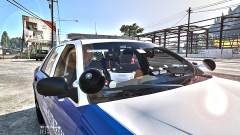 Interior
-
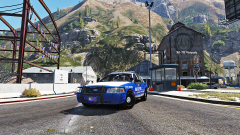 SA Highway Patrol photoshoot
-
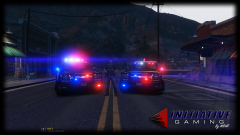 LASD new Tahoe photoshoot 2
-
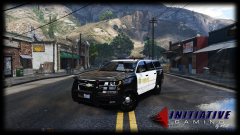 LASD new Tahoe photoshoot
-
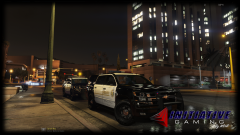 LASD/LSSD new Tahoe
-
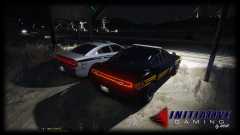 Slow night/photoshoot 2 of 2
-
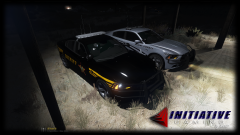 Slow night/photoshoot 1 of 2
-
-
From the album: LE Vehicle Photoshoots
Same livery as the Charger, but on the Tahoe.© M3F80 Photography
-
From the album: LE Vehicle Photoshoots
Just a little livery I made. Not that good, but it'll work for me.© M3F80 Photography
-
-
 I'll change it to POLICE2 and see. I never had this problem before with his other charger before he updated. EDIT: I tried setting my handling to POLICE2 and it still handles like a boat (rocks side to side when turning). It is a little better, but the rear end seems to be leaning to the side whichever the wheels are turning.
- 67 comments
- 21 reviews
-
Are you sure it's not Gump's car? His other charger before he updated this one wasn't handling like what I have described before. The handling I'm using for the car is POLICE and slot is POLICE4.
- 67 comments
- 21 reviews
-
There's no back seat (I'm sure everyone is aware of it), when putting ped in back seat their head sticks out to the roof. Definitely need to fix the handling. Finally someone was able to get the lighting and all of the car lights (headlights, tail lights, turn signals, parking lights, and reverse lights) in the correct spot :)
- 67 comments
- 21 reviews
-
Is this car optimized for any police slot? The car handles like a boat lol. @Gump, please fix the handling. It turns weird.
- 67 comments
- 21 reviews
-
Yeah and that rear window lights aren't bright enough. Other than that car is great.
- 67 comments
- 21 reviews
-
-
From the album: LE Vehicle Photoshoots
Supervisor on scene in the 2016 FPIU. -
From the album: LE Vehicle Photoshoots
Officers on scene of attempted robbery. -
 Simple Trainer for GTA V 4.3. https://www.gta5-mods.com/scripts/simple-trainer-for-gtav
- 41 comments
- 18 reviews
-
-
Straitdills B.E.L has his own folder so you won't have to mess with the patchday folders. I did rename the file to sheriff2. If you are on the newest update, I'm not sure where to install it. I'm on version 46.
- 41 comments
- 18 reviews
-
From the album: LE Vehicle Photoshoots
Perfect ride height on Tahoe. No suspension mods. Gump's old Tahoe. Photo was edited to show ride height. -
 Edit your vehicles.meta and where ever you installed your car as, put the handling line to POLICE3. If you use SHERIFF slot change the handling line to POLICE3
- 157 comments
- 28 reviews
-
Use simple trainer and go into the vehicle mods and go down to window tint and set it to none. If it's at none, just change it whatever option there is and back to none. This should fix your issue.
- 41 comments
- 18 reviews
-
From the album: LE Vehicle Photoshoots
Model by Gump. Photo taken with iPhone 7 Plus© M3F80 Photography