


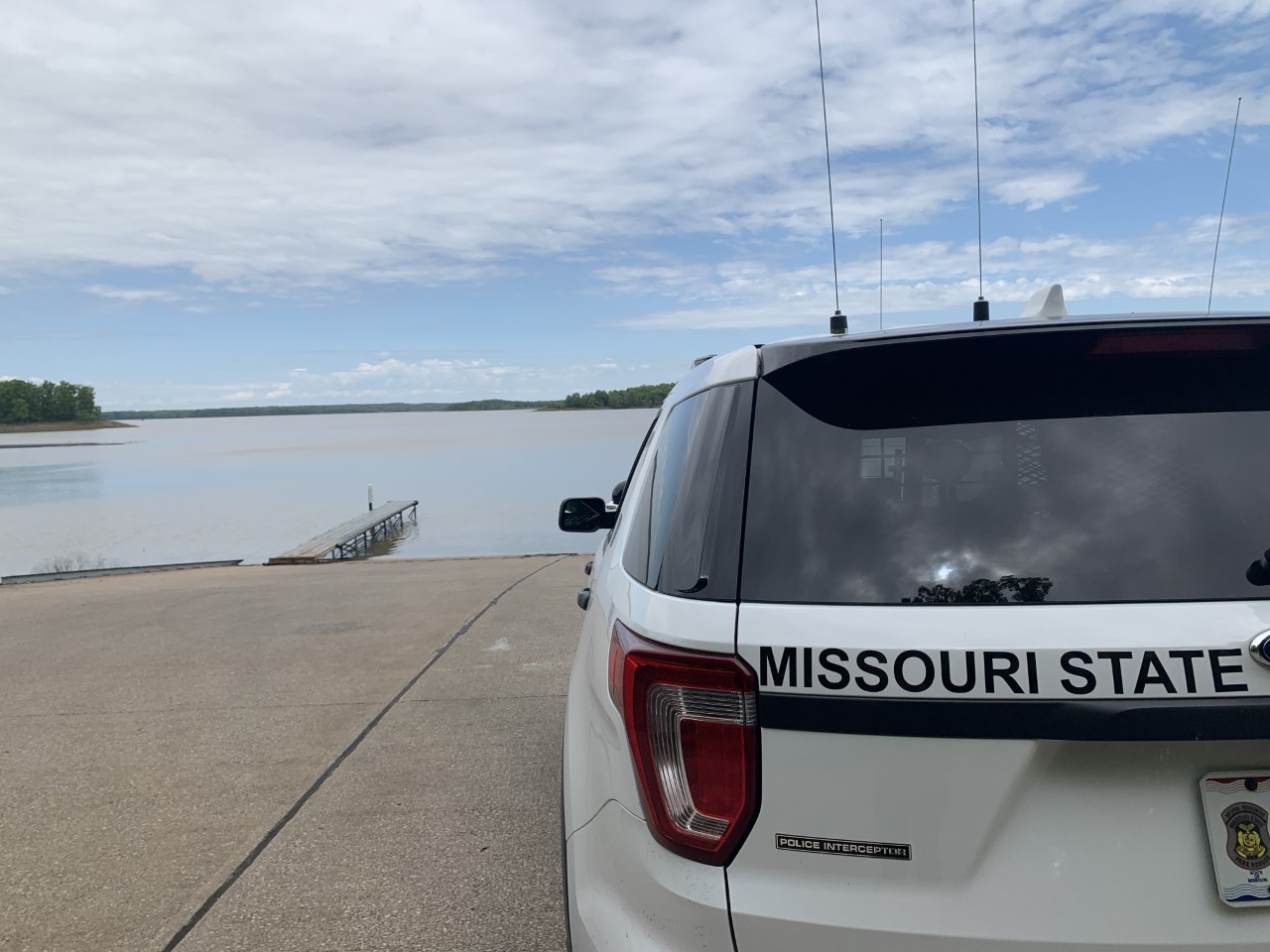

Fmr MSPR
-
Joined
-
Last visited
Everything posted by Fmr MSPR
-
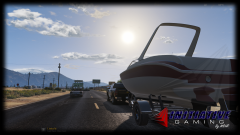 You have to edit the vehicle.meta file and add the proper flags for it, along with the trailer part. I used the Bison Flags.
 -
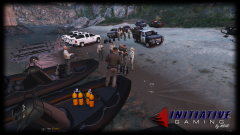
From the album: LE Vehicle Photoshoots
-
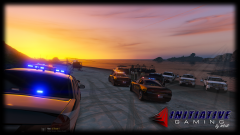
From the album: LE Vehicle Photoshoots
Missing person. -
-
 What's extra 11? Cant seem to figure out that part. Template on next update please! :D Other than that, it looks great!
- 122 comments
- 29 reviews
-
From the album: LE Vehicle Photoshoots
-
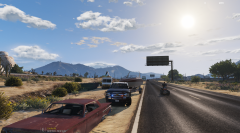
From the album: LE Vehicle Photoshoots
Sheriff making a traffic stop before he takes his new boat home. Slicktop Chevy Silverado 1500 Crew Cab by BlackJesus1 -
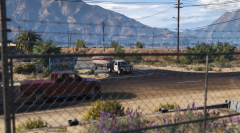
From the album: LE Vehicle Photoshoots
-
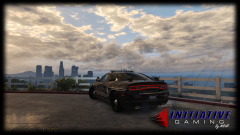
From the album: LE Vehicle Photoshoots
-
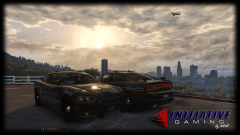
From the album: LE Vehicle Photoshoots
-
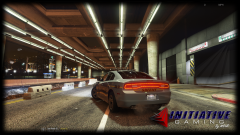
From the album: LE Vehicle Photoshoots
-
-
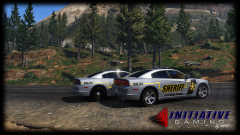 Soon!
Soon! -
From the album: LE Vehicle Photoshoots
-
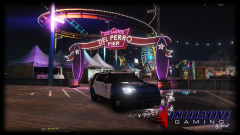
From the album: LE Vehicle Photoshoots
-
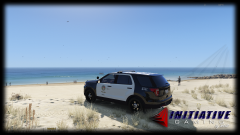
From the album: LE Vehicle Photoshoots
2016 FPIU by Thehurk -
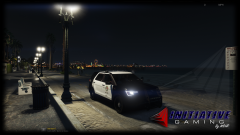
From the album: LE Vehicle Photoshoots
2016 FPIU by Thehurk -
 @Thehurk very nice! Only thing is the low beams are in wrong spot of the headlight and the plastic pieces around the car and the A pillar should be black. It looks washed out.
- 269 comments
- 67 reviews
-
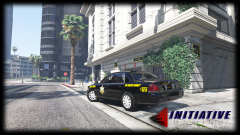 Thanks. The car is made by BlackJesus.
 -
From the album: LE Vehicle Photoshoots
-
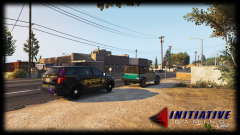 Thanks!
 -
From the album: LE Vehicle Photoshoots
-
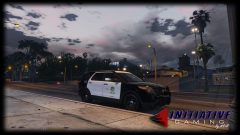
From the album: LE Vehicle Photoshoots
-
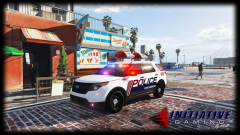
From the album: LE Vehicle Photoshoots
Wheels are Bxbugs123's wheel add-on for his charger. -
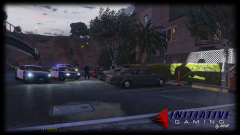
From the album: LE Vehicle Photoshoots



