



IceGuy221
Members
-
Joined
-
Last visited
Everything posted by IceGuy221
-
Was the vehicle pack an Add-on or Replace Pack? could you also send the log, so i can confirm that the vehicle pack is/is not the only issue

-
Hey there, unfortunately this isn't the right log. The log we need is in the main directory, not the logs folder. It should be a .txt file named "RagePluginHook" or "RagePluginHook.log" It could also be the timing of you hook. Please make sure that you you timeout threshold is set to 60000 (inside of RPH settings) - Try launching GTA V from the rockstar game launcher first - Wait for the game window to pop-up/open and begin it's startup sequence (initial intro video or first sound effect) - Launch RPH RPH should hook properly using this method, but it may take a couple of trys. You can tab in/out of GTA as/if needed to launch RPH during this process. If this doesn't work, please send the log as instructed above

-
Hey there, unfortunately this isn't the right log. The log we need is in the main directory, not the logs folder. It should be a .txt file named "RagePluginHook" or "RagePluginHook.log"

-
You can fix this by installing and adjusting the .ini of the mod "PedPropLimitAdjuster" Below is the link https://www.lcpdfr.com/downloads/gta5mods/scripts/47179-pedprop-limit-adjuster/ This is the official fix, which can also be found in the EUP Discord
-
Hey there, the log you sent isn't the log we need to diagnose your issue! Please copy and paste the .txt file itself from your main game directory (not the logs folder). The file will be named "RagePluginHook" or "RagePluginHook.log"

-
-
Hello there! After scanning your file, it appears that RPH did not detect the crash, nor the cause. To further enable my ability to help you out, I have just a couple questions: - What Mods Did You Install? - Do you have any, if not all of the following mods?: 1. ScriptHookV 2. ScriptHookVDotNet (Nightly) 3. Heap Adjuster 4. PackfileLimitAdjuster 5. LemonUI 6. Resource Adjuster 7. WeaponsLimitAdjuster - Did you personally edit any .ini or .xml file?; Or replace vehicle files or liveries? - Did you disable BattleEye? On top of this, Which edition of GTA are you attempting to run LSPDFR on
-
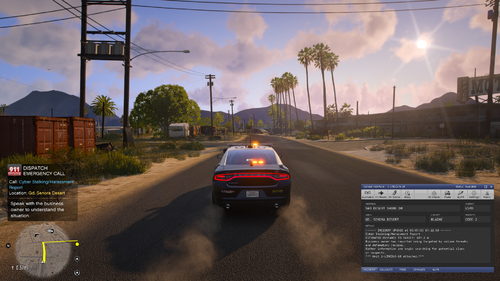 intriguing, looks like i'll have to change the name of my call out back when its finished now tho
- 82 comments
- 10 reviews
-
Can you send your RPH log, it’s likely you have something that needs to be updated, changed, or configured. Can you send your RPH log, it’s likely you have something that needs to be updated, changed, or configured.

-
Can you send your RPH log? Also when did this start, is there anything you installed recently that made the game begin to do this?

-
Did you try adding them back one by one? If it doesn’t help pinpoint which one is causing the crash, but it still crashes with all of them, then put them all back in, and make sure you have the latest version of scripthookv and scripthookvdotnet (nightly version)
-
I’ll do some research and try to see what controls their behaviors. I’ll get back to this as soon as I find something, in the meantime if someone comes across this with more knowledge then hopefully they’ll have a better answer than I did
-
-
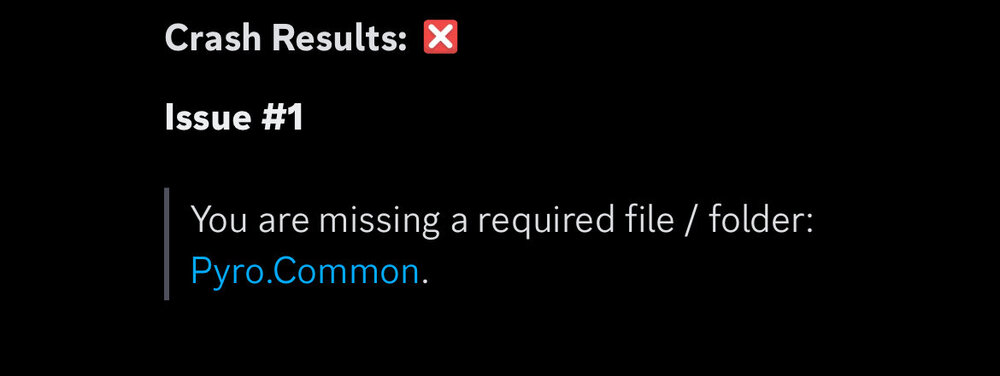
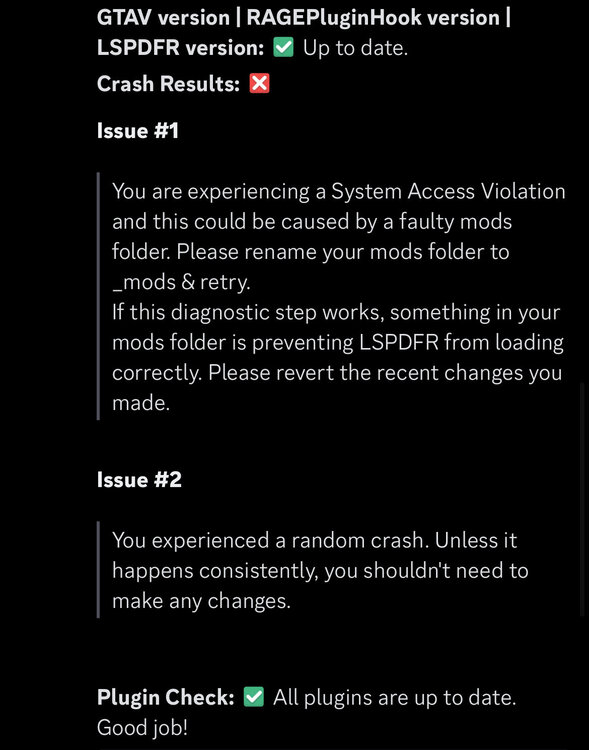
Hey there! below are the results from when I scanned the log! also make sure that you have the most updated versions of the following: - SHV - SHVDN (nightly) - RageNativeUI - GameConfig.xml I also recommend that you make sure to have these mods installed: - Heap Adjuster - Resource Adjuster - Packfile Limit Adjuster - LemonUI There aren’t very many details provided in the post you made, but from the log it says system access violations. When your game crashes what happens? (i.e. what message pops up) system access violations can come from many things, but can most often occur if your game is try to use more memory or heap than what is allotted for it, or when a mod is not installed properly
-
You log doesn’t show any crashes, but can you send the .xmls so I can take a. Look at them. The xmls likely didn’t put the random guy there but for other things listed it could mess with that in some cases
-
revert your renames, if you haven’t already. Move your .asi files to to another folder, Quickest way is to do half of them, If it still crashes you know which half it is That or it’s an installation error but for that I would need to see your game directory to confirm
-
while I personally don’t know what would be causing the issue, I can for sure tell you it’s not the callout pack, as your partners functionality is not controlled by it Have you checked you UB ini?
-
LSPDFR ONLY supports Legacy, and does not support enhanced. This is the same with RagePluginHook. however there is a project they are working on to support enhanced, but I believe both versions will remain releasedJust to make sure when you say you changed it from numpad6 to number six, how to you enter that keybind in the .ini? Number six should be entered as D6 also can you send you log if that doesn’t work/ is not relevantMake sure the following mods are updated (some of them had an updated very recently) - SHV - SHVDN (nightly) - RageNativeUI - Gameconfig.xml Recommended Mods if you don’t have them - Heap Adjuster - Packfile Limit Adjuster - Resource Adjuster If updating these files does not work, it please try the following steps:
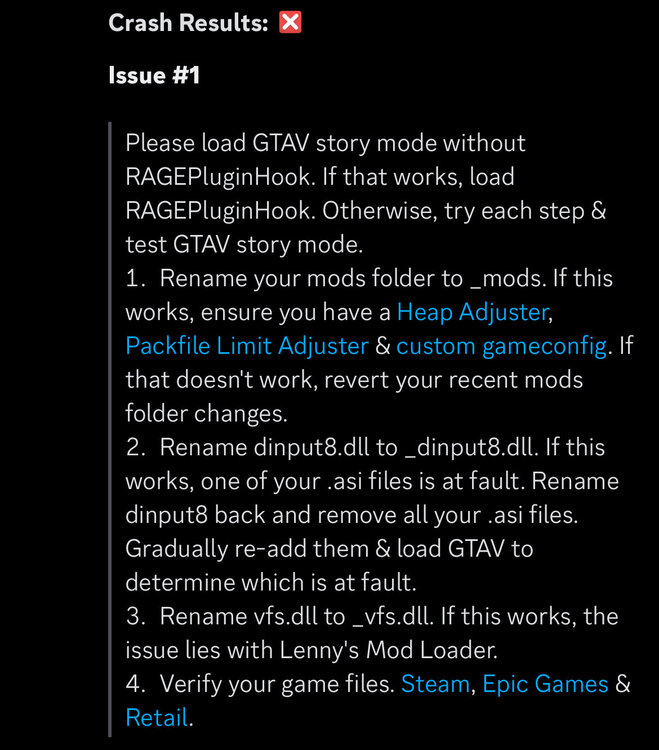 You don’t need to delete battleye, you just need it disabled via the rockstar games launcher. Also are you hitting save when you add the line?Make sure your SHV and SHVDN are up to date! If they both are confirmed up to date, try the steps listed below: Here are the links to SHV and SHVDN: - https://www.dev-c.com/gtav/scripthookv/ - https://github.com/scripthookvdotnet/scripthookvdotnet-nightly/releases
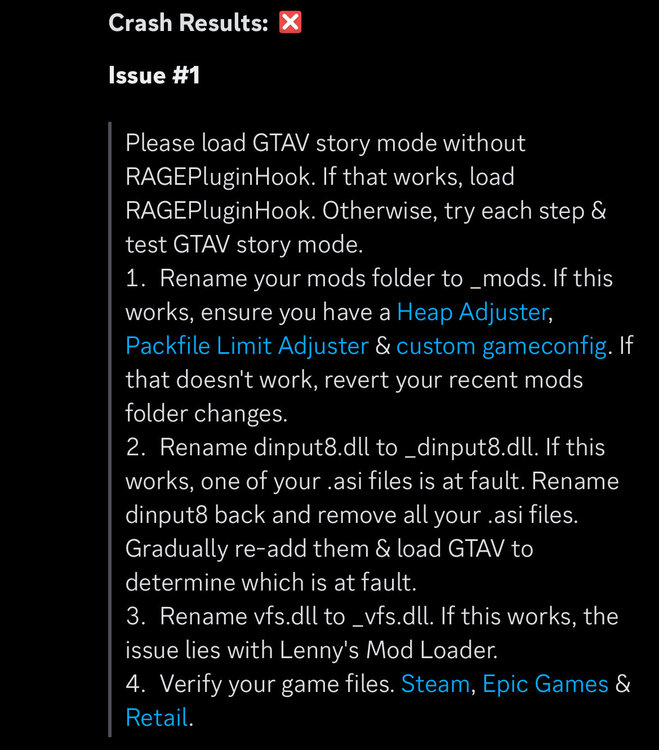 Please try the following: - Change your RagePluginHook timeout threshold to 60000 - Launch GTA 5 with the Rockstar Games Launcher, and WAIT for the game window to pop up and begin its load sequence. As soon as the sound or video appears in the game window, tab out and launch RPH, and then tab back into the game. RPH best hooks when the game has already started running. Launching the game with RPH instead of the R* Launcher allows RPH to attempt hooking before the game starts up, and will cause a crash.It could be cause by the plugin. If the crash is consistent then it’s likely the cause, but if it was a one off or the crash just happened randomly that’s expected with LSPDFR




