



IceGuy221
Members
-
Joined
-
Last visited
Everything posted by IceGuy221
-
make sure you have heapadjuster, packfile limit adjuster, and resource adjuster. Set them to what your PC can handle. setting too high can result in the saem error, however, setting too low if you have mods or vehicles that require more graphical resources can result in this error as well
-
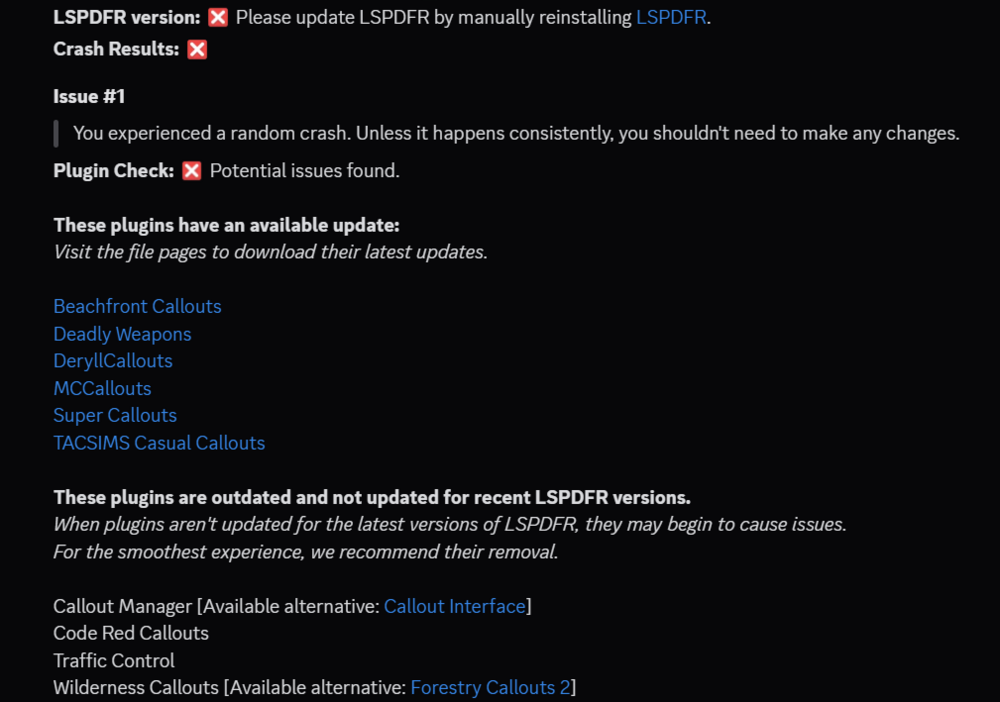
hey there, it appears your LSPDFR is not the latest version, but it also appears that you have some outdated mods. try updating these mods and see if this resolves the issue Once you've updated LSPDFR, you will need to also update SHV and (if you have it) SHVDN if you haven't already. You will also need to remove args.txt from your main game directory. If you begin to experience ELS.asi errors. Use the advancedhookv file from the v1.05 ELS package, instead of the latest version from the advancedhookv package.
-
Hey there. I'm having a hard time understanding what the issue you are experiencing is here. However, I can try and see if there is anything in your log. Please send your RPH log. It is in your main game directory near where RagePluginHook.exe is. It will be a text file named RagePluginHook.txt or RagePluginHook
-
When installing ELS, the recent updated made the seperate advancedhookv package no longer work. Please install all els files from the 1.05 version of ELS, and installed the advancedhookv that comes with the 1.05 package. this should solve your els.asi errors. If they still persist, it may be an install issue
-
try installing pedproplimitadjuster. This should solve the issue
-
you need to go to the ELS download page, download the 1.05 version of ELS. From that package, install the AdvancedHookV file from within the 1.05 package. For some reason when GTA updated, it made the seperate AdvancedHook file no longer work, and the old one now works
-
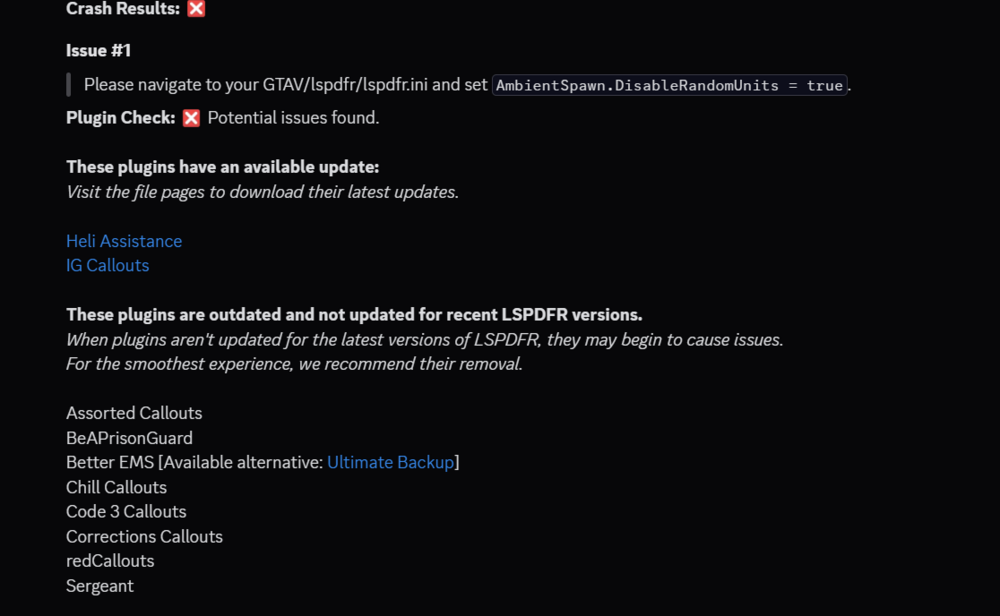
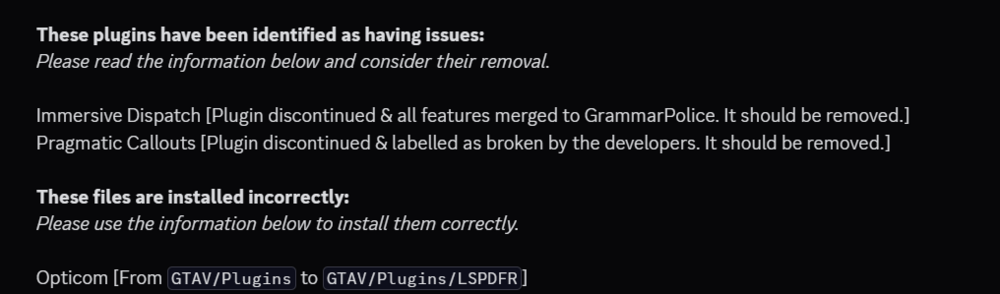
it appears that you have a LOT of problems. try following the instructions from the images below and see if this resolves the issue.
-
Ensure you have removed args.txt from your main game directory Update SHV if you haven't already If you use SHVDN, make sure it is up-to-date (latest just a couple days a ago) If those do not work, rename mods folder to _mods and see if the game works. If it does work, then the issue is within the mods folder itself
-
if Unknown bastion's method does not work, ensure all .asi loaders are up-to-date (i.e. SHV and/or SHVDN)
-
Have you removed args.txt from your main directory yet? with the new update you need to do this
-
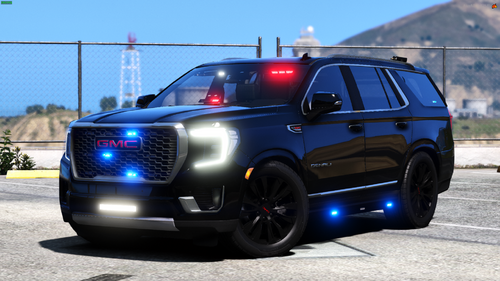 the els is not functional on this vehicle, i installed it for someone else. It functions like normal gta v non els vehicle.
 -
 Hey! Any chance we can get an update to allow us to reposition the MDT & Plate in-game just like we can with the postal codes? Would love if we could get this added soon
- 449 comments
- 47 reviews
-
 i love this mod, but for the love of god please stabilize it. No matter how i edit the spotlight on a vehicle, no matter how much, it always crashes my game, i can be as careful as i want but no matter what this mod will hard crash gta without fail been 3 years, an update for stability would make sense anyway
- 476 comments
- 73 reviews
-
-

- 1
-
-
-
I recommend trying the following steps: (In order until the source of the issue is found)
-
Unfortunately the log does not show a crash. However it does say that the game stopped loading. This could be caused by almost anything, but tells me that it crashed on game startup. I recommend insuring that you have the following mods (some required some not) for stability and seeing if it helps; as I recall you mentioned that the game works with mods being renamed to _mods. - ScriptHookV (latest) - ScriptHookVDotNet (Nightly) (latest) - Heap Adjuster - Resource Adjuster - LemonUI; [Only contents for RPH, SHVDNC, and SHVDN3] (Not required, but I recommend it) - Packfile Limit Adjuster - Weapons Limit Adjuster (If you have custom weapons installed) - Pedprop Limit Adjuster (If you run EUP) These stability mods should help keep the game from crashing like this, however, if the game keeps crashing due to the mods folder, something is most likely installed wrong.
-
To whatever is needed for your pool size. I recommend gradually increasing it if you don't know what your poolsize is. Also, forgot to ask this but do you have a gameconfig installed?
-
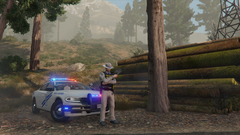
From the album: LSPDFR Captured Moments
-
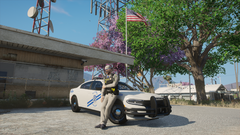
From the album: LSPDFR Captured Moments
-
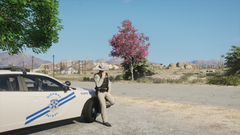
From the album: LSPDFR Captured Moments
-
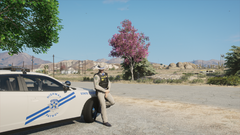
From the album: LSPDFR Captured Moments
-
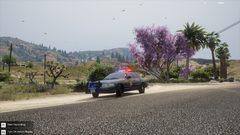
From the album: LSPDFR Captured Moments
-
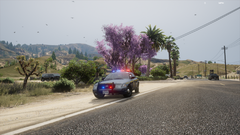
From the album: LSPDFR Captured Moments
-
yes you should download resource adjuster, it allows your game to uses more GPU while running. If that doesn't work, increase the heap
-
do you have SHVDN and if so, do you have the most updated version, and is it the nightly version? If it worked after naming mods to _mods, then most likely the issue lies within the mods folder itself. meaning a mods is either installed wrong or is outdated. It could also be that you haven't updated SHV itself yet. Can you send your log please?



