




KN1IGHT
Members
-
Joined
Everything posted by KN1IGHT
-
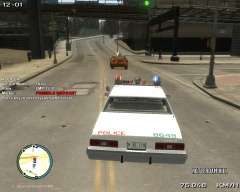
From the album: GTA IV/ LCPDFR Photos
-
 link to the cruiser at the end?
 -
Try this site. It has free music, you just gotta specify you're using it for YouTube when you download it
-
-
Photos from certain scenes in my game Traffic Collision, Hazardous Materials Spill, etc. I obviously take the time, and make up the scenarios myself. :P
-
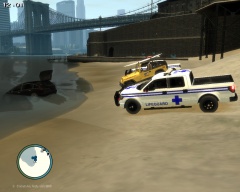 Woman Drives Van Into Liberty Ocean
-
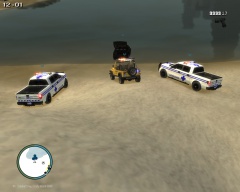 Woman Drives Van Into Liberty Ocean
-
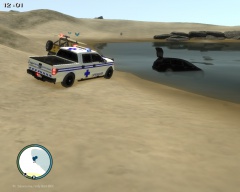 Woman Drives Van Into Liberty Ocean
-
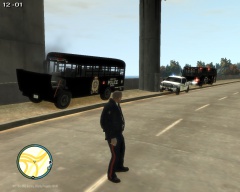 2 Prisoners Escape while being transported to Edmonton Intl. Airport (F.I.A.)
-
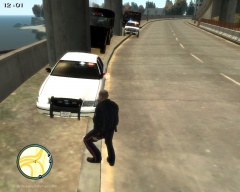 2 Prisoners Escape while being transported to Edmonton Intl. Airport (F.I.A.)
-
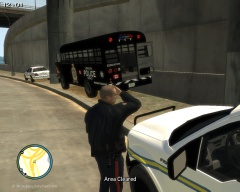 2 Prisoners Escape while being transported to Edmonton Intl. Airport (F.I.A.)
-
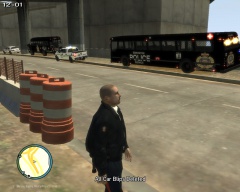 2 Prisoners Escape while being transported to Edmonton Intl. Airport (F.I.A.)
-
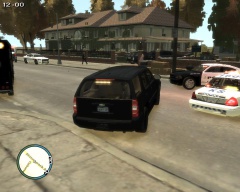 Just wasn't this guy's day
-
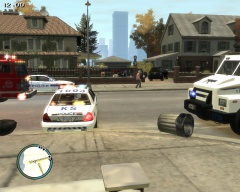 Just wasn't this guy's day
-
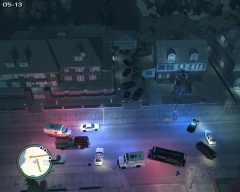 Just wasn't this guy's day
-
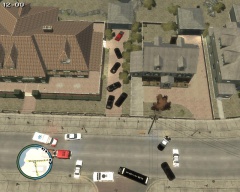 Just wasn't this guy's day
-
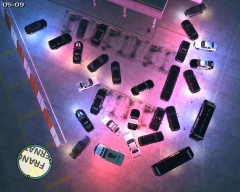 Drug Dealer Meeting
-
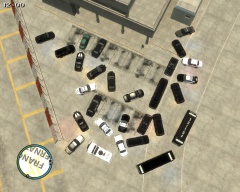 Drug Dealer Meeting
-
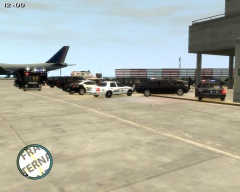 Drug Dealer Meeting
-
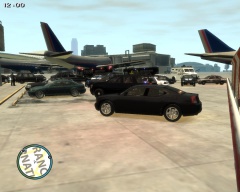 Drug Dealer Meeting
-
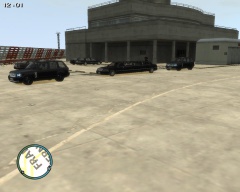 Drug Dealer Meeting
-
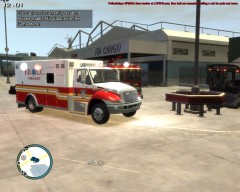 [View 4] Bus Pursuit Ends in Crash and Drug Bust
-
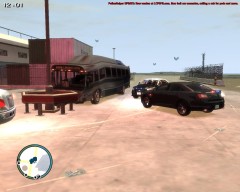 [View 3] Bus Pursuit Ends in Crash and Drug Bust
-
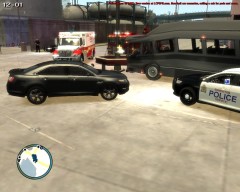 [View 2] Bus Pursuit Ends in Crash and Drug Bust
-
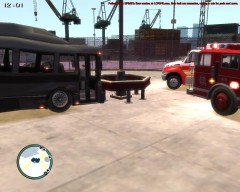 [View 1] Bus Pursuit Ends in Crash and Drug Bust
-
-
From the album: LCPDFR Scenarios
Today, a Liberty City woman drove her van into the Liberty Ocean, with her 3 kids in the back, in a possible murder/suicide attempt. At first citizens thought the van driving into the ocean, was the result of a vehicle collision, but as the woman continued driving into the ocean, bystanders quickly realized it was not an accident. The mother jumped out of the van, nearly dragged under the van by the waves. Onlookers and Lifeguards ran to rescue the kids out of the van. She was not arrested under Liberty City's Mental Health Act, because she did not exhibit any serious symptoms of a Mental Illness. An on duty police sergeant said she looked like she suffered from a mental illness, but she didn't meet the criteria for an arrest under Liberty City's Mental Health Act -
From the album: LCPDFR Scenarios
Today, a Liberty City woman drove her van into the Liberty Ocean, with her 3 kids in the back, in a possible murder/suicide attempt. At first citizens thought the van driving into the ocean, was the result of a vehicle collision, but as the woman continued driving into the ocean, bystanders quickly realized it was not an accident. The mother jumped out of the van, nearly dragged under the van by the waves. Onlookers and Lifeguards ran to rescue the kids out of the van. She was not arrested under Liberty City's Mental Health Act, because she did not exhibit any serious symptoms of a Mental Illness. An on duty police sergeant said she looked like she suffered from a mental illness, but she didn't meet the criteria for an arrest under Liberty City's Mental Health Act -
From the album: LCPDFR Scenarios
Today, a Liberty City woman drove her van into the Liberty Ocean, with her 3 kids in the back, in a possible murder/suicide attempt. At first citizens thought the van driving into the ocean, was the result of a vehicle collision, but as the woman continued driving into the ocean, bystanders quickly realized it was not an accident. The mother jumped out of the van, nearly dragged under the van by the waves. Onlookers and Lifeguards ran to rescue the kids out of the van. She was not arrested under Liberty City's Mental Health Act, because she did not exhibit any serious symptoms of a Mental Illness. An on duty police sergeant said she looked like she suffered from a mental illness, but she didn't meet the criteria for an arrest under Liberty City's Mental Health Act -
Hi guys, Does anyone know the siren in this video?
-
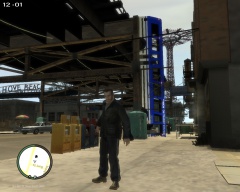
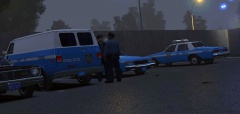
From the album: GTA IV/ LCPDFR Photos
Well, my Supervisor won't be happy, when I tell him about this... -
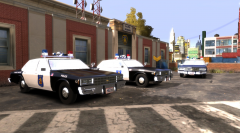 Vehicle download link?
 -
Edit: -snip- Thought you said Spacebar can be used for Selected Mode, not Quadr. My bad
-
Have you selected the whole lightbar using Select -> Quadr, then activating Selected Mode either by clicking it at the bottom (or Spacebar), and then using the Modify -> Move tool? For the times I try use Zmodeler, I do that, and it moves the whole thing.
-
What I do, is open up the files that need to be replaced/ edited, read the ReadMe with the mod (if there is one) and copy and paste the respective edits to the files, and then save. If there isn't a ReadMe, I just compare the original to the one provided in the MOD Download, and add that edit in. For the .dat files, I use Notepad++.
-
xD He said he had Numlock off above :P Glad to hear you got it working!
-
I found this reply in the spotlight support thread, regarding that script error Error loading scripts LawEnforcement.Spotlight
-
Have you added all the spotlight files to their respective directories, as outlined in the Instructions file? - Spotlight.ini and Spotlight.net.dll to scripts folder - spotlight.img to your pc-> models -> cdimages folder - Added the required line to your images.txt? (in common -> data) Edit: If all else fails post for support regarding the Spotlight MOD I linked in my previous post
-
Try this spotlight instead. I couldn't get my GTAPolicingTools spotlight to move either. The one I linked above works fine for me though, in terms of moving. I've set my keys for the spotlight as follows (Numpad): 9 - up 7 - down 3 - right 1 - left The default keys to move the spotlight I linked above interferes with your helicopter keyboard controls, as the helicopter uses NumPad 8, 6, 4, and 2 (I think :P)
-
What about this? You could try this, and make an LAPD livery/ texture for it. Since the default ELS Colors are red & white, and I believe LAPD is red & blue (last time I checked), when I get home, I can send you some edited emerglights and emerglights_emis textures for that Enforcer, that changes the first two lights on the lightbar to red, and the back two, to blue, along with the appropriate textures to change the glass color? PM me if you're interested in the textures
-
-
Just so you're aware, the two sirens on the rambar, flash as Non-ELS when the vehicle's siren is on. From behind the sirens, they're also spinning when the siren is on as well.
- 14 comments
- 2 reviews
-
Anybody have a download link to the Suburban in this video?
-
If it would allow Dispatchers to all see the same thing (by the sounds of it, it does) then I'd for sure love to see this. + 1
-
Fair enough. :P All I can suggest is try the default handling lines to see what the result is.
-
As it says that it's just the default vehicles, just modified to ELS enabled, the handling should be the default handling lines?

