


0taku
Friends of LSPDFR
-
Joined
Everything posted by 0taku
-
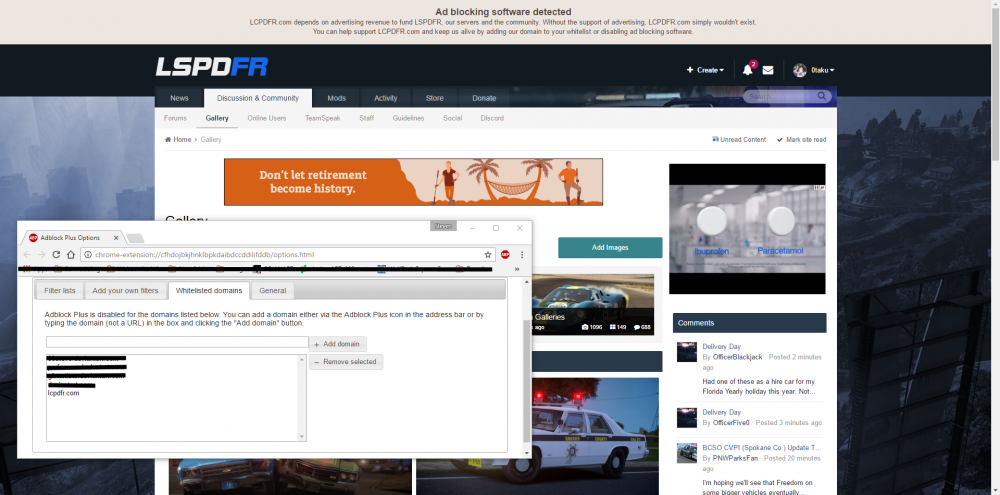
I'm not sure if this is a Chrome thing or a site thing but recently I've notice that randomly I get the message to allow adds on the site. As you can see in the Image I do have adds and I do have LCPDFR.com white listed. So anyone else having this bug? I know its not major but its strange.
-
From the album: 0taku media
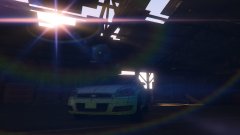
Guess what guys, Today is the day that you can get your hands on a 2016 Chevy Impala...But you'll have to wait a few hours thought. I want to get a page for my comic done first (1/4 of the way there) and then I'll upload it for you guys to have fun with. -
I actually don't have Zmod2 installed at all on current computer (I did on my old one). But if someone wants to I will allow them to send a Z3d save to you.
- 9 comments
- 1 review
-
-

- 1
-
-
Yep, Nearly every Vehicle Mod converts a Crown Vic at one time or another. I want to stand out and do something different.
-
@cmarshall Well the Impala I have been working on is getting released soon, and I also recently released a Vision lightbar. So someone might be able to make one
-
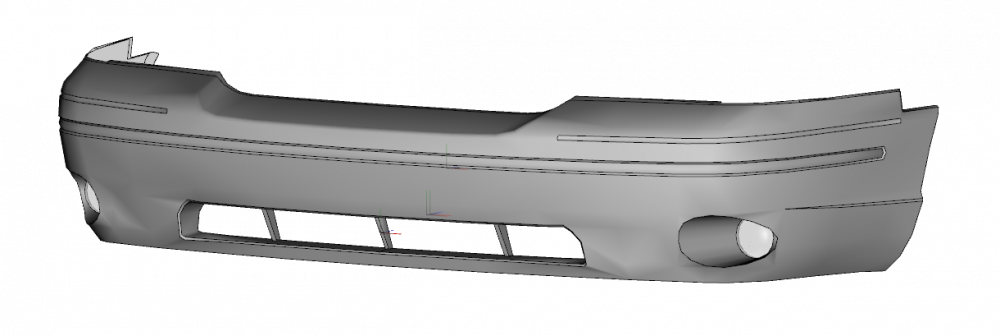
Very close, Here's a bumper as a prize
-
Not quite that.
-
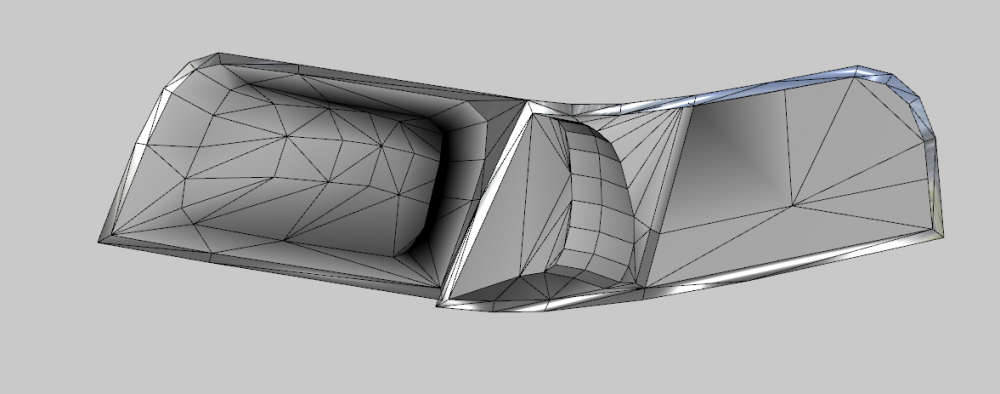
============UPDATE======== Bringing some new life in my old W.I.P thread. With an Announcement. The 2016 Imapla I have been working on is set to be released VERY soon so keep an eye on the downloads section. Also I started work on something new and I think some people will love it, heres a little hint
-
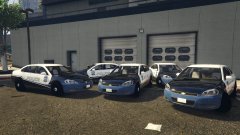
From the album: 0taku media
The LSPD is waiting the a lighting shipment so they can outfit 5 new 2016 Chevy Impala's 21916 -
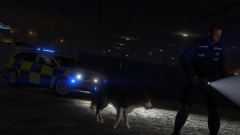 K9-script or 'Dog model' bodyguard?
 -
@Lundy Looking good so far.
-
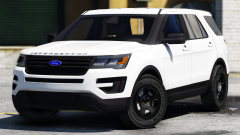 So what departments do you have planed for this?
 -
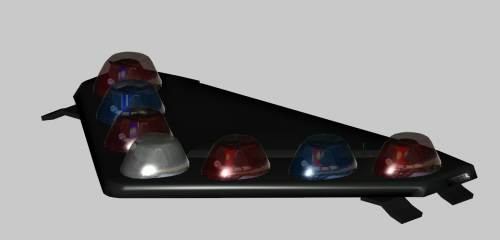 Another FedSig lightbar for you guys to enjoy, this time it is the Vision SLR. I've had this lightbar for a while and wanted to release it. ==========TERMS OF USE========== Do not download if you have no idea how to set up rotating lightbars for GTA V. Model can be re-edited, and/or re-converted but credits must be given. If used on a car I request the it gets locked. EXCLUSIVE TO LCPDFR.COM not to be re-uploaded to any other site. The people listed are in no way lie-ably if you game, Zmodler any other program is broken on account on using this model. If you don't agree to any of these then don't download ======================================= This file is brought to you by
 -
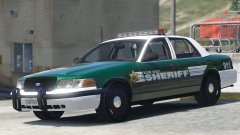 I like the skin. It's something different.
 -
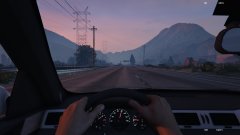
From the album: 0taku media
I think I have the speed on the dials almost perfect. From testing it looks to be of by 1-2 Miles (note while taking the picture I was holding the 'duck' key to get a better view, it is NOT the height you'll be setting at) -
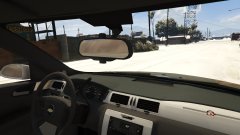 I know, it's on the list of things I have to fix. My main texture task was Changing the 'Sliver and wood' to 'Black and Sliver'. Dose seem that hard but if you have ever worked with DSF textures, they can be a pain sometimes.
 -
From the album: 0taku media
Fixed up to colour to better suit what I can find for the Impala. Might have to change the texture import props, looks to be doing the 'green thing' again. -
I love the LAPD cars (minus the red steady burn) Such a nice and simple set-up.
-
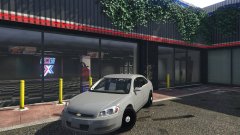
From the album: 0taku media
A new toy will be available soon for you DEV guys to have funny with -
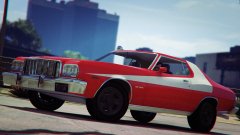 Soo Soon™
 -
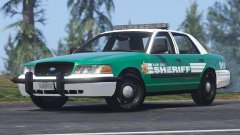 Very Nice, love the skin
 -
I use an Logitech G300s, It's a nice mouse in my own opinion. http://gaming.logitech.com/en-us/product/g300s-gaming-mouse I got it at Eb games. (which is the Au branch of Gamestop) so I think you might be able to find one on GameStop.. It's around 40 UD
-
I realized that, but I was asking since I don't know where to or how to 'encode' the 11111111111111111111111111111111 in to the sequencer value for GTA V
-
Can some make a code for a steady-burn light, or tell me how to encode the 11100xxxx to the xxxxxxxxx value GTA needs
-
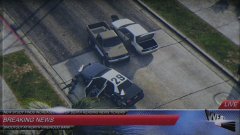 Nice
Nice



