


0taku
Friends of LSPDFR
-
Joined
Everything posted by 0taku
-
Don't know was added with one of the updates
-
More like this, and I have texuters turned off.
-
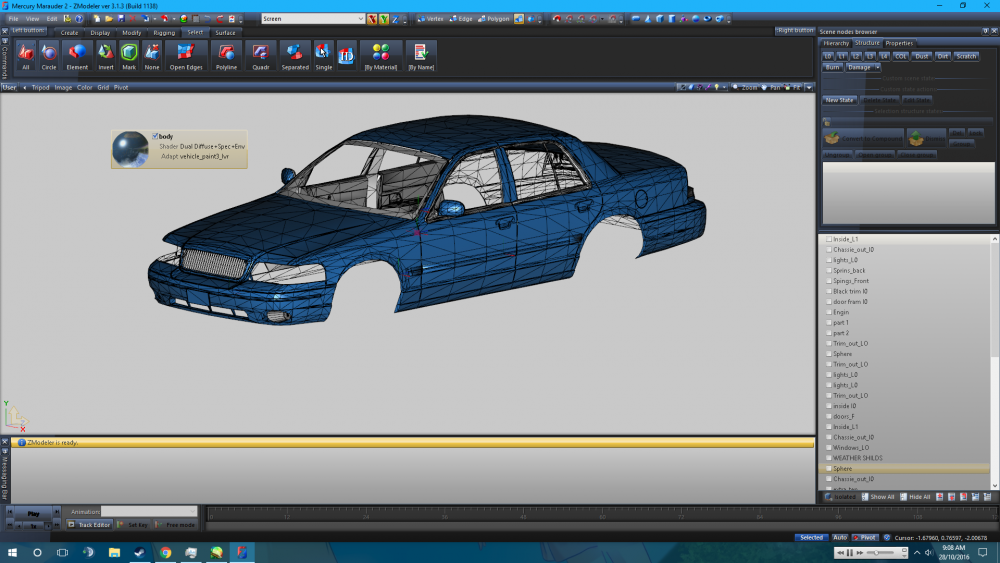
Is anyone experiencing an Issue where if you use the 'paint3' (which is used for cars that have livery) is gives it a blue base colour which can't be change?
-
Site loads for me fine (though I do use my tablet) and I live in the same state as you. Might be a pick time for your ISP in your area.
-
I would suggest style 2, badges and door trim don't really play nice together.
-
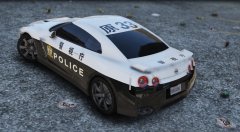 AWS is part of the Model name, The lightbar it self is called an 'aero boomerang type' heres an catalog entry for it: But the one I have is the new LEd version of the AWS
 -
I have one
-
Needs the Areo Boomerang lightbar.
-
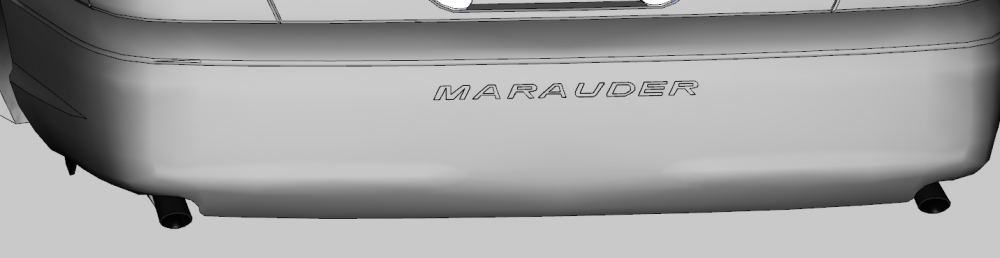
Marauder Bumper is now made . I also recorded me making it, I just need to edit and upload it
-
I recently got my second (well third) Hard drive up and working and I was wondering if there is a way how I can change it to be what my Current game drive is. Do I change my D:/ to something like H:/ and then my G:/ back to D:/ and then copy over my games form 'H:/' to the new D:/. Or am I just thinking to much and I should be right to just move them over to the G:/ and change the Steam download location C:/ OS/boot D:/ Gaming (1 TB) G:/ New Drive (2TB)
-
Can never have to many reference pictuers, Send them to me though PM
-
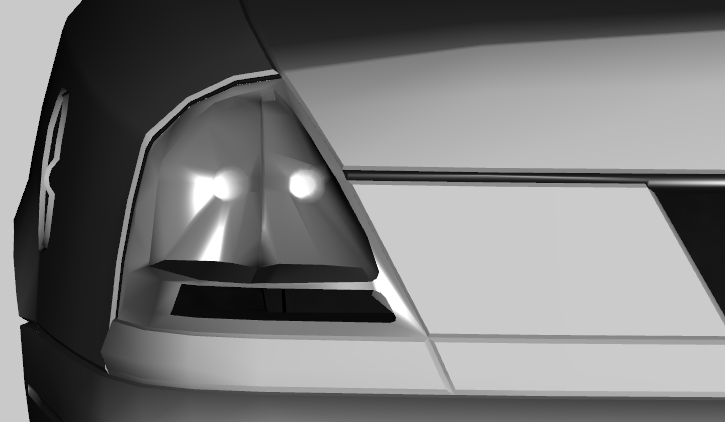
I also know someone that has a 05 Vic (Which uses that same taillight as the 04) And they said this is pretty close to the real thing
-
Done some work on the taillight. I think it's getting there
-
I've noticed that since the biker update. Cars look like that take a bit more damage when you crash them. Has anyone else noticed this? (Note the I have not modded the Handling/vehicles.metas)
-
Sadly I've only know just realized that I never transferred over the save from my old to my new one when I upgraded a while back. Once I finish the Marauder I hope to be able to work on a new one.
-
The 1070 is a great card for it's price. I have one and I love it.
-
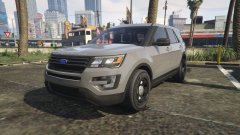 You should have done an Expedition, Now that is a nice looking SUV
 -
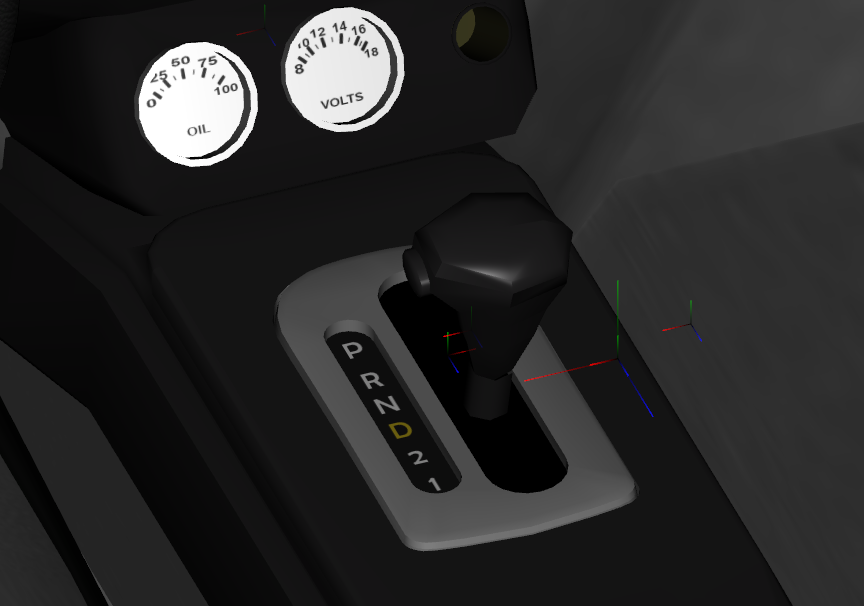
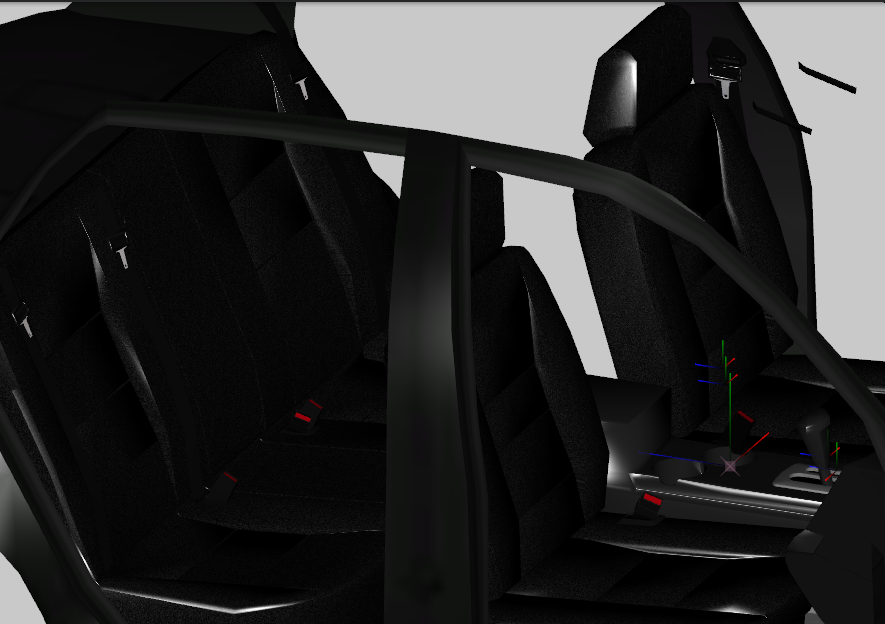
Updates to the Marauder, Haven't had much time to work on it but with what I have I did a few things. Added the Oil/Volts gauges and text to the Shifter And fitted some seats using the ones off Lundy's 03 VIC (Credit to CJ24)
-
I don't see the big deal with the 30 cap I play all my other games at 60+ and Mafia III runs just as smooth. This was before the patch though
-
It's just an idea. Because since you upgraded Windows might have re-moved some of the Visual C++'s that GTA V. Re-installing GTA V should also make it check to see if they are installed and installs them if their not
-
Have you tried a re-install since you updated to windows 10?
-
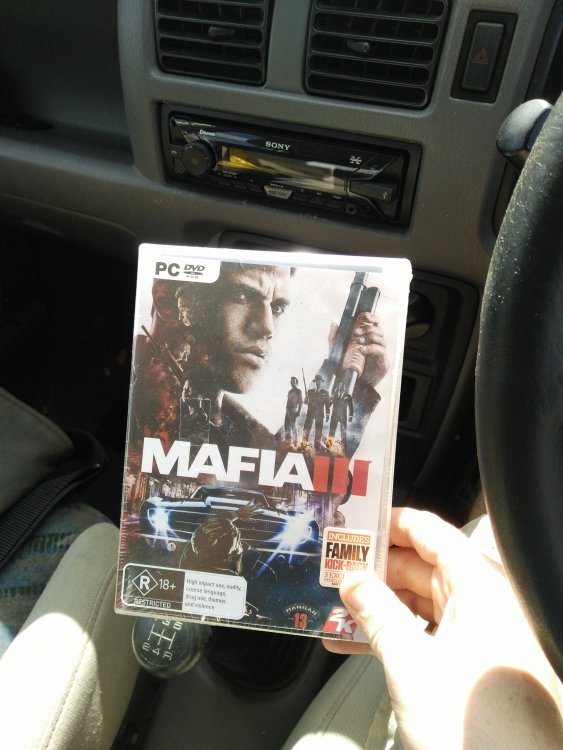
pick mine up earlier. Installing it now Even though the game uses Steam, I'm glad the retail copy has the installation for the game on discs (I counted 5 in total). This makes things easy for those of us that have a capped internet

-
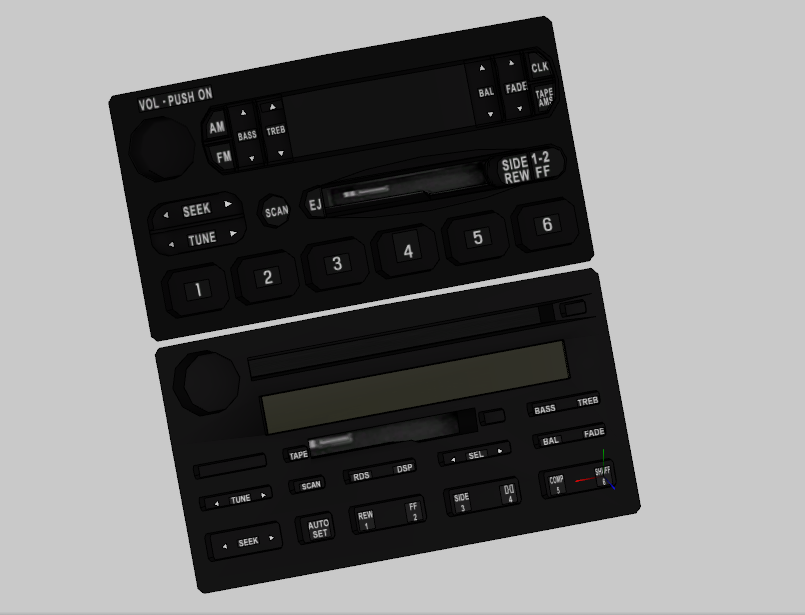
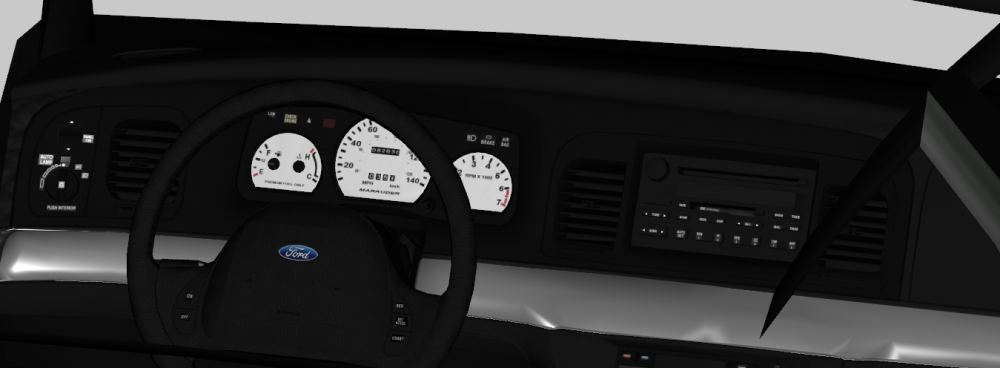
Radio is now 95% done (just needs little touch-ups Interior so far. Crown vic Radio compared to the Marauder one
-
I've personally stayed away from reading/watching to much about it so I don't over hype myself for it. I made that mistake twice before with two totally different games. I've only watched the teasers trailer and the X minuets gameplay trailer from a while ago. However I do pay attention to per-order bonuses.
-
I'll be getting it, got it on pre-order. Can't wait





