0taku
Friends of LSPDFR
-
Joined
Everything posted by 0taku
-
Yes my van should work. I believe Chevy hasn't change the Body style hasn't changed much since '04. So mine could work. And looking at the picture it is also the extended one
-
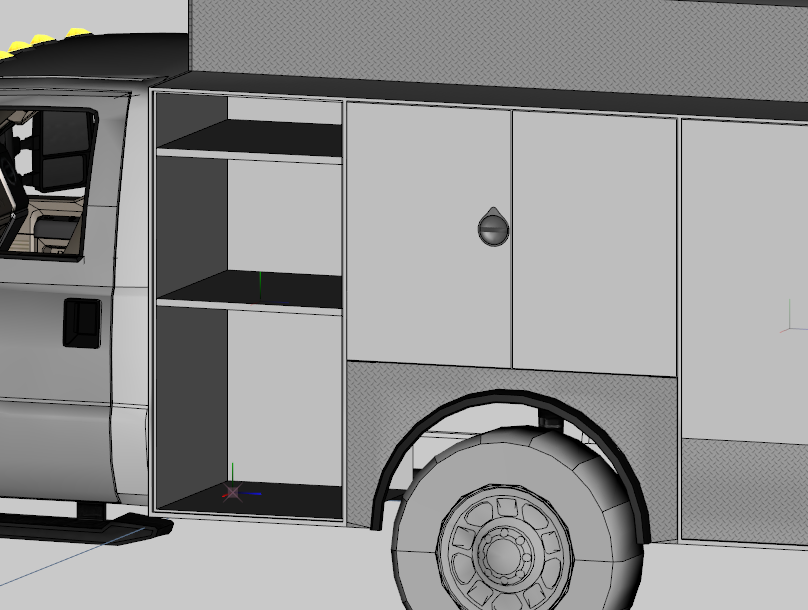
First of the 3 compartments Other 2 will be. Rear Passenger side one and Larger rear one. This will be mapped to the template so you can chose what colour the make them (same or the Ladders and front bumper)
-
-
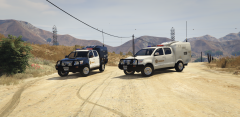 I've got the say, the prison wagon looks better in B&W then the shit patten we use.
 -
From the album: 0taku media
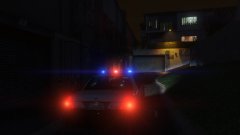
An LSPD unit is cruising down a dark ally on a stormy night -
This is just what I need. Thanks so much.
-
Would the F-350 ESU truck have a equipment bays like one that large pierce tucks. I'm asking so I can get a rough idea of how todo the shelves (Yes I know its PA and not NYPD, But this is the best image I could find close up.)
-
Update Did some work on the Taillights: 3d LED one when up close Flat texture for the Lower LODS
-
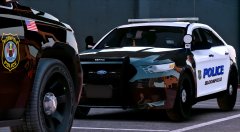 Looks to more of an improper mapped 'world effect'
 -
Update Did some more work on the bumper (Whole bumper is scratched made by me) Model so far.
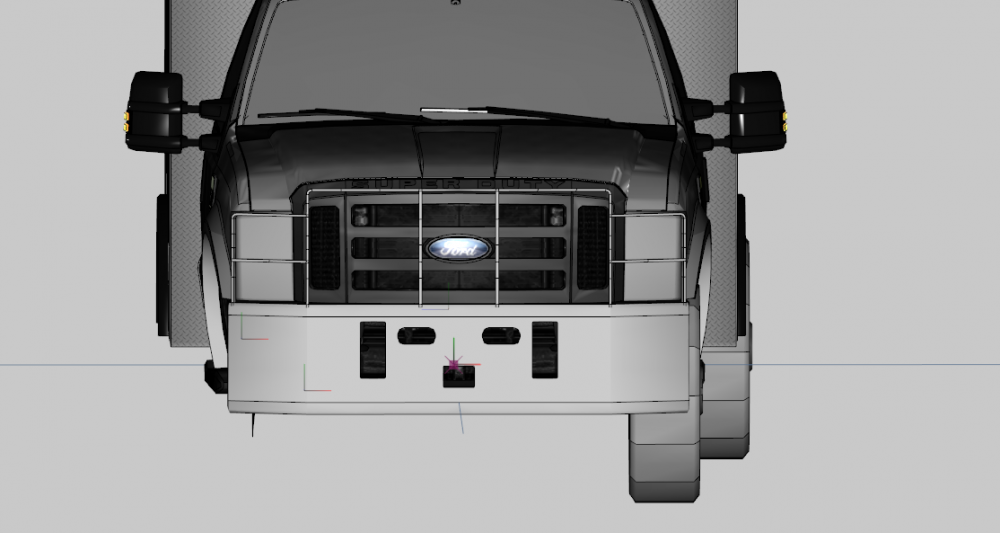
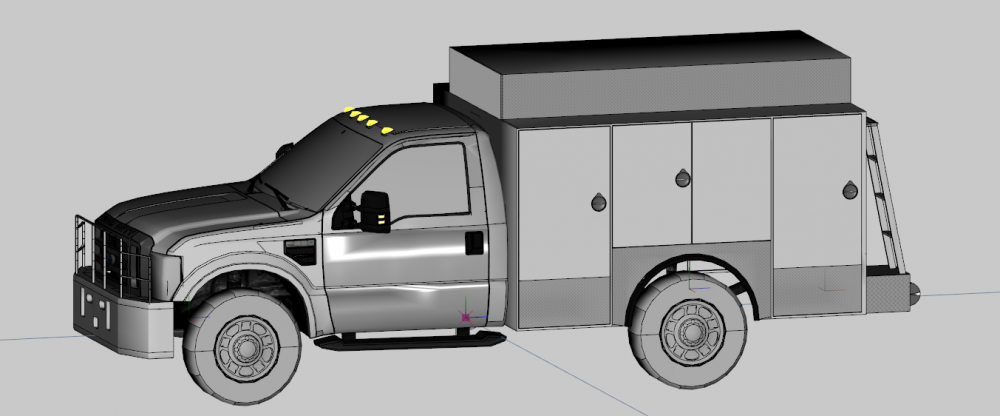
-
 Your are being the kinda of person this community need right now by planing to have a DEV release of this model. Great job with that.
 -
This happens when a 'wanted' (E.g. a 2015/16 Charger) is release people are able to make the models they want and they go a little crazy with it. This happens every now and again. It should die down after a bit. Need be you can always post a request for the type of slicktop you would like.
-
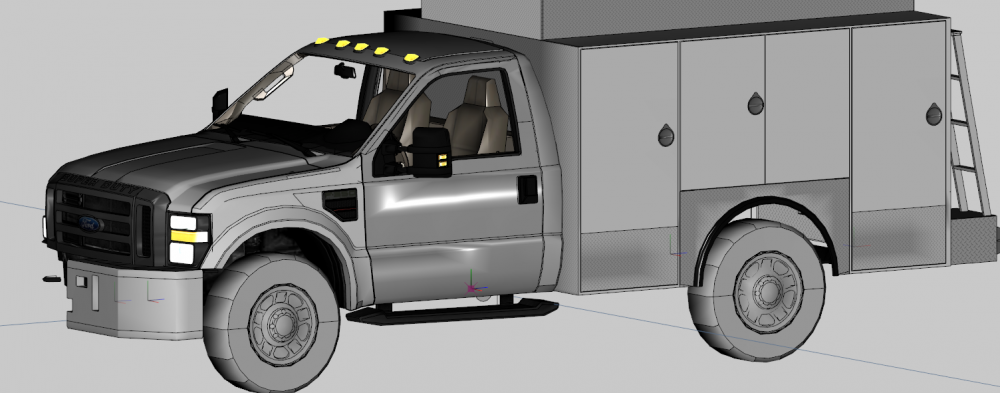
UPDATE: I thought I posted this but turns out I didn't. Here is a small update to the ESU truck, Started some work on the bumper before my Zmod started to bug out.
-
You'll have to do downloading anyway no matter which version you get being that you'll have to download all current DLC, not sure how many but I think it's around 15GB-20GB. Base game is 64GB
-
Yes to the equipment bays? It's a 95% chance they will be empty
-
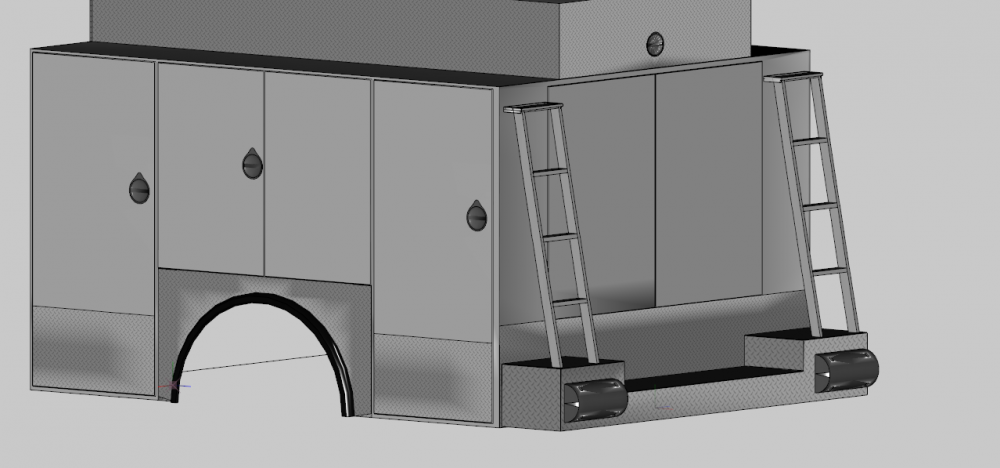
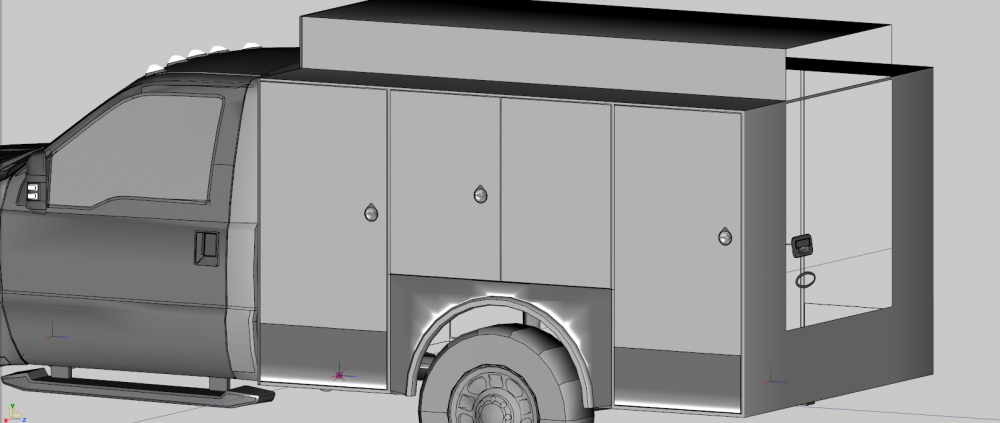
Update. Did some more work on the rear, Might have to do some touch up's because of the normal errors. It's really starting to look good. Also would people like it for two or three of the doors could open. There won't be any equipment inside but I'm willing to make the storage bays if people would like that.
-
I'm basing it off the NYPD ESU one.
-
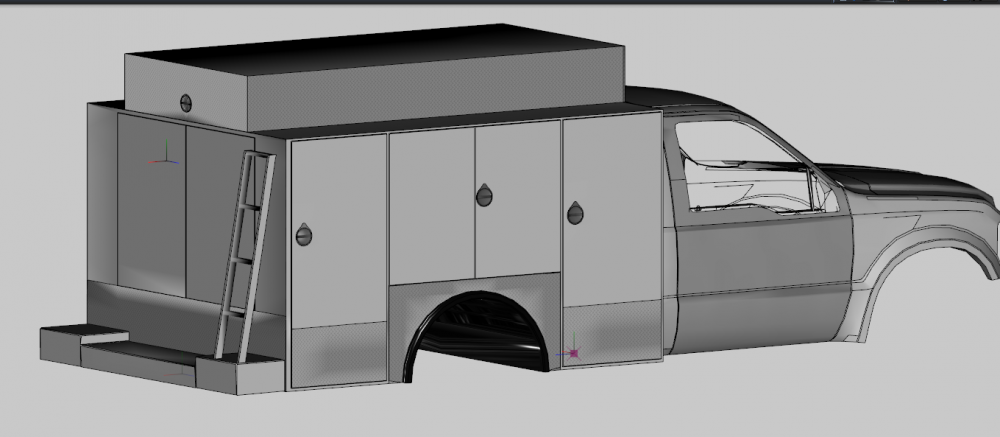
Another Update! Fix a few more things with the body, made the back doors and started on the read bumper/ladders.
-
No matter what program you pick you'll HAVE to use Zmod3 at some point because it is the on program currently that supports the GTA V file type.
-
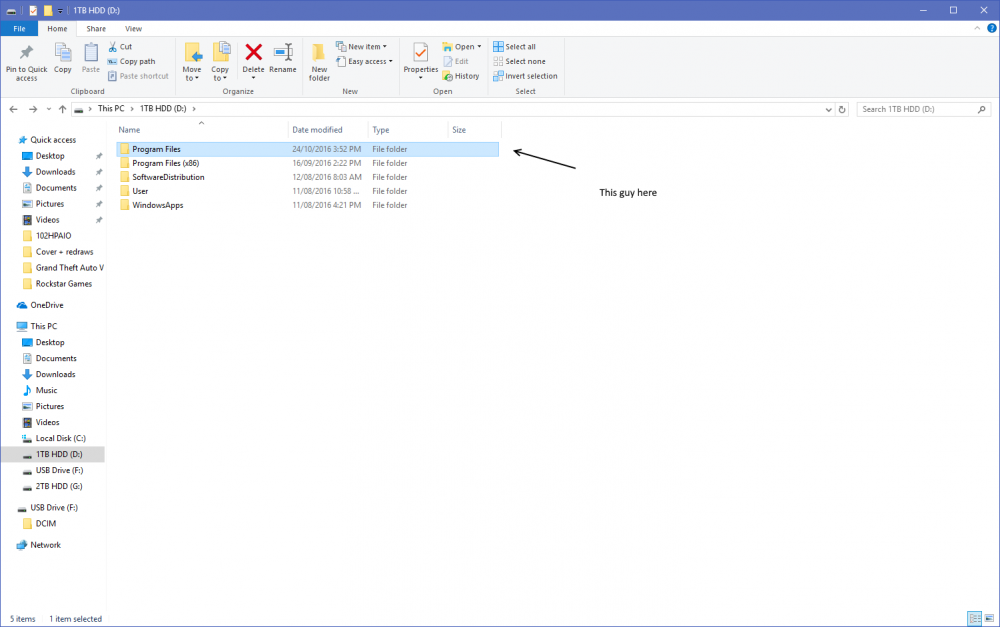
Wrong location that's 'Documents', You need 'Program files' which is in the main area of the Drive you Installed GTA on (The D:/ should be a C:/ if you didn't change the install location)
-
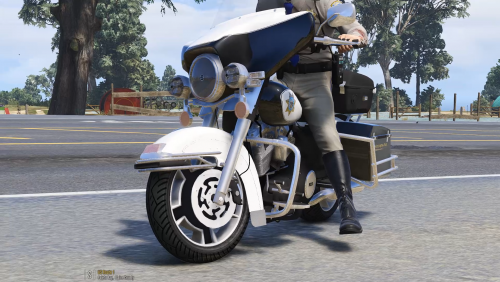 See this is what the community needs. People that aren't afraid to release unlocked models that they have spent money on to buy a quality model and spend hours convert it to GTA V.\ Great job guys
- 8 comments
- 6 reviews
-
-

- 10
-
-
(Drive):\Program Files\Rockstar Games\Grand Theft Auto V. This is where mine was installed and I believe it is the default
-
Update! Did some mapping of the Diamond plate, resize the hand holes and fix up part of the body abit, It's really starting to look good.
-
Update to the Model, Did more work on the doors, going to finsh the back ones and then the bumper later today after I do a comic page.
-
those door turned or real nice, good job