


0taku
Friends of LSPDFR
-
Joined
Everything posted by 0taku
-
 Is that a good or bad Hnnngggggg~?. Also Damn your fast, I just posted it
 -
From the album: 0taku media
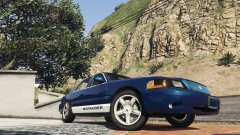
Just a fun test of the template I did up, which is based off a paint option the Ford used to do for the Falcons here in Aus, And I have to say it looks ok on a Marauder -
Bought it in a store
-
The SSD I use is a Kingstone 240gb one. It only has my OS and few programs like Steam and photoshop. cost me around $110 retail and has a speed of 550mb/s Dose what I need it todo
-
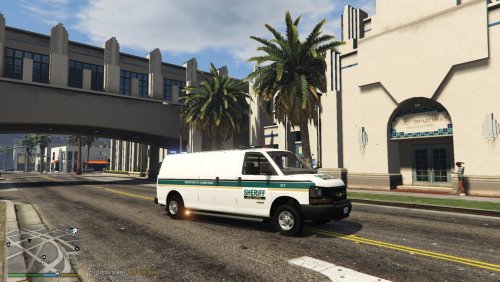 Your credits are incomplet, you need to credit the people how made the parts your usingredients,. I can clearly see that your using my Express and I would like to be credited for it'' My bad, Mistook the file as a model and not a texture.
 -
 Not to sound rude or anything, but don't complain about the state of templates until you've tried mapping a temple. It is very hard to make a temple work great for many different types of skins and have it look nice at the same time, and usually takes hours of work
 -
I'm not sure, I don't have the steam copy,
-
Most people get there models from other games e.g. The Crown Vic is usually from Driver SF, and some Chargers are from one of the Forza's games. Other People tend to buy a 3d model from sites like Turbosquid and good luck getting one of those unlocked, If someone buys a models to convert they are very protective of it (sorry if that sounded rude) Of course there are a few that scratch make the models they need using a 'blueprint' and a lot of reference pics.
-
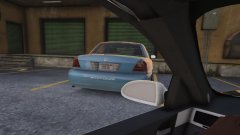 Maybe you should have changed the plates
 -
From the album: 0taku media
-Dispatc can you roll me a unit to an ally in Downtown Vinewood, I have the Stolen Mercury -
I'm not to sure what could be wrong, I looks like you should be able to run it just fine.
-
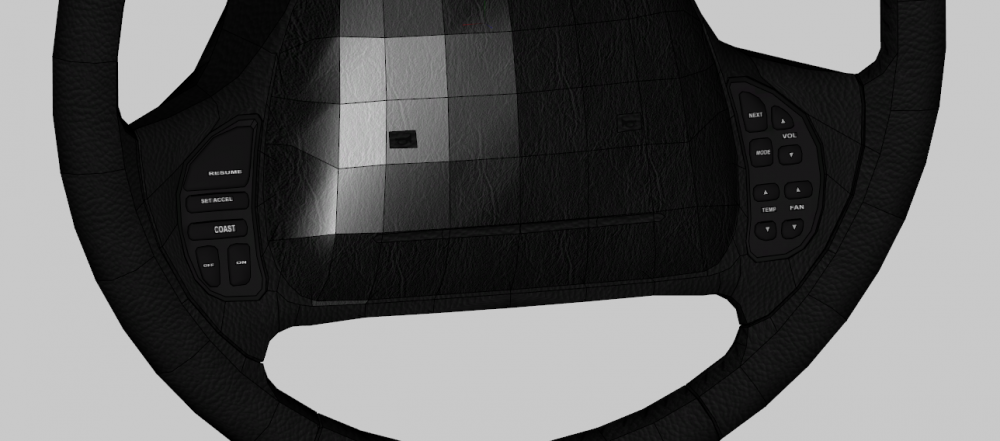
BUTTONS!, Managed to make to buttons to the Marauder Steering Wheel, Have some normal issues that need fix but It looks good.
-
Could you post your PC specs. (if you don't know them press 'start' search for dxdiag and run it.) and list all mods you have installed.
-
if you didn't do a back up of the original you can try 3 things. 1. if Running the steam version your can ' verify integrity of game' 2. If that doesn't work or you don't or you don't have the Steam you could try 'deleting' the files /RPF's that have been modified and apon launch the game should re-download them 3. However there is always the last option Do a complete Re-install of GTA. I apologize if this next bit comes of rude, it was not my intention. This is why we backup our game (or even the files that we modfied) so we don;t have to worry about what todo to get the original back
-
From the album: 0taku media
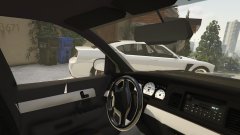
(well maybe passenger seat) Small look at the Interior of the Marauder, few things to fix. Wheel is also a place holder till I get one made. Mirror will also be getting replaced -
My answer is half the truth. I use Paint tool SAI (a Japaneses art program) for colour and outlines and Photoshop for text and effects. So process I use for my comic pages as well
-
 In due time, in due time.
 -
From the album: 0taku media
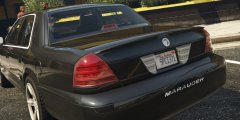
Made a basic spoiler for the Marauder which is an extra_1, It looks a bit sharp a some points so I have to do some editing to it. ---------- Bonus points if you get what the Licences p[late is a reference to. (don't google it.) -
There is a topic on here that about this, I belive it's called 'Adding a new emergency vehicle now possible'.
-
There is also http://www.hazard.com.au/ for Australia
-
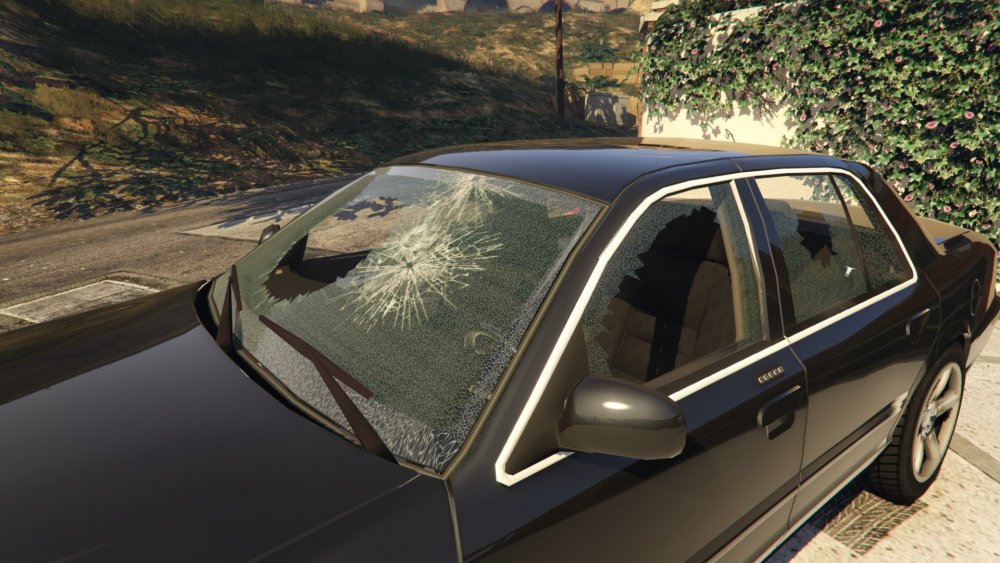
A just want to give a big thank you to a buddy of mine (you know who you are) that spent a good 1-1 1/2 helping fix a glass breaking issue. Now glass breaks like normal and it no-longer dose the 'green tint' that a lot of my models have done. The Marauder is coming along very nicely.
-
Model is locked so only the maker of the model can do it.
-
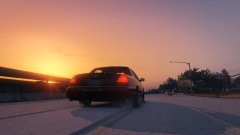
From the album: 0taku media
-
As far as I know then only publicly release Arjent for GTA V is mine which is here: However there are other. FF4455 has a low ployone for GTA IV here Both Tim98 and Keivn DV released one but I can't seem to find them currently.
-
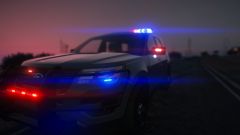 From the looks of the area around the car, I'm not seeing any 'world refection's' so I would say no.




