0taku
Friends of LSPDFR
-
Joined
Everything posted by 0taku
-
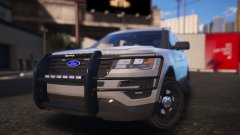 Not a fan of the Explore/Police Utility, But this looks to be some decent work
 -
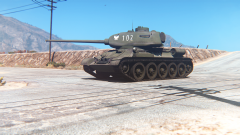 Wow, The angle playing makes it seem like w how different map, rather then a part of Sandy shores
 -
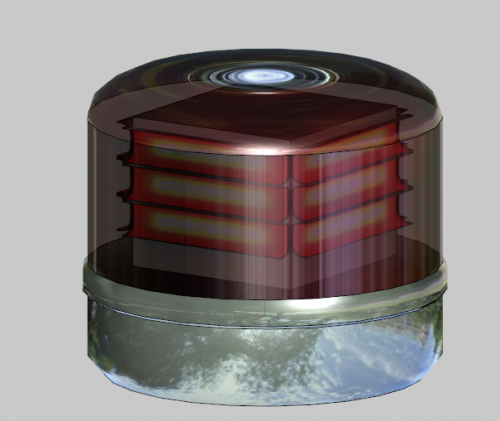 I tend to not make many 'deck out' vehicles and rather DEV parts, It is something I'm better with anyway
 -
-
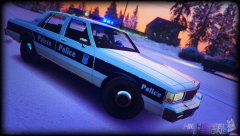 I like the 'wear and tear' look on the skin
 -
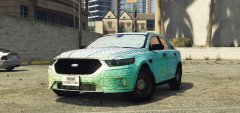 Any of the Code3/Soundoff lightbars, It will make something different for us to use
 -
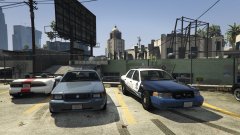 Not sure yet, I don't have any police versions planned. Just doing a Marauder for fun
 -
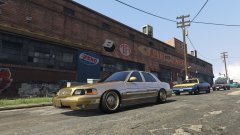
From the album: 0taku media
(yeah I don't even know why I made this) -
You are a good sir for continuing to believe in the good of other people and release you models unlocked.
-
From the album: 0taku media
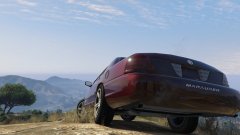
An old Mercury Marauder parked next to its younger cousin a CVPI. ----------------------- I still have a fair bit of work to do on the Marauder but I finally have it in game, and I got to say it looks good -
I'm doing one now, not sure how it will turn out
-
To be fair alot of people on here have 'Officer' in their name so I can sometimes forget who is who
-
Are you being serious because I said 'do not download if you have no idea on how to use Zmodler' or do you really have no idea?
-
I don't know how many people will download (or even use this), But I made this a while back and thought I would release it. I was bored one day and made the MSP (Michigan) Led gumball light for fun, and it turned out really nice. So here you guys go. Being that this uses the same 'shell' as the rotating light, people are free to modify it to the older one. ---MSP LED Gumball light--- 1. Credits Scratched made by 0taku -------- 2. Thanks Thanks to Oleg for making it so we can now make mod for GTA V ----------- 3. Terms Please do not download if you have no idea on how to use Zmodler. Model can be re-edited, re-converted but only if proper credits have been given. Do not re-upload unlocked on any other site ___________________________________________
-
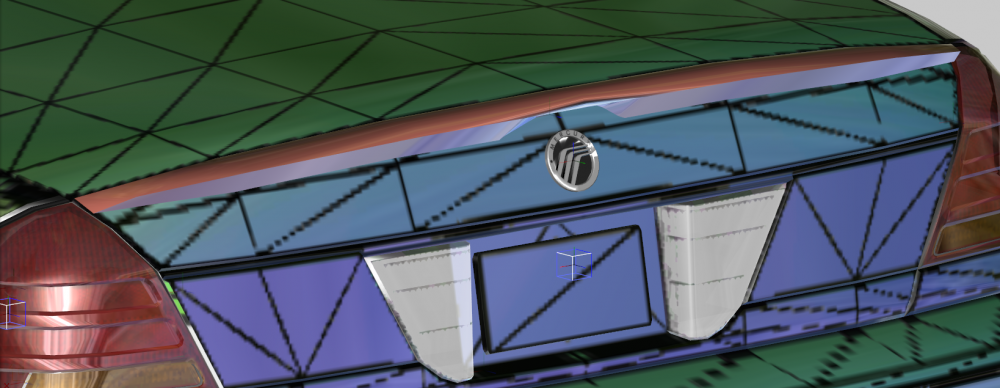
Quick detour from setting it up for GTA V to make the Mercury badge and optional spoiler for the Maurader, have to do little touch ups but they look good so far
-
Little tip. The Van are generally Exxx (Eg E350), and the trucks are Fxxx (Eg F350). I don't believe that their are any E150-350 (all same same body style) any for GTA V, however I think there was an unlocked for GTA IV.
-
I'm not to sure about that.
-
Sadly no, Collisions are model or 'coded' into the model itself, and if it is locked only the person that locked the file can add it. (if the still have them that is). I hope this answers your question
-
I hope this is in the right place I'm sure alot of us have our own or share a car (i.e. Use a parents/partner) and I wonder all the different type of cars that we drive. You can post the make and model (and year if you want) with a picture(doesn't have to be 'your' car) and how you got the car. I drive a '96 Mazda Metro 121. Car used to be my sisters but when she got my Dad old SUV because he bought a new car, I got this one for free. Even though it doesn't have A/C which is a bitch when you live in the tropics , It still gets me from A-B in one piece and dose the job fine and I can;t compail much since I got a working car (with 4 months rego) for free. (Like this but White)
-
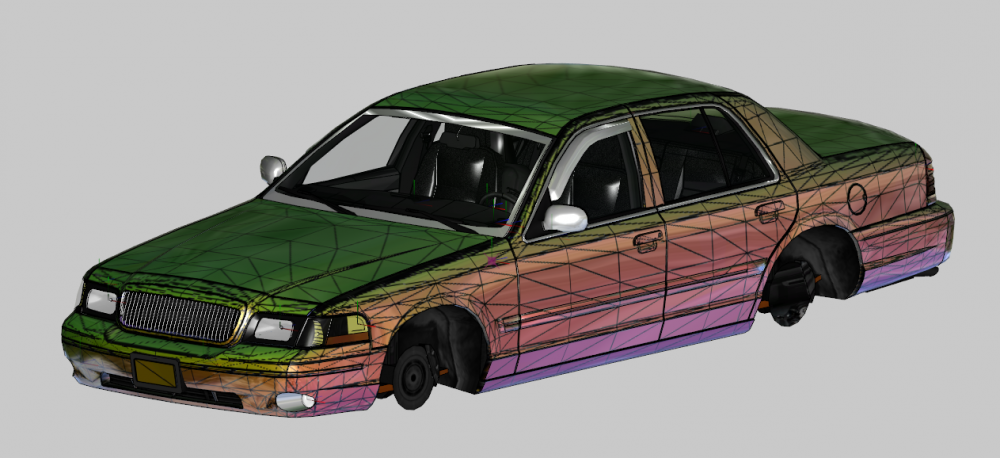
Quick update for you guys. Model is now mapped and I'm in the works of setting it up for GTA V
-
Then whats the paint3_lvr for?
-
Thanks Lundy that fix it, but will Liverys still work?
-
Already tried that, same thing. Must be something with one of the updates
-
Gives a blue tint to what ever skin I have set as the textures. Makes it hard to know if the template is lined up right
-
Yes all the normal's are fine