0taku
Friends of LSPDFR
-
Joined
Everything posted by 0taku
-
 Ah good old IV, soon I'll be back on the rivers of the concert forest
 -
And this is Rockstar saying sorry for what T2 did and once again are saying they are ok with SP modding, but not online modding. Rockstar is not the bad guy with the whole OpenIV thing, T2 is.
-
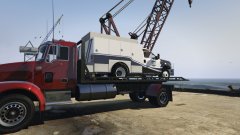
From the album: 0taku media
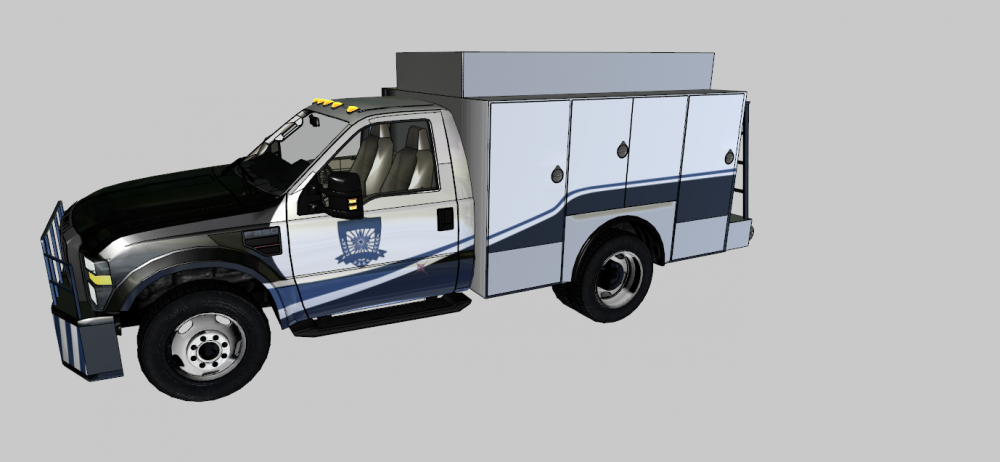
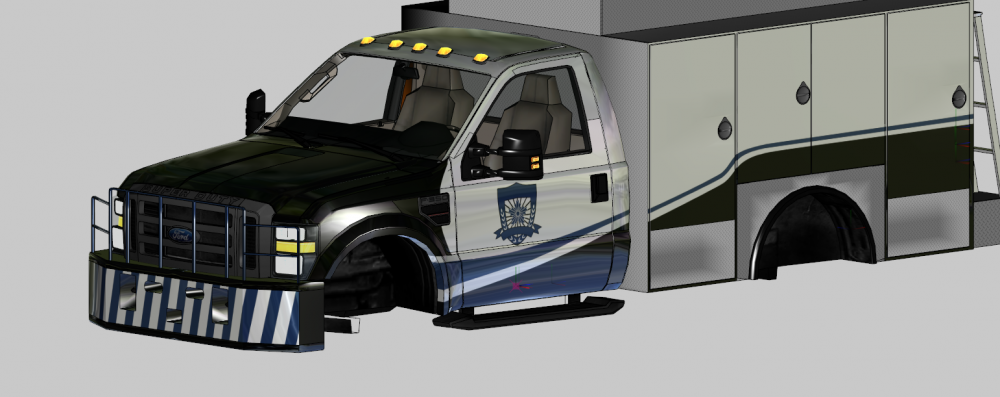
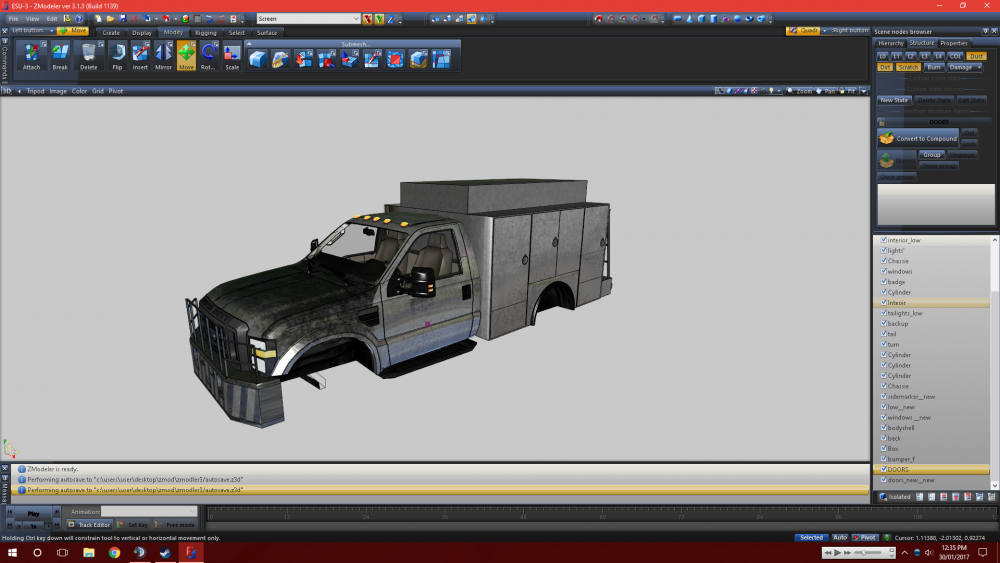
I'm slowing getting back into working on the ESU truck, so far I'm just bug checking because I haven't done work on it in a while. I'm sorry for how long this project is taking, a lot has happened. -
Actually no, I can't remember where I read it but Rockstar said they don't mind people who mod SP for GTA V on PC, they only care about the people doing MP mods or the one that mod GTAO
-
Damn, I was kinda hoping the Commodore would live on as the SS (Both cars are the same chassis). But alas it seems like GM is discontinuing the whole chassis. Sad, It is a really nice car all around.
-
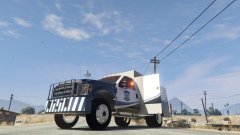
From the album: 0taku media
Work in progress shot of the ESU truck for you guys, Still a bit of work I need to do on it. Sorry it taking a while, not really feeling GTA or modding right now. -
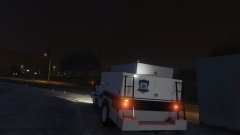
From the album: 0taku media
.... -
----------------UPDATE------------ small update for you guys. Mostly done with the LODs for now. Going to start setting up the COL's tomorrow morning, and should have it in game later that day.
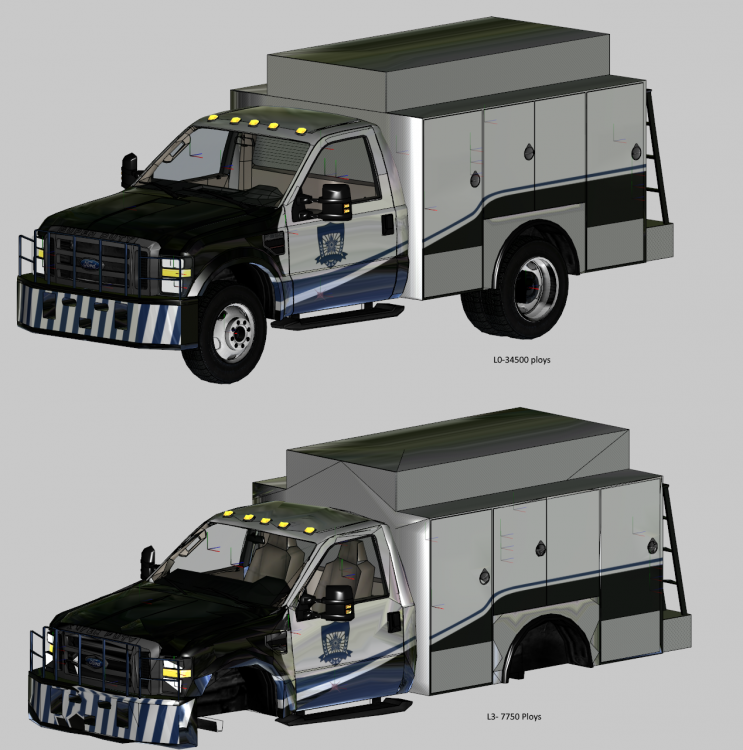
-
I'm very sorry for the long silence on this project. For the past 1 /12 months I haven't really felt good. I was having sleep issues and were not really doing much during the day because I didn't feel up to it. I'm feeling alot better now and I'm slowly getting back into working on the ESU truck. Good news was when I left it I didn't have much left to do before putting into GTA so I would say it is around 90% or so done. If I remember to (Because I'm also busy with get a book published) I will update once I have it in game with pictures. I thank you guys for being patience with me on this project.
-
I belive it should be aleast able to run it on standed on 1080p (not sure about ultra, 4k or embs)
-
Little delays, Haven't had much feeling to get on my computer and do Zmod work (or plays games for that matter). Pizza place I deliver for Changed brand earlier this month (which was stressful) and I haven't been sleeping while recently either. Though let it be noted, I still have to do bug testing once I get it the game, Currently I would say the model is around 90% done.
-
People thoughts?
-
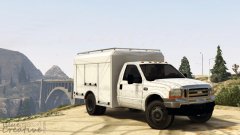 This would go beautifully along side my 08 ESU truck. It is going to be locked or DEV?
 -
Currently I have no Lighting model planed as this is a going to be a DEV model
-
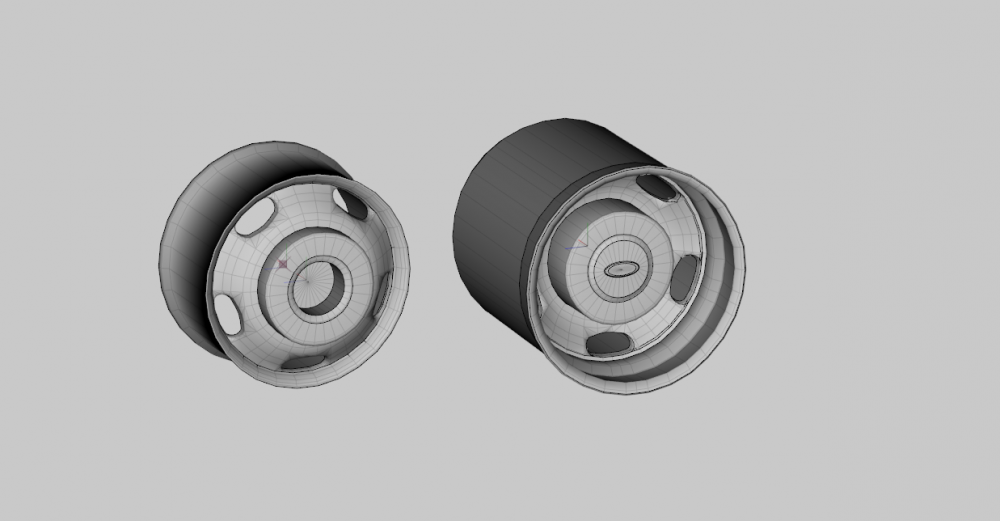
Wheels are now one the model, Still need work on them but DAMN they looks good
-
Started work on the rims, and here is a shot of 3 hours later
-
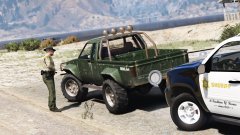 If took longer then it should have for me too get the joke...
 -
-
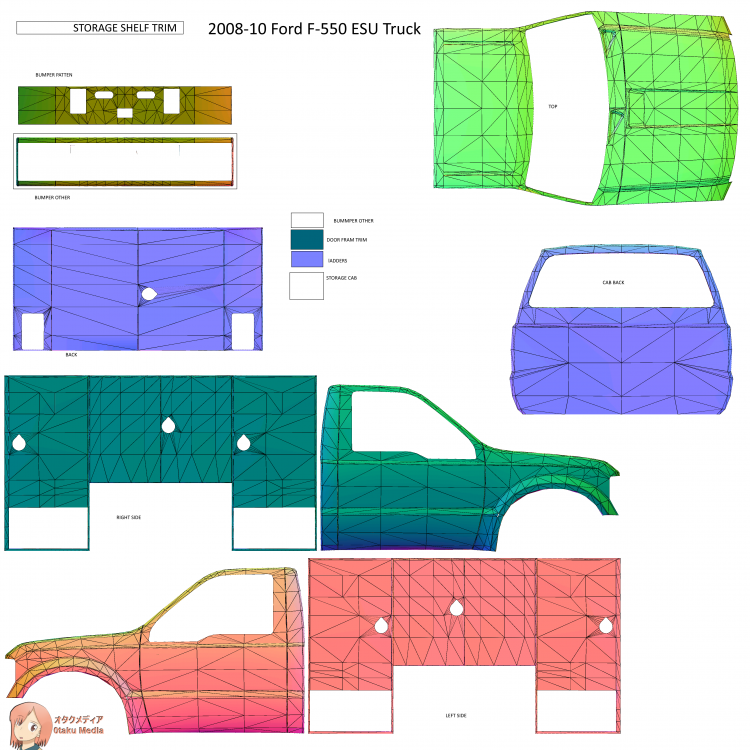
Found a little bit of time today to do some work on the ESU truck. got it remaped and the dirt maps done also.
-
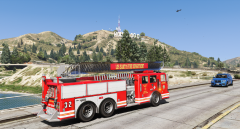 That looks like my ladder from the Ladder truck I did for IV
 -
No, Self Radio dose work on the retail copy, I have used it. This guide might help http://au.ign.com/wikis/gta-5/Custom_PC_Radio_Stations_(Self_Radio)
-
Announcement Due to alot of personal stress right now with not only getting use to working again, I having to adjust my sleep and drawing schedule AND finalizing the format for my Graphic novel. I'm publishing I'm putting a small pause on work on the ESU truck to not give myself a total break-down. I hope you guys understand.
-
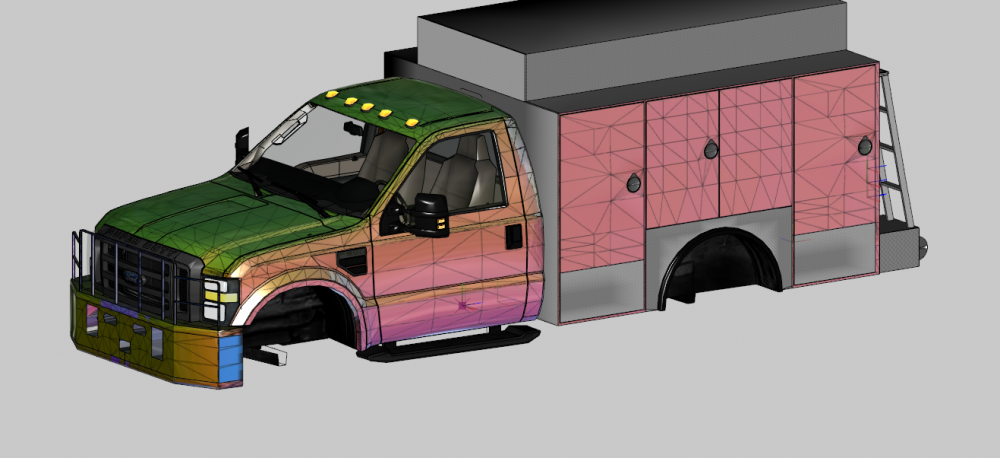
Sorry for not many updates, been stressed recent because I just started a new job. Heres a quick update. Did some of the template mapping.
-
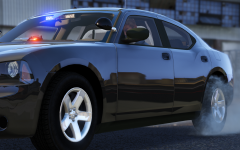 Oh, Nice. A Charger with Just the right amount of lighting
 -
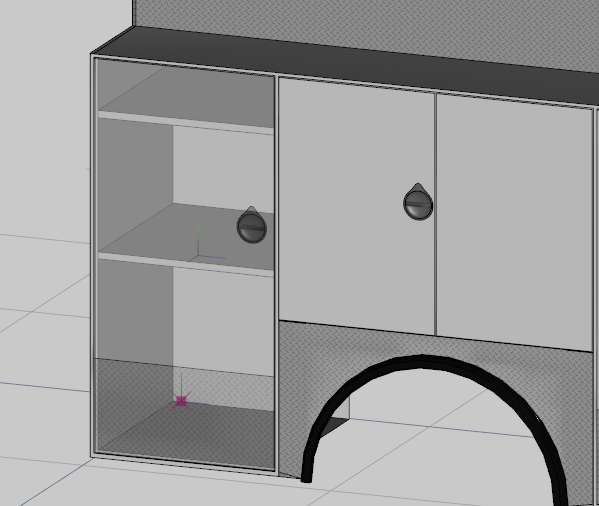
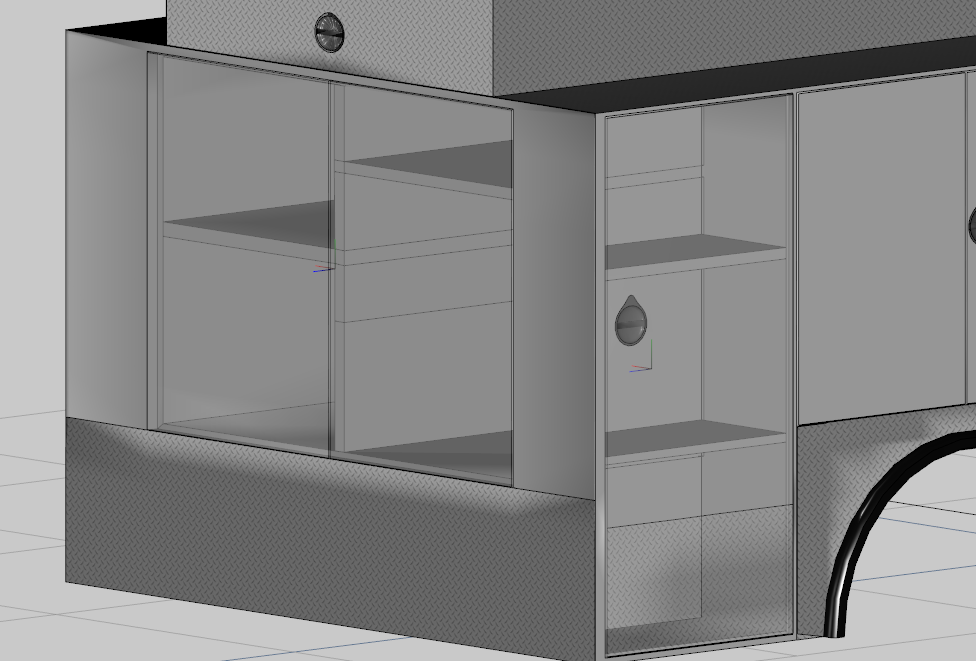
Storage bays have been made I just need to map them now Left Storage bay (dside_r) Rear and right side Storage bays ' (Bonnet&Boot . pside_R)