.jpg.e891f29aa7e4ee9b573d99a5dfa67c58.jpg)
Prophet
Members
-
Joined
Everything posted by Prophet
-
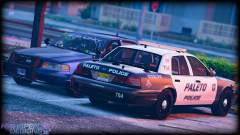
 How did you get my Crown Vic?
 -
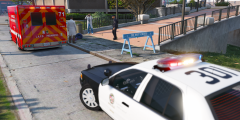 Damn...
 -
 Lol, Says car by Carper when the entire model is actually made by me.
 -
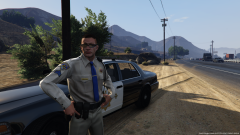 Yes!
Yes! -
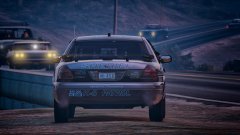 It's actually mine. I let him test it.
 -
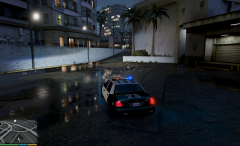 Interesting.
 -
-
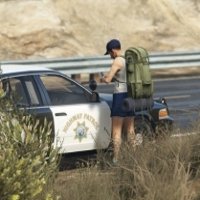 Greetings everyone and welcome to the first instalment of the Community Staff Favorites. I hope you all enjoy the images featured this week. I’d also like to express a big thank you to all of the individuals who decided to submit their work for this series, and now without further ado (in no particular order) the Community Staff’s chosen Favorites.
 -
Nah chill. Bellic maybe?
-
I don't know maybe Bxbugs? Probably not though.
-
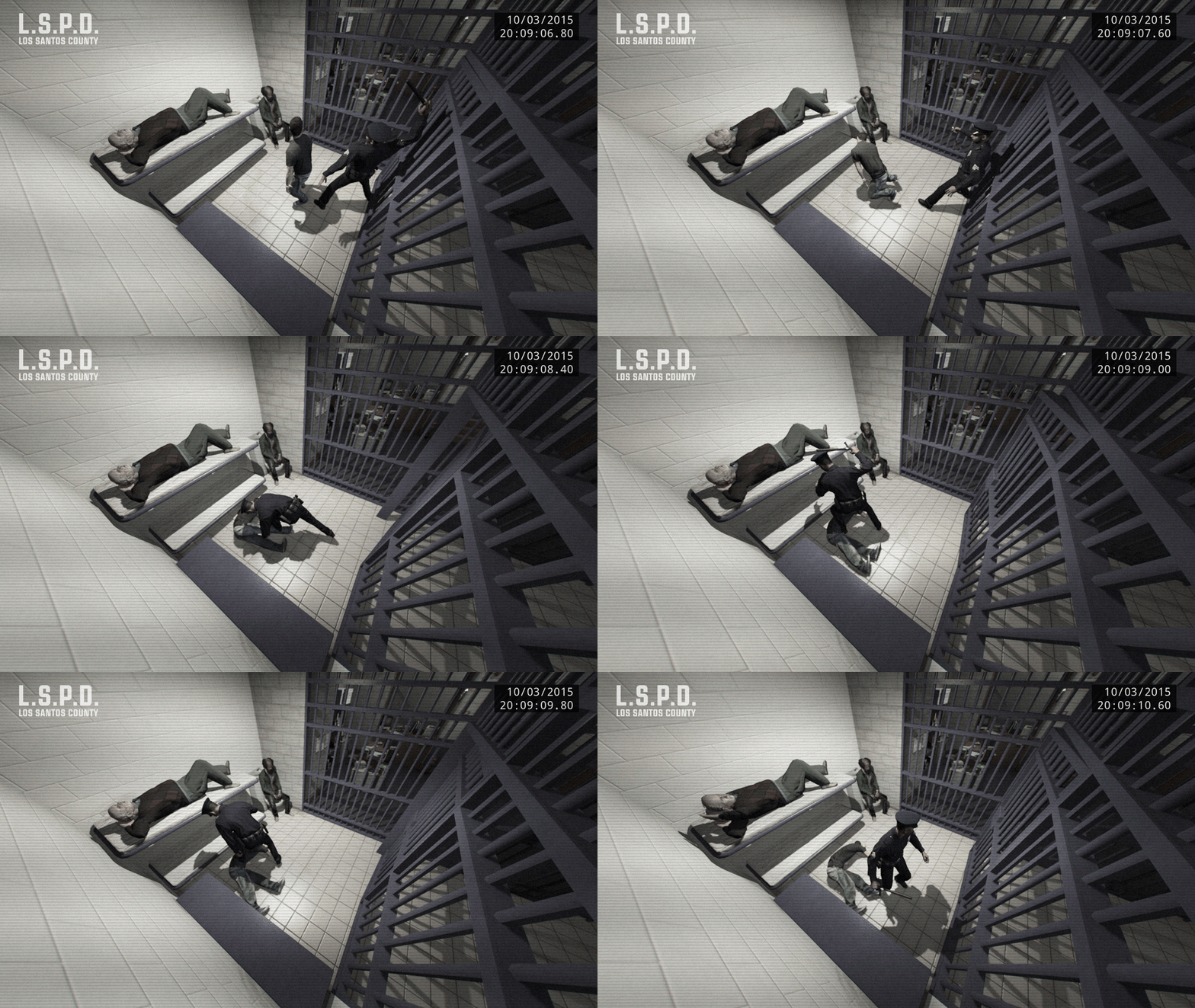 I am going to have to ask you to submit this here: http://www.lcpdfr.com/forums/topic/55704-community-staff-favorites/#comment-37288
 -
I fell in love.
-
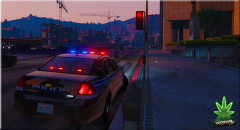 Well, I appreciate both of you gentleman taking the time to release such quality work for the community.
 -
I love it. Was actually using it all day today! :)
-
-
-
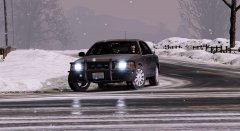 I really do like the model. Quite outstanding in fact; can't wait to see it out for download.
 -
Thank you.
-
 Hello there! I’m the new Content Editor for LCPDFR! The staff in recent weeks have been busy completely reworking the download section of the website as well as announcing the development of LSPDFR 0.3, so the news feed has been pretty quiet. I figured it’s time for some change, who knows maybe you can even find your name on the news feed!
 -
 Easily the best model release to date. Amazing quality inside and out. Huge attention from the light bar down to the mirrors. I commend you F5544 for another great release.
- 146 comments
- 24 reviews
-
-
interesting.
-
 I love it Frank :D
 -
Why do the rear antenna float off the car?
-
If you can get on the LCPDFR Teamspeak, it might be easier for me to assist you.
.thumb.jpg.f7d19f85fad406630fb24c5fa819cf86.jpg)
.thumb.png.e88f1892e13ddb98db35e668d465c34b.png)