



.jpg.e891f29aa7e4ee9b573d99a5dfa67c58.jpg)
Prophet
Members
-
Joined
Everything posted by Prophet
-
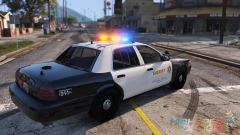
From the album: San Andreas
© HighSpeed Designs
-
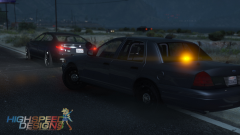
From the album: San Andreas
© HighSpeed Designs
-
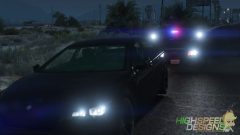
From the album: San Andreas
© HighSpeed Designs
-
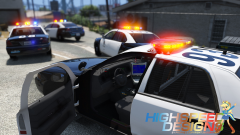
From the album: San Andreas
© HighSpeed Designs
-
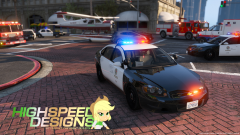
From the album: San Andreas
© HighSpeed Designs
-
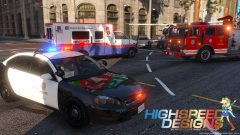
From the album: San Andreas
© HighSpeed Designs
-
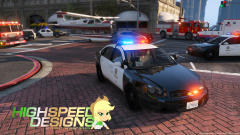
From the album: San Andreas
-
.thumb.png.e88f1892e13ddb98db35e668d465c34b.png) Don't open it in OpenIV. Regardless of it crashing OpenIV the model will work in game flawlessly. It is in my opinion that this is done on purpose.
Don't open it in OpenIV. Regardless of it crashing OpenIV the model will work in game flawlessly. It is in my opinion that this is done on purpose.- 182 comments
- 44 reviews
-
I don't drink it so much for the caffiene as for the healthy antioxidants and minerals associated.
-
Depends on the brand and bean in my opinion. I drink New England dark roast but can't stand any other dark roast I've ever tried. How take you coffee? Black is sometimes to much for new drinkers maybe try some creamer and sugar?
-
Intel far surpasses AMD in everything except video encoding and editing performance. With me being a youtuber I kind of need yo go with AMD for this reason :)
-
i7 to i7... I am an AMD CPU fan-boy. All the Intel cards are the same to me :)
-
Seriously hope you update this soon :)
-
Hope the "new PC" is as good as your models.
-
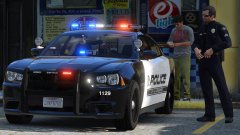 Loving the light bar! +1
 -
Well... Keep us informed.
-
Completely agree. Dimensions are off. Grill also seems to be just a tab bit taller than it should be.
-
 Greetings everyone and welcome to the third installment of the Community Staff Favorites. I hope you all enjoy the images featured this week. As you may have noticed this week's CSF is a week late in the making, partly because of all the submissions we gathered and had to sort through. I'd like to express gratitude to all of you who have been patiently waiting so without further ado (in no particular order) the Community Staff’s chosen Favorites.
 -
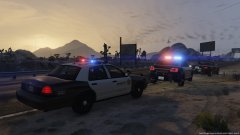
From the album: San Andreas
-
-
-
-
-
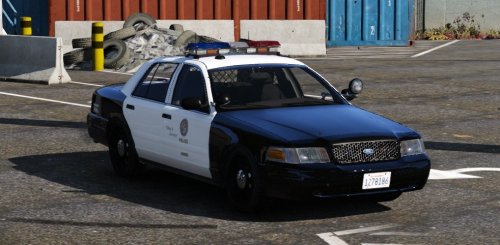 They usually sit on the outside near the edge of the trunk. This is so they can get the best possible view for scanning. http://farm8.staticflickr.com/7204/6844209705_4655116fa1_z.jpg
- 49 comments
- 19 reviews
-
-

- 1
-
-
.thumb.jpg.f7d19f85fad406630fb24c5fa819cf86.jpg)
.thumb.png.e88f1892e13ddb98db35e668d465c34b.png)


