



.jpg.e891f29aa7e4ee9b573d99a5dfa67c58.jpg)
Prophet
Members
-
Joined
Everything posted by Prophet
-
I like what you've done with the place.
-
-
-
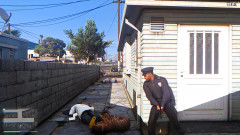 Cleaning Up Grove
-
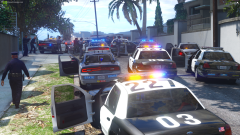 Hands!
-
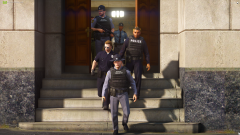 All Clear
-
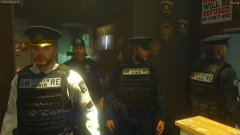 HSG #3
-
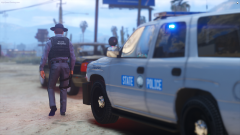 HSG #2
-
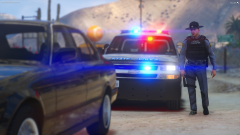 HSG #1
-
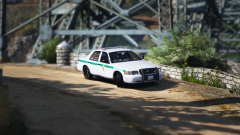 Park Ranger #2
-
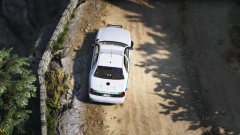 Park Ranger #2
-
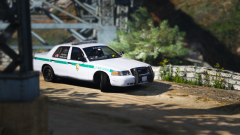 Park Ranger #3
-
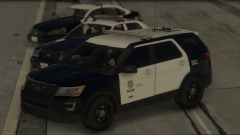 yO
yO
-
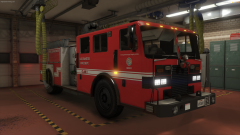 HSG Fire #3
-
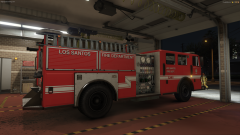 HSG Fire #2
-
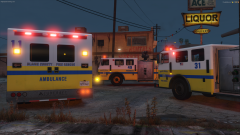 HSG Fire #1
-
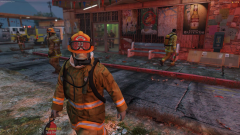 BCFD Fighting Fire at Ace Liquors #2
-
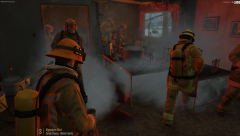 BCFD Containing Fire at Meth Site Inside Ace Liquors
-
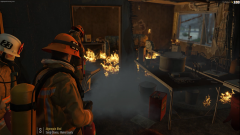 BCFD Fighting Fire at Ace Liquors
-
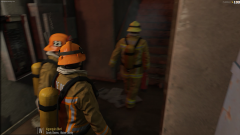 Firemen from Blaine County FD Making Their Way Through The Complex
-
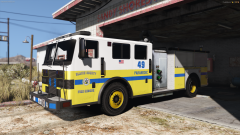 Paramedic Engine 49
-
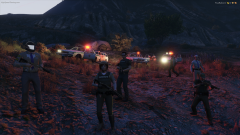 Five Reborn Life!
-
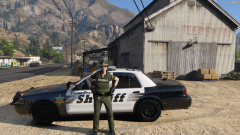 I like Cake
-
-
Can't wait to host the train segment again. @Sniper296
-
I will update the files later today.
-
Maybe.
-
-
-
-
-
-
-
Waiting on tester feedback. My computer is more powerful than most thus the testers should be able to provide more accurate reports in relation to people's everyday build.
-
http://m.imgur.com/a/bOYPE Currently working on a new reshade and timecycle focused on direct compatability with FiveReborn. The above imgur link will have the project image updates. Currently working on: Reworking night time cycle. (Currently don't enjoy the lighting at certain points of night) Performance and Stability. Feedback from current testers. Release date should be early/mid May.
-
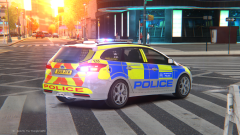
From the album: GTA IV Photos
-
-
Profeet ENB - Final (Coming Very Soon)
-
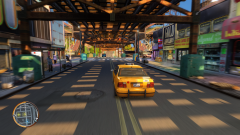 Reworking ENB
-
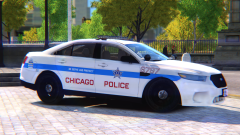 Grand Theft Auto 4 11.09.2016 - 15.12.06.05.png
-
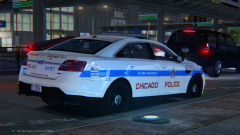 Chicago PD FPIS
-
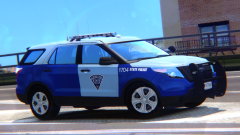 Alderney State Police (Prophets ENB V3)
-
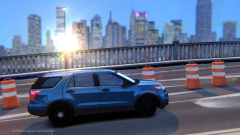 Prophets ENB V3
-
 Chicago PD FPIU
-
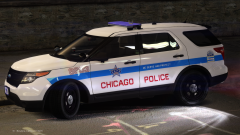 Chicago PD FPIU
-
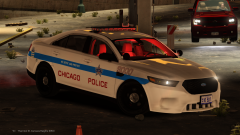 Chicago PD FPIS
-
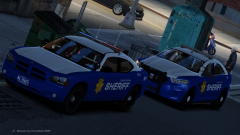 That Lighting Though
-
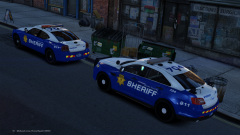 704 Life
-
 WIP Skin Pack #3
-
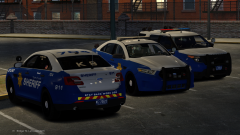 WIP Skin Pack #2
-
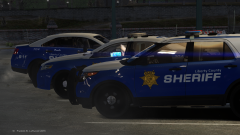 WIP Skin Pack #1
-
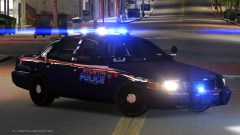 Atlanta PD
-
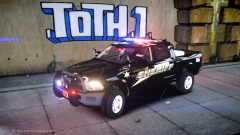 1500 Ram
-
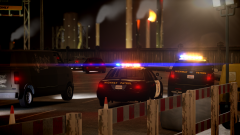 CHP #3
-
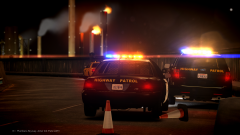 CHP #2
-
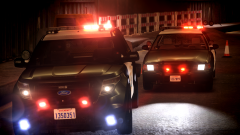 CHP #1
-
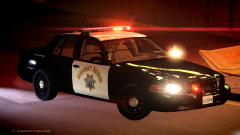 Loving CHP Cars More and More!
-
-
I posted shots from the same scene months ago. These photos, however, have never been posted before.
-
From the album: San Andreas
-
-
-
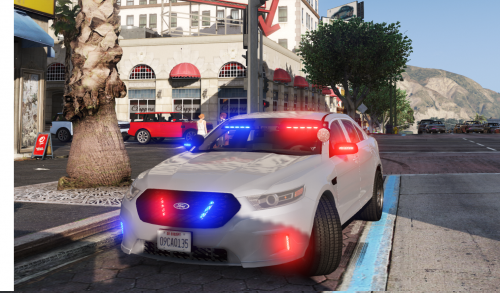 All these front facing LED's and only 2 rear deck lights? I think the priorities are mixed here.
- 47 comments
- 24 reviews
-
If the department can afford them and see a usefulness/purpose with them by all means.
-
Because it would go against the U.S Constitution granting each state the right to govern themselves with their own laws and ordinances. A national police force wouldn't work because training is relative to each state as each state has it's own laws and statutes. What is policed in New York is different than what is policed in Massachusetts because the laws are different. This kind of issue just would not work in a national police force. The FBI and state police cooperation fulfills the role of interstate crime in the U.S. That is just the way it is and unless you can find a way to change the U.S Constitution you won't find America with a national police force working at the local or state level. Part of a paper I wrote for a college course when faced with this question: The faults of an American national law enforcement agency lie with the creation of America itself and the U.S Constitution. Our constitution gives our states their sovereignty and the power to create, translate, and enforce their own laws freely from any federal entity. With this in mind we must come to also understand that what is effective law enforcement in one state is different in another. Because of these facts a national standard training system, SOP, and deployment would be redundant and conflicted. How would you be able to differentiate at the federal level the enforcement of state laws as an agency. That kind of fundamental flaw could spell disaster down the line. Feeding off this is also the proposed idea of a standard set of priorities that will dictate the focus of a national agency. A singular set of priorities would not trickle down the vine effectively in a national agency. What is prioritized in combating crime in Chicago isn’t necessarily needed in North Andover, Massachusetts. This is not to say a national police force could not be formed, however, its formation would need to be able to intrinsically focus on the state, county and local needs of each sovereign entity within America. This being a task that would require an incomprehensible amount of time, money and planning to be effectively done.
-
Blame the Constitution.
-
Must be his partner.
.thumb.jpg.f7d19f85fad406630fb24c5fa819cf86.jpg)


