


Lapd Code 3
Members
-
Joined
-
Last visited
Everything posted by Lapd Code 3
-
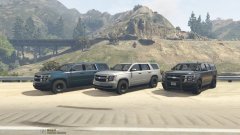 they look amazing captain (salute) if your still interested in my textures let me know
 -
i tried to change the liveries without a trainer Like i normally would when i select the vehicle in the station but apparently im locked on one livery why is this????
-
wont that affect the callouts during updates and such?
-
i agree with Darkmyre Some dude makes a new callout for us and like he says changes the API and boom more of those callouts than Agency and CalloutsV i hardly ever get a Pursuit of Armed Suspects call anymore due to the many other callouts i downloaded but i would like to one day see some progress on that concept someday
-
 where do i find the handling ID so i can replace it with baller 2 my open iv has too many handling metas UPDATED: nvm found it
- 74 comments
- 23 reviews
-
-

- 1
-
-
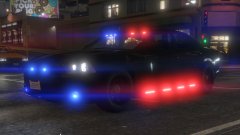 YOU'VE DONE WELL SIR MY HATS OFF TO YA
 -
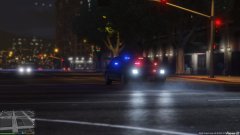
From the album: LAPD DAY 12
Special Thanks to qfmarine for realistic Radiance setup this improved my lighting at night and day so Shout out to you sir you've done well -
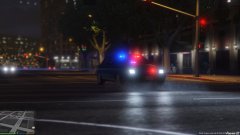
From the album: LAPD DAY 12
-
Detective Noriega
-
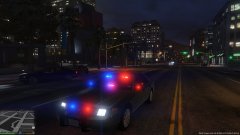
From the album: LAPD DAY 12
-
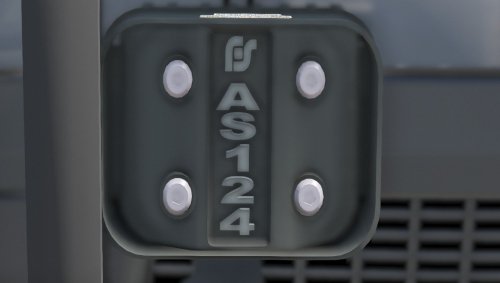 THANK YOU HURK!
 -
FUCKING SWEET LIGHTS!!
-
well i reinstalled everything so lets hope another title update dont happen for another 3-4 months ^_^ and i do appreciate all the responses from you all thank you for trying to help this. This place gets the Respect it deserves as well as its members
-
it should be Off cause my anti-virus no longer is running as of sunday
-
ok im sorry Tim im not normal my fault k ill be sharp next time so this mod will fix my intro crashing for vanilla and rage ??
-
-
yes yesterday i did where do i find this ???? ""cleartheway"" mod??
-
so today after a week of no gta V the new Finances DLC comes out for our systems...now i reinstalled the new ragehook update for lspdfr and all copied and replaced all the folders and etc it has now i try to boot gta v from steam and it crashes during loading story mode.....then i thought it was the ragehook so i forgot to unblock all the files i replaced ...then i try boot up gta v through the ragehook for lspdfr and i still crashed ...after that i try to run gta v through the directory gta v launcher and it gave me a error code 115 gta v still running....all my mods are in this gta v directory and i dont wanna lose em so i made copies of the files but idk what else do i gotta do to get gta V running for story mode any ideas before i reinstall everything??? (thats Plan B) Plan A im open to suggestions other than plan b
-
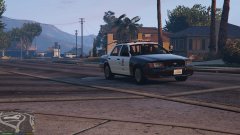 oh shit your right i noticed the store front down the road lol
 -
-
-
From the album: LAPD DAY 6
All quiet on the southside....for now -
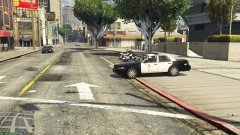
From the album: LAPD DAY 6
-
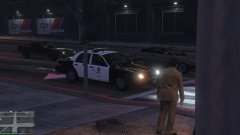
From the album: LAPD DAY 6
-
 your specs are good enough i think im not familiar with GTX nvidia software i've only been around AMD and intel celeron's in my life ....gtx=too pricy atm
- 329 comments
- 53 reviews


