Lapd Code 3
Members
-
Joined
-
Last visited
Everything posted by Lapd Code 3
-
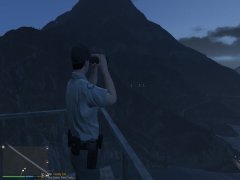
From the album: California State Park Ranger
-
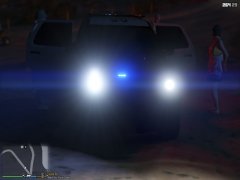
From the album: California State Park Ranger
-
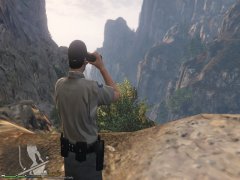
From the album: California State Park Ranger
-
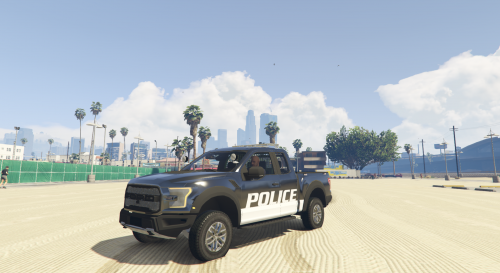 after Fixing the Lightbar issue via vehicle meta MY FIANCEE DROVE THE TRUCK AND SHE SAYS HOLY FUCK WHAT A TRUCK THANK YOU GOETZ
- 36 comments
- 15 reviews
-
-

- 1
-
-
ANYTIME 1 pull your vehicle meta file from open iv under Mods/update/update.rpf/common/data/levels/gta5/ then look for something that says vehicles 2 drag it to your desktop 3 open it up using notepad or notepad++ hit edit and use find type whatever vehicle your replacing for example <modelName>Whatever Emergency vehicle youre using</modelName> scroll down till you find <diffuseTint value="numbers between these quotes marks" /> once you see it look for big capital letters and numbers next to it and replace only the letters and numbers with this 0x00FFFFFF save it then drag and replace it with your current vehicle meta file in open iv Enjoy! On A Permanent note keep an original copy in case it didnt work for you or write down the original diffuses tint value LapdCode3
- 36 comments
- 15 reviews
-
-
- 1
-
-
ATTENTION if you have issues woth the lightbar on roof not lighting up for some of you who dont use trainers but know how to use a vehicle meta just Change the Diffuse Tint value to 0x00FFFFFF in the vehicle meta for the pranger if your not sure how to edit a vehicle meta there are tutorial videos for that but yea this question is for some of you who saw a black lightbar instead of a clear bar when you downloaded the truck Enjoy LapdCode3
- 36 comments
- 15 reviews
-
damn guess ill just revert it back to a granger till this issue is fixed Thx Cap 9:14AMest 5/10/17 EDIT: Changed the Diffuse Tint value to 0x00FFFFFF in the vehicle meta for the pranger Now im Back on Patrol
-
never used one cause there too damn complicated and my keys are complicated enough for my scripts as it is is there another way to remove that tint?
-
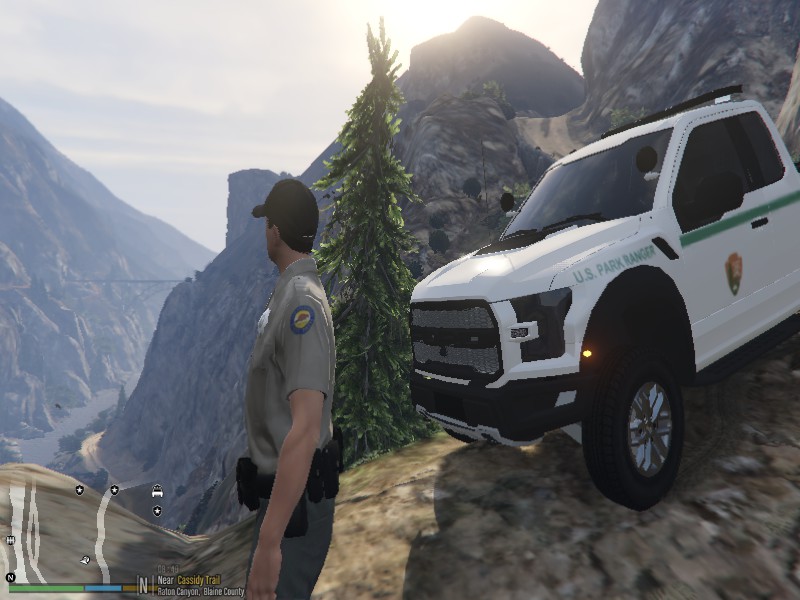
So i plushave the Ford Raptor by Zack and i Got this issue the lightbars all back and turn signals aren't working on it assuming there blocked too light the lightbar.... any additional info i can be happy to provide just please help me fix this today was my first time as a park ranger and i just installed this
-
-
ah ok thx ill try it sometime when im free
-
what is FiveReborn sorry for the late reply i just got back from a buisness trip in Austraila
-
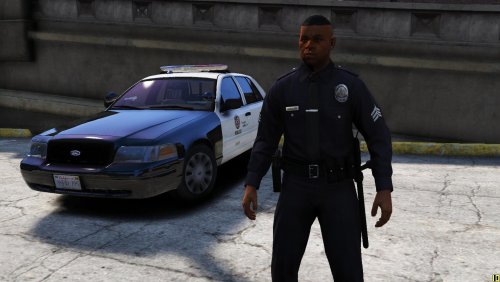 i still remember ben saying "Look Sharp Act Sharp Be Sharp"
 -
yup as in ben sherman who partnered up with Sammy Chickie and Cooper
-
-
From the album: CHP Patrolling
-
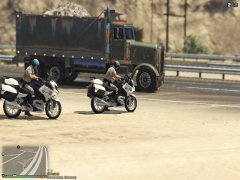
From the album: CHP Patrolling
-
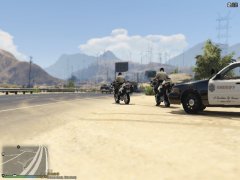
From the album: CHP Patrolling
-
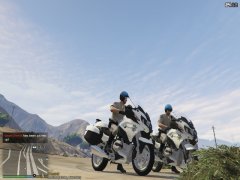
From the album: CHP Patrolling
SPECIAL THANKS TO @Darkmyre FOR BEST PARTNER MOD EVER -
ty ethan will try this
-
i tried realistic radiance with the LAPD Pack and its just bad even with ultra post fx its not bright enough when responding code 3 so im just gonna deal with Rad V
-
Is this normal on taillights in Radiance V or is there a way to reduce this much bright Blooming those huge circles are annoying and its affecting the interior lighting too during the night
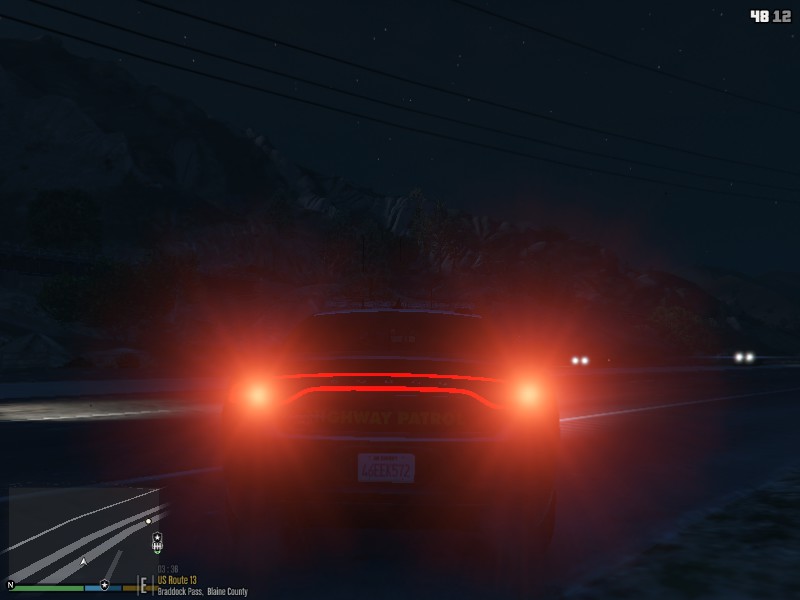
-
on a side not pal ELS based vehicles disable Cinematic camera so even with a controller that wont be possible to do
-
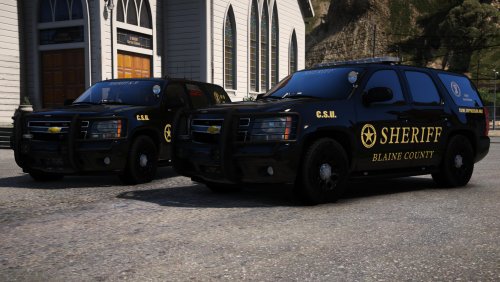 Well most people are just getting into it so lets leave it at that and thank you @mroxplay
- 59 comments
- 42 reviews
-