Lapd Code 3
Members
-
Joined
-
Last visited
Everything posted by Lapd Code 3
-
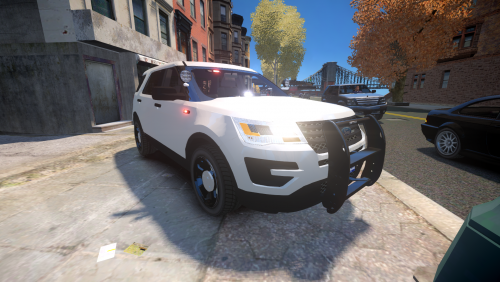 its els Compatible right? Vegas725 it didnt bring an els setup im assuming thats where we the downloaders of this file improvise?? but if theres an ELS.ini for it what do you use for WRNL SECL AND PRML
- 30 comments
- 7 reviews
-
Not yet and im sure not till 2017 due to holidays coming up in 12 days many people will not be focusing on this game
-
cant believe rockstar decided to go and pull off another gta iv title patch considering this game stopped updating since when? ya know i been away from this site for bout two months now and quite frankly i miss patrolling i just got gta iv back and now everything is different has there been any good answers for this ? i own a steam version copy of gta i just installed it two days ago clean reinstall havent touched anything yet LapdCode3
-
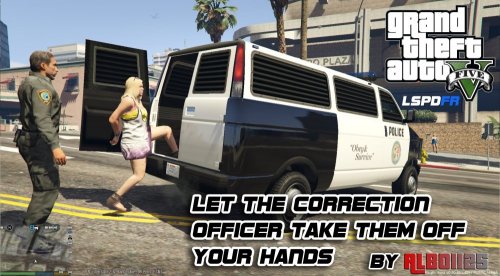 cant wait for a update for new gta v patch cause arrest manager wont pop up for multi or single transport
- 1,915 comments
- 242 reviews
-
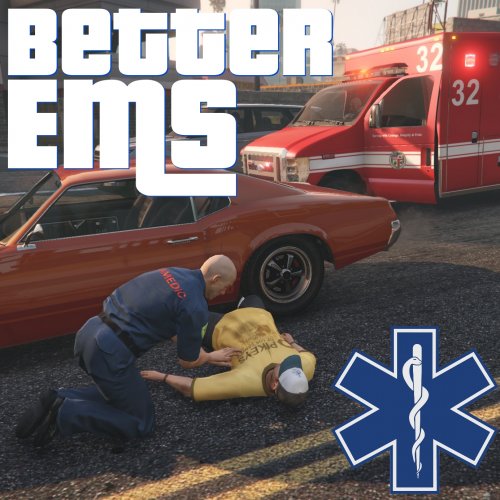 will post a log file when i can but for now hope someone can help me figure this out i was 10-76 (en route) to a welfare check callout in davis when i came across the individual who needed to be check on he was hurt and asked if he can be taken to the hospital so i used the scene manager menu and called the ambulance for him and as soon as they got him i ended the callout and it just crashed now this is everytime i call an ems on the first callout that requires there assistance not sure if this was a known crash bug or maybe it was the placement of my EMS settings as said will post log when i can
- 783 comments
- 86 reviews
-
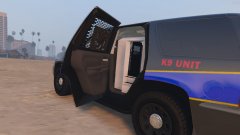 that .....cage wow
 -
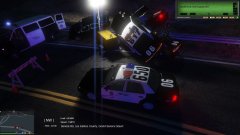
From the album: 9/29/16 L.A.P.D Patrolling
-
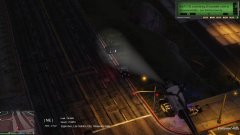
From the album: 9/29/16 L.A.P.D Patrolling
-
-
Pursuit comes to an end Just seconds before game crashed
-
Chase intensifies pursuit duration 6m 22s
-
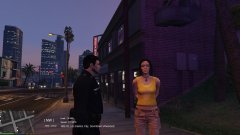 Suspicious Person Callout/Arrested for Carrying Meth
-
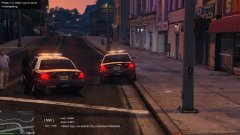 Shoplifter Apprehended after Running from Store
-
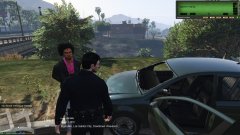 the Suspect involved in the Hit And Run Call
-
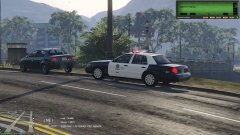 Traffic Stop on The Vehicle involved in the Hit and Run
-
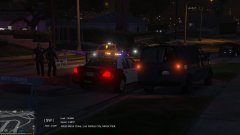 a 10-42 ended up a 187 and no witneses
-
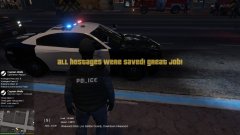 Post 211 callout We are Code 4 All clear
-
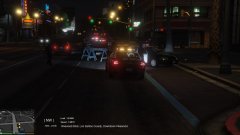 211 at the Pacific Standard 2nd one this week ....
-
-
From the album: 9/29/16 L.A.P.D Patrolling
-
From the album: 9/29/16 L.A.P.D Patrolling
-
From the album: 9/29/16 L.A.P.D Patrolling
-
From the album: 9/29/16 L.A.P.D Patrolling
-
From the album: 9/29/16 L.A.P.D Patrolling
-
From the album: 9/29/16 L.A.P.D Patrolling
-
From the album: 9/29/16 L.A.P.D Patrolling
-
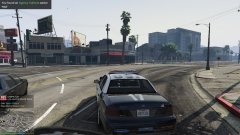
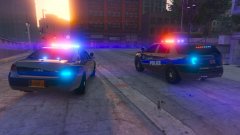 i have yet to see an explorer with plastic gray hubcaps ik most fpiu's use it but hey a man could be patient
 -
what year is that explorer ...16 or 15?
-
we never forgot

-
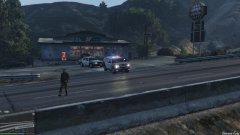
From the album: Just Patrolling
-
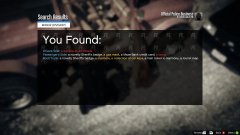 HOW THE FUCK DID HE FIND ROOM TO FIT A weapon so big
 -
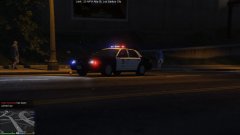
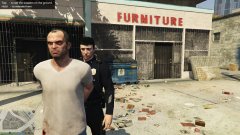
From the album: The Hunt for Trevor Phillips
-
-
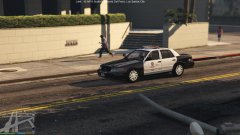
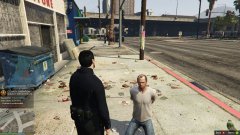
From the album: The Hunt for Trevor Phillips
-
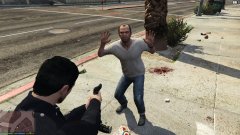
From the album: The Hunt for Trevor Phillips