Lapd Code 3
Members
-
Joined
-
Last visited
Everything posted by Lapd Code 3
-
 your specs are good enough i think im not familiar with GTX nvidia software i've only been around AMD and intel celeron's in my life ....gtx=too pricy atm
- 329 comments
- 53 reviews
-
 where in the gta v directory am i supposed to install this PLD asi and ini file?
- 221 comments
- 58 reviews
-
it works apparently now i have to launch the game manually through steam then activate ragehook afterwards ....thank you and starmix just curious...umm do you know why random police cars keep showing up wherever i sit and park my vehicle and when i drive around i see police vehicles parked in the middle of the road every corner and main road i take ..
-
yes after i launched on steam yes
-
if i launched it without ragehook
-
so i went on my steam to launch gta v from there to fix some graphics settings when i exited the game after a few minutes of testing it after it required the restart it autosaved when i bought a pistol and went back to the station i resaved again just in case...exited the game.. then i tried to launch LSPDFR through ragehook and i got a crash at loading storymode with ragehook ... im seeing 4 SGTA50000 files in my savegame folder idk which should i delete all four files are 2 minutes apart when i downloaded and 2 files have bak on the name im not sure what to do can i ask for some help please and thank you ! LapdCode3
-
From the album: Just Patrolling
-
From the album: Just Patrolling
-
From the album: Just Patrolling
-
From the album: Just Patrolling
-
From the album: Just Patrolling
-
So in this topic im writing about an issue that doesnt seem to be an issue for everyone else . im trying to broadcast Lspdfr through youtube using my wirecast encoding software but i keep crashing lspdfr can someone please help find a more appropriate way to broadcast i would really appreciate it
-
shouldnt be i have high speed Amd quad core and a 1tb drive 8gb ram. the callouts from secondary callouts had to be removed due to it crashing my lspdfr more frequently than it used to before i installed it so i removed it now its crashing less
- 329 comments
- 53 reviews
-
-
-
-
how many different callout plugins/scripts can we install into lspdfr to avoid a ingame crash during callouts?
- 329 comments
- 53 reviews
-
i just reinstalled everything last night imma just leave the explorer alone till i get a more easy way to install a ford explorer into a sherrif granger without having to do all sorts of changes to metas ...like FCVP71's crown vic lapd/lasd vehicles that dont require any changes to metas or handling
-
oh i know i just fixed my problem last night can this Topic get closed ty Moderators
-
still crashed (--__--) oh well plan b reinstall gta v and start back to square 1
-
will look into this ty
-
i was sure i knew what i was doing i was just changing the vehicle id name and handling name was that a mistake?
-
Hi there so today im finalizing my vehicles handling and vehicle.meta now i come across a new issue that i never seen happen before a crash comes outta nowhere during the games loading story with ragehook and just after 30 seconds.....it crashed --__-- now i hope this is just a bug i went to look for a topic concerning this but havent found anything new or recent i check ragehookplugins.net no new updates are out yet and steam had a lil update today when i booted up computer if anyone else had this issue would you care to share how you fixed it thnks
-
as much as i appreciate the link im just a rookie sir a 26yr old rookie gta v modder gta iv was more easier than this but gta v is a whole new ball game i spent hours searching for an answer to my light problems but i came up with only 2 searches and most of em were just ppl criticizing the setups and stuff no legit answer to my problems but hystery im glad you responded to this thread thats like your derek jeter signing my yankees jersey that ill never wash lol nor wear just post it and say THANK You :) so yea ty hystery and all jokes here.....was the smartass reply necessary lol wait nvm yes it was lol
-
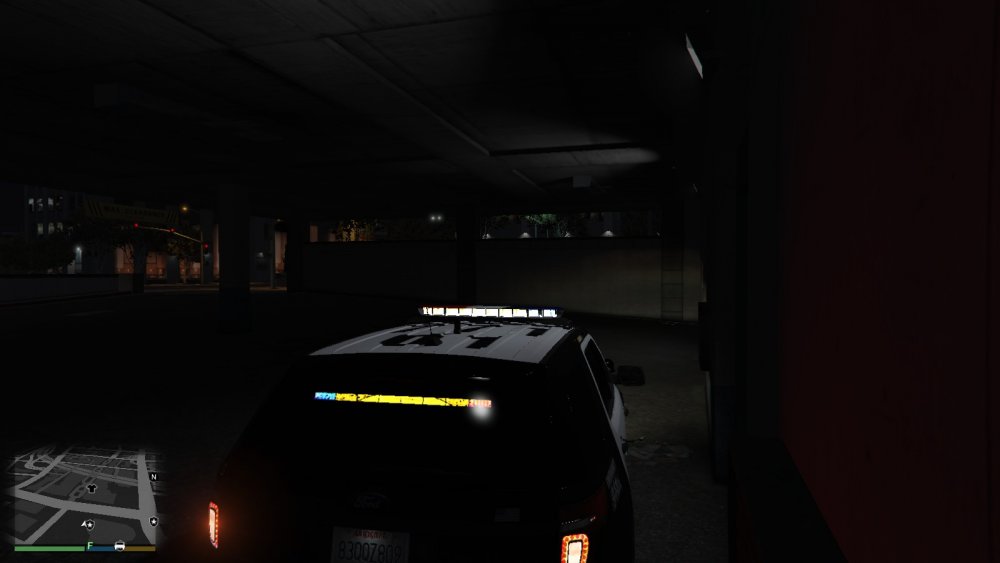
i use radiance V with my mods and this is my results for Desmonds ford explorer --__-- any ideas as to why this is happening??? my post fx is at ultra still the same is happening