Lapd Code 3
Members
-
Joined
-
Last visited
Everything posted by Lapd Code 3
-
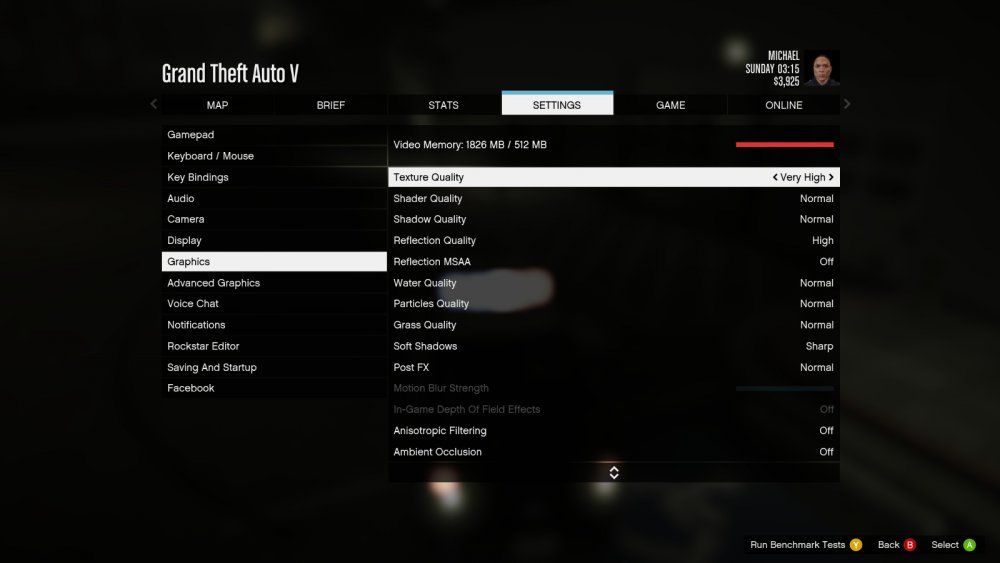
nothing ......same s*** this is also my settings
-
i see so again you said radiance v reinstall it and try to see ? if its changes?? will i need to do anything else just installed brighter lights will send a pic if improved
-
-
can i show u the carvariation that was in the readme??? after <variationData> <Item> <modelName>police3</modelName> <colors> <Item> <indices content="char_array"> 134 134 156 156 </indices> <liveries> <Item value="true" /> <Item value="false" /> <Item value="false" /> <Item value="false" /> <Item value="false" /> <Item value="false" /> <Item value="false" /> <Item value="false" /> </liveries> </Item> <Item> <indices content="char_array"> 134 134 156 156 </indices> <liveries> <Item value="false" /> <Item value="true" /> <Item value="false" /> <Item value="false" /> <Item value="false" /> <Item value="false" /> <Item value="false" /> <Item value="false" /> </liveries> </Item> <Item> <indices content="char_array"> 134 134 156 156 </indices> <liveries> <Item value="false" /> <Item value="false" /> <Item value="false" /> <Item value="false" /> <Item value="true" /> <Item value="false" /> <Item value="false" /> <Item value="false" /> </liveries> </Item> <Item> <indices content="char_array"> 134 134 156 156 </indices> <liveries> <Item value="false" /> <Item value="false" /> <Item value="true" /> <Item value="false" /> <Item value="false" /> <Item value="false" /> <Item value="false" /> <Item value="false" /> </liveries> </Item> <Item> <indices content="char_array"> 134 134 156 156 </indices> <liveries> <Item value="false" /> <Item value="false" /> <Item value="false" /> <Item value="true" /> <Item value="false" /> <Item value="false" /> <Item value="false" /> <Item value="false" /> </liveries> </Item> </colors> <kits> <Item>157_massacaro2_modkit</Item> </kits> <windowsWithExposedEdges /> <plateProbabilities> <Probabilities /> </plateProbabilities> <lightSettings value="1" /> <sirenSettings value="1" /> </Item>
-
-
-
i did nothing changed so i backed up my files and removed it :/ i took a pic when i used radiance v last night before i revert to the original visualsettings and removed radiance V btw the lightbar at the time was bugged but as of today i fixed its placement issue
-
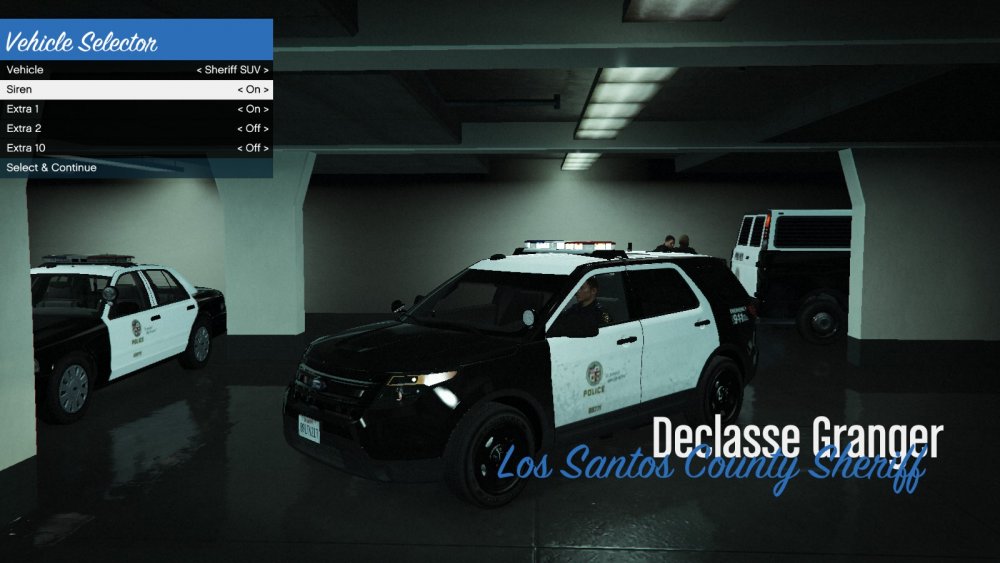
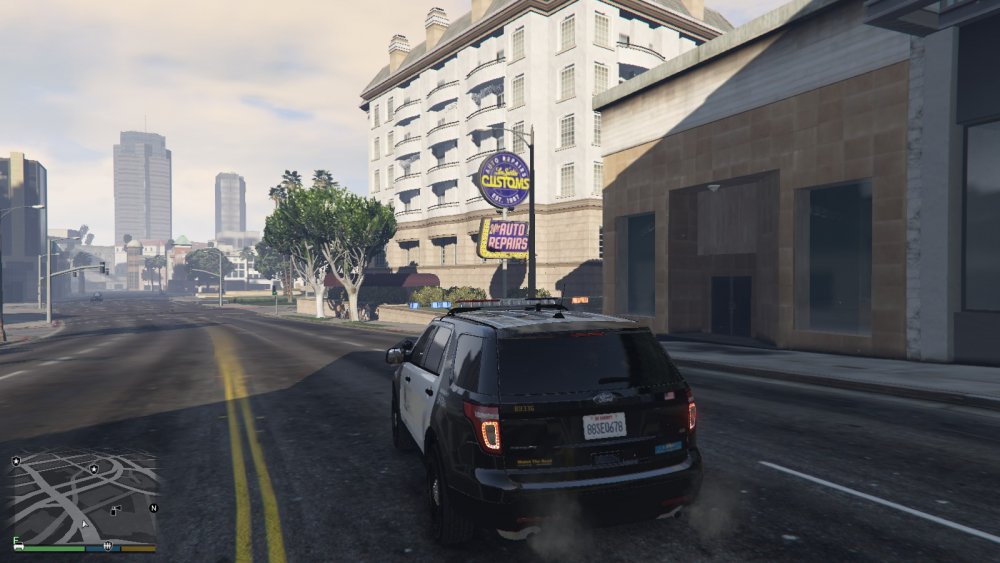
So i have Desmonds '14 Ford Explorer but i have an issue concerning its lightbar when i light up Code 3 the Light Colors are All white and none of the lights bloom i think there washed out tbh and even with post fx on very high its still washed out. i do not use any visual enhancements nor did i modify the vehicles carvariations that he left in the readme file it said add after the line variation data which i did but still no good :/ i just wanna know how can i make the lights bloom red and blue if theres a fix to this topic please point me to the right page or link i really wanna get this ford to work please thank you. these are pictures of what im seeing when i lightup anyone else had this issue at first???
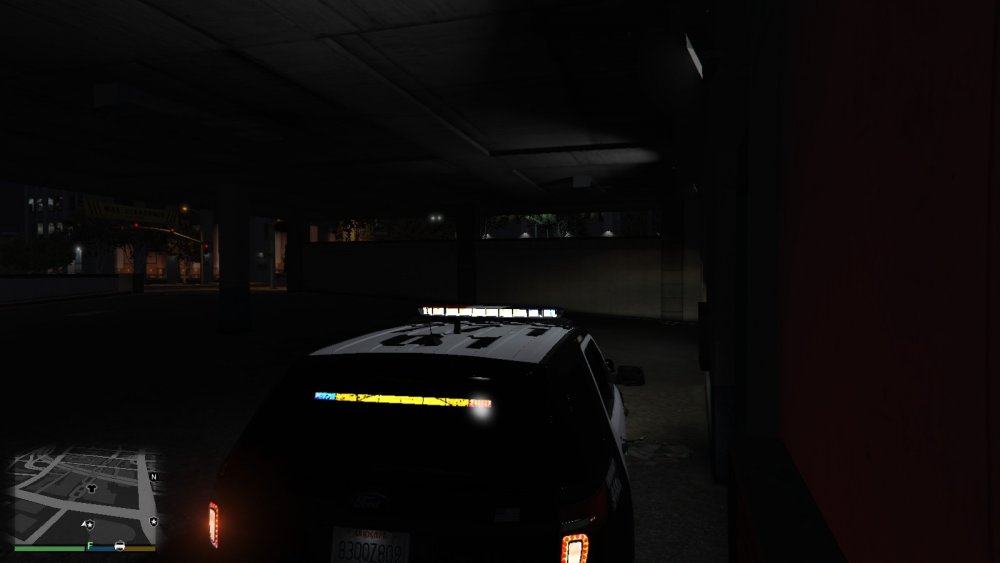
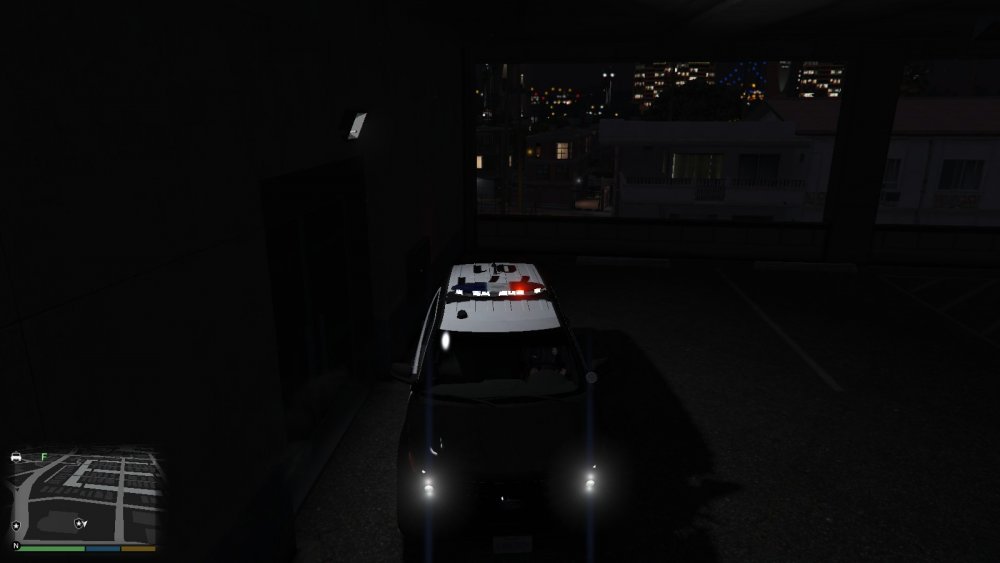
-
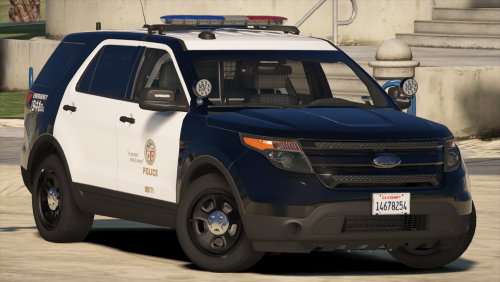 same thing happened to me im sure it has to do with what we replaced in the carvariations.meta but because idk what that exactly is ...im sorry i have no answer for this problem :/
- 563 comments
- 116 reviews
-
can someone pm me a simple step by step after downloading this file i dont wanna install it in the wrong folder of open iv then have to reinstall everything again ...again the readme isnt helping for this rookie open iv user lol
- 563 comments
- 116 reviews
-
it should be the only 2014 ford fusion under NYPD fusion search
-
hi there im new to the site i been playing lcpdfr for about 6 months now and loving but to get to the point i have a 2014 ford fusion that was i believe originally designed by britishpolice who i must say is one hell of a modder :) however im sure alot of people downloaded his 2014 fusion for the nypd packs. now the handling for some reason allows it to flip over every hard turn or 180 i pull and bouces everywhere as if it was a lowrider i want to know if it was possible to get this to stop ...i used sgt kanyo's handling mod but it didnt change it the handling line was placed under fbi not police 1/2 or noose cause the wtd and wft file were originally made to replace fbi so which i did but now the car doesnt wanna drive straight with the handling line i used from sgt kanyo can someone please help me with this ik alot of you are very busy people and got alot to deal with on lspdfr but please if just one person can please help me recreate a new fusion or handling mod for it i would be really appreciative of it thank you Officer Andre Noriega
-
hey Sgt im new to this site's forums but i been downloading many mods on gta iv for the past 7 for lcpdfr but one mod comes to mind ..BritishPoliceMods '14 ford Fusion ..i used your handling line that you posted a while back and when i copied and replaced its original line... it's still for some reason bouncing and flipping over as if the handling never changed can you or someone whos reading this please help me out here with a more accurate ford fusion handling line or a solution to help me fix this problem please i would appreciate it thank you
-
-
-