



SuperStumpje
Friends of LSPDFR
-
Joined
Everything posted by SuperStumpje
-
Did you disable trainer keys?
-
Assuming you're talking about LCPDFR, I always use a baseball bat (which I replaced with a baton).
-
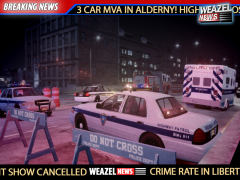 Looks good! Those skins look familiar... *wink wink*
 -
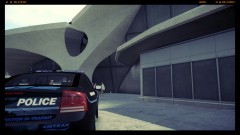 for a unattended bag there's not much to see. By the way, it's Francis International, not Francise.
 -
-
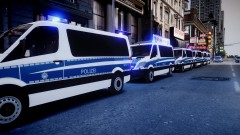 Looks cool! This makes me think to a French police convoy I saw when I was in Paris.
 -
Are you actually in LCPDFR? If you load the game you still need to start LCPDFR.
-
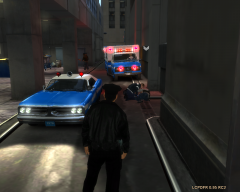 Interesting story...
 -
-
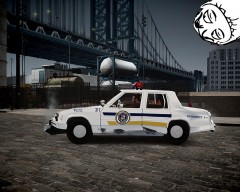 The maintenance guy isn't going to be happy when he sees this...
 -
-
For some reason they're a bit impossible to find. I do know NicolaiB has white uniforms but I don't know where he got them.
-
You do know that the simple native trainer also has a automatic drive option with changable speed?
- 9 comments
- 3 reviews
-
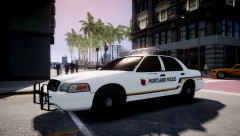 If you'd ask me I would say add both skins so people can choose but since I'm probably going to put some LC skins on it I don't really care. Anyway, it does look nice!
 -
I'm afraid you'll have to make up something yourself. It's not that hard. I made something up in 25 minutes or something like that. Just get some skins you like and put them on the vehicle that you like them on.
-
There's a few series that are on TV here in Holland that I like and that aren't Dutch so you'll know them: Alaska State Troopers, NCIS, Law & Order, Flashpoint and some British series that I don't know the name of because over here they renamed it and put in Dutch a voice-over.
-
I'll give it a try. Thank you!
-
Does anyone know how to get rid of the countryside map in the pause screen? I'm pretty sure I got rid of all the countryside files but there's still the map...
-
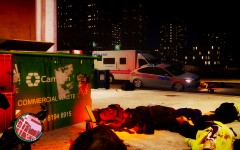 What on Earth happened?
 -
-
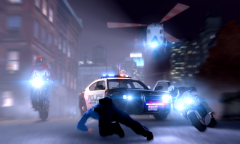 This would be great as a movie poster!
 -
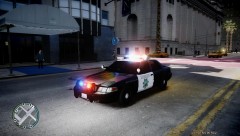 This does't look too bad. ELS isn't too bright either.
 -
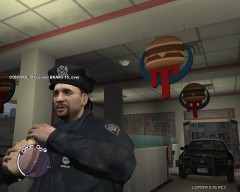 LOL
LOL -
-
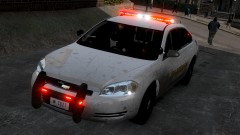 That's probably due to the new key settings. Just check those and you'll probably find the solution.

