


zach016
Members
-
Joined
-
Last visited
Everything posted by zach016
-
 In the LSPDFR Configuration Settings (Grand Theft Auto V > lspdfr), make sure that "Ambient.DisablePlayerHolsteringActions = true". It defaults to false and conflicts with the Plugin. The animation will remain the same, but as long as it has an empty and full version available it certainly can. You just need to edit the .xml with the correct components and drawables. Just keep in mind it doesn't actually remove the taser, it just flips model components on the fly. Check the .xml and ensure the components and drawables for the multiplayer character are correct.
- 561 comments
- 97 reviews
-
As far as Vehicle/Ped's/Weapons Still works great. Just keep in mind that it installs an outdated gameconfig which will need to be written over, but otherwise it makes it extremely easy to re-add any vehicles without them being overwritten by an update, especially through use of the mod's folder. As far as other mods, They typically exist in the plugins folder or main folder and are *not* overwritten by updates to GTA V or LSPDFR. You may just need to wait for their dependencies to update (I.E. ScripthookV; Rage Plugin)
-
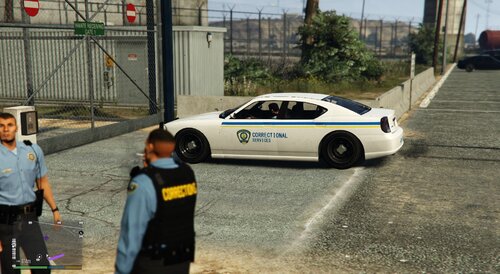 A skin based on the Nova Scotia Correctional Services, created for the Bravado Buffalo uploaded by Yard1, linked below.
 -
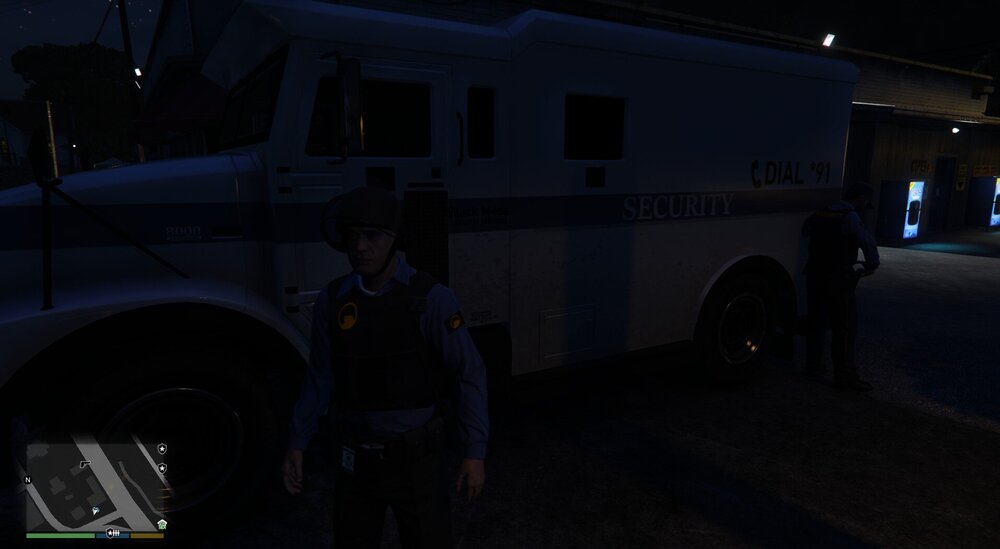
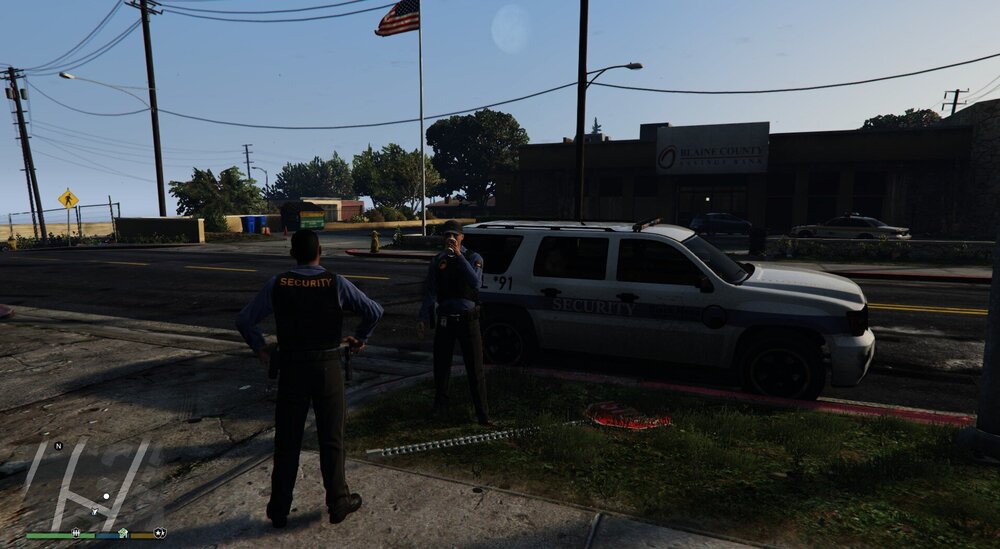
Los Santo's needs a Security Company that is willing to go the extra mile for their clients. A company that has experienced disaster, and come through the other side a tad stronger. May I present a work in progress.
-
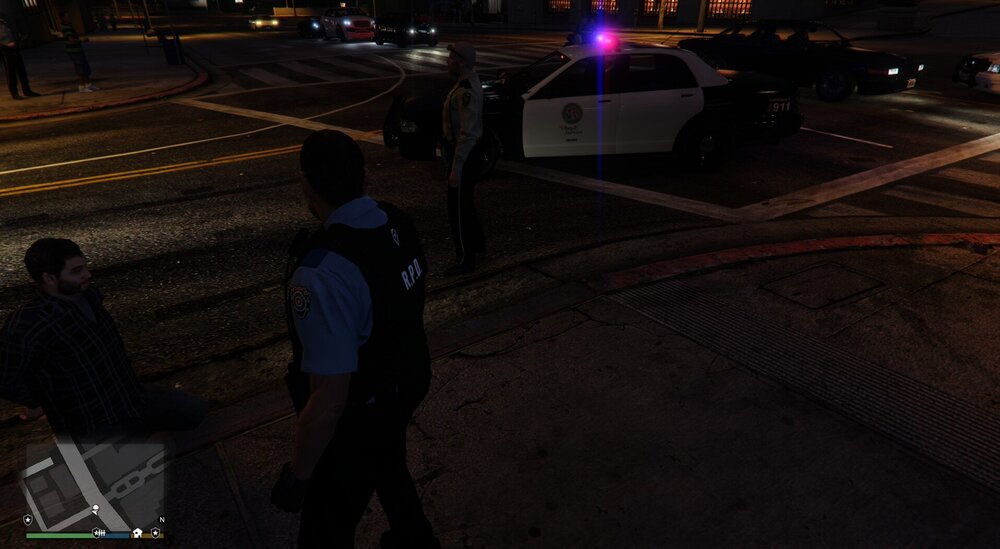
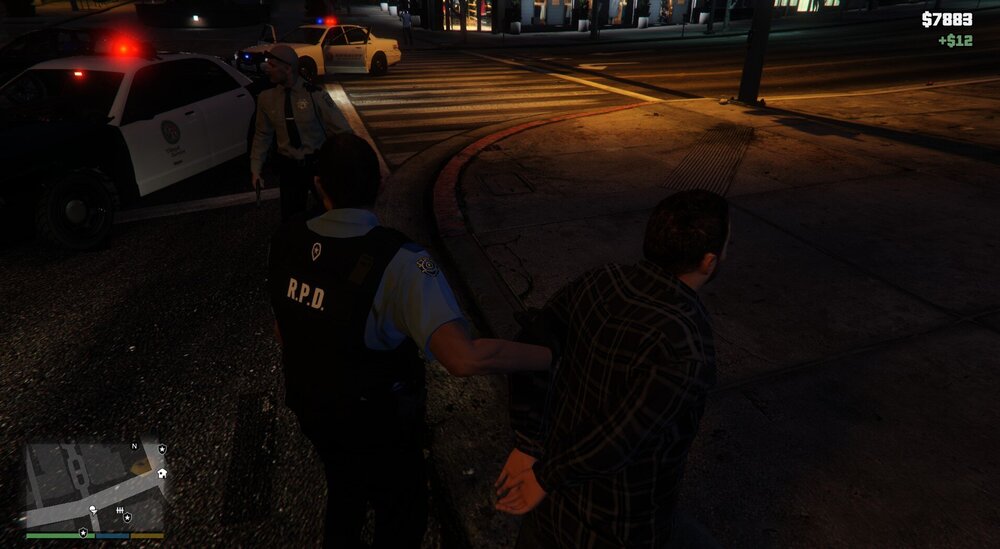
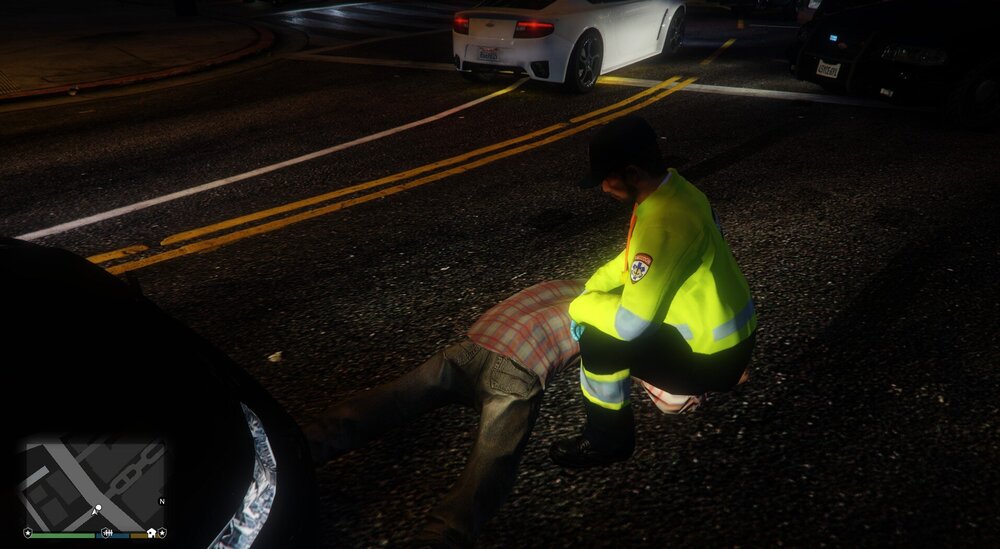
A few re-skins based on the RDE Ped Model's. Unfortunately unreleaseable.
-
I seem to be having the same issue. Fresh install of GTA V (x2, tried twice) with only LSPDFR installed using the auto-installer. Can launch the game normally through Steam, but trying through Rage Plugin crashes the game before it finishes loading. Edit: Disregard, my issue appears to have been in the commandline text file. Got er'sorted. OP, have you tried to delete everything in the commandline.txt in the GTAV folder, and renaming your mods folder to "_mods"? It appears LSPDFR's auto-installer method is a touch outdated.
-
Been awhile since I muddled around (March actually), but what it means is that the file for Ultimate Back-up was set-up for EUP, and therefore trying to use EUP equipped ped's, which without EUP just leads to the ped's using the regular multiplayer clothing. By installing EUP, those multiplayer clothing items would be overwritten with Police Clothing, and the Ped's would spawn wearing it. Or alternatively, you could dive into the Ultimate Back-up configuration files, and change the lines related to the called in ped's so that it uses the regular police models.
-
Using a custom character, go to any police station (If off duty, go on duty first, then re-enter) Select the police locker, and advanced customization. You should then be able to select the clothing. Regular ped's have set outfits.
-
LSPDFR is designed to work with vanilla content, and works absolutely fine. Custom cars on top of LSPDFR work terrible, as the LSPDFR dev's are using the headroom afforded by vanilla. Custom content lowers the headroom. Reduce the textures of the custom cars yourself, until everything works. If LSPDFR isn't starting, troubleshoot and re-install.
-
Export them using openiv, resize them using any relevant program (paint.net is free, and works just fine), and then replace the old textures with the resized textures using openiv. You don't have to just target the vehicles skins, any included textures can have an impact, and excessively large textures for small, or out of the usual line of sight items are also good targets.
-
You can change the handling for all of the slots to be like police3, however, if the model itself is meant as a replacement for a different slot, what will happen is the vehicle will roll over extremely easily. Stick with whatever handling line the vehicle was designed for. As regards to adding the vehicle as an add-on, you certainly can. All you need to do is change the name of the model to something unique, and copy the relevant vehicles.meta and carvariations.meta for the slots they are replacing, and change a few specific lines so that they reference the new model-name. Having it spawn and be select-able requires a little more editing beyond that to the LSPDFR data files.
-
If you go to a police station, and then select the police locker, you can change clothes that way, as long as you are using a custom model. The EUP Menu is no longer required. (Assuming the EUP packs themselves have installed correctly)
-
Downloading the Law and Order EUP pack (or any other themed EUP pack) will fix the issue. You can ignore the EUP Menu requirement, 0.4 has built in functionality to change your custom characters clothing.
-
I found it just as easy to just edit the base .xml's. Reality is, if something goes horribly wrong, a return to vanilla just involves overwriting the edited files with those obtainable from the manual install. For reference, I went into detail on how to create a custom agency here, as well as another thread linked in my first response to that thread.
-
The issue is 100% custom content (including vehicles). In simple terms, LSPDFR is designed to use the headroom offered by vanilla. LSPDFR works absolutely fine with said vanilla content. Custom content lowers, and/or removes this headroom. The issue could be replicated in 0.3, it was just not nearly as common, as 0.3 didn't require as much headroom as 0.4 does. Such is trade-off of new features. The answer you're looking for, is to open the custom vehicles, and reduce the texture sizes. Many people suggest targeting the sizes of the skins (From 4k to 2k is a good start), however any texture file included with the vehicle is a viable target, as interior textures on them tend to be excessive as well. The actual amount of reducing you need to do, will depend on the specific cars you have installed (Some are higher poly then others, and some have more unique texture surfaces then others), and the amount of cars you have (Having 6 different vehicles all spawn in the same area is more taxing then 5 variants, etc.). Any other custom content that goes above and beyond the vanilla content (Guns, general textures, etc.) will all contribute to the issue, cars just tend to be the most common dominater. If you cannot find a satisfying combination of reduced textures that gets rid of the issue, it's time to start trimming the custom vehicles you have installed just for varieties sake. At some point, you will hit a happy medium where texture loss either doesn't occur, or takes so long to occur that you don't run into the issue. I've also seen someone mention turning down the texture settings ingame to compensate, and that solving the issue for them. You need to stop thinking in terms of what worked fine in 0.3. 0.4 has a new ambient spawn system that likely eats up more memory, I wouldn't be surprised if EUP peds are more taxing then regular peds, and 0.4 allows a person to easily have more vehicles beyond the vanilla slots all spawn in the same area. At some point, you just start hitting the limitations of the game. (For reference, I ran into the texture pop issue in 0.3, it is not an issue solely caused by 0.4, it's a memory issue on the games side)
-
Or don't pile in old modifications/custom content, and expect everything to be dandy. That works pretty well too.
-
Sheriff clothing and SAHP clothing is not available in the vanilla game for multiplayer models, so if using a custom model you will not be able to select them. You need to download and install an EUP pack. You can ignore the need for the EUP Menu, LSPDFR now has the functionality built in to change the clothing.
-
Generally the issue boils down to user error during installation, or a bad mixture of other mods with LSPDFR. The trick is, other people may also have these issues, but through some simple troubleshooting (Starting with re-installing LSPDFR, making sure that works, and then adding other mods one at a time), they can usually find what particular mod is causing the issue, and correct it through it's removal. Even the OP admitted to having a litany of extra modifications, yet without noting any testing, is blaming only LSPDFR when the culprit is likely the combination with another mod. The fact that they load is irrelevant to them being the cause.
-
LSPDFR 0.4 uses more memory then 0.3, likely due in part to the new ambient spawning system. However, by itself, it still runs fine. Custom cars however, are significantly higher poly then the vanilla vehicles, and have significantly larger texture files (In total, they tend to be 7x-10x larger). The issue seems to happen independent of hardware, and appears to be an issue with memory limitations the game imposes. The best solution, is to only use vanilla, and vanilla sized vehicles. However, you can get by using custom vehicles, but it's going to take a lot of testing to find a comfortable medium. Step 1) You start by editing the LSPDFR ini, and change preloadmodels from "true" to "false" Depending on the custom cars you have installed, this may be enough. If it isn't, Step 2) Use a program such as paint.net, to change the texture sizes of the vehicle textures. Many people aim at the vehicle skin (Changing them from 4k to 2k for example), however you can lower any texture, and good targets are excessively sized textures for small items not directly in view) Just changing the skin sizes may work, or it may not. If changing the texture sizes doesn't work, Step 3) Start removing custom vehicles altogether. This doesn't mean remove all of them, but try removing extra's, that exist only for the purpose of variety, that also go beyond the vanilla slots.
-
In Agency.xml, overwrite the bolded area's with the bolded lines. Ignore the other edits.
-
You need to keep lowering the texture sizes in the custom vehicle files (The skin is a good start, but you can lower the size of other textures as well), or ditch unnecessary custom vehicles, until you find a balance that works.
-
The LSPD AI peds in 0.4 use the Multiplayer Ped, and applicable vanilla clothing. Cop Holster doesn't work on these guys, as it's set up for the base game ped models. (Also why it doesn't work when you use your custom made character) Try it on the sheriff model, and if it doesn't work there, then there is a problem. You can change the LSPD to use the old ped model, by changing the applicable lines in the Agency.xml
-
Have you added it to a loadout/created a loadout for it an added it to an existing agency, or to a custom agency? If it's a part of an existing agency (with the exception of the air units), then there's some other issue going on. If it's a part of a custom agency: Edit dutyselection.xml, and add the line "<Agency>CustomAgencyScriptname</Agency>" between the <Vehicles></vehicles> tags. if you want it to display a proper name, rather then the model name (i.e. "Dodge Charger" versus "police5") Just add a new line to the descriptions, also in dutyselection.xml (Bolded below)
-
I think it's tied to the newly added ambient spawning system eating up memory, on top of naturally spawning more vehicles/cops. While there might be something on the mod's side that can be tweaked, I honestly wouldn't count on it, as at some point we just start hitting the limitations of the game itself. 0.4 brought a lot of new things under the hood.
-
In this post specifically, I went into how to set up the AI for EUP peds. That said, the same holds true in that I havn't actually done so myself, so therefore I can't comment on if it works. I use Albo's Modding DLC Pack V personally to organize it. That said, if a vehicle is touted as an replacement, you can turn it into an add-on by copying the relevant vehicles.meta, and carvariations.meta, and just changing a few appropriate lines so that it will reference the new model with a new vehicle name. The download also has an instuction manual for adding vehicles that may assist you.


