




Starmix
Members
-
Joined
-
Last visited
Everything posted by Starmix
-
-
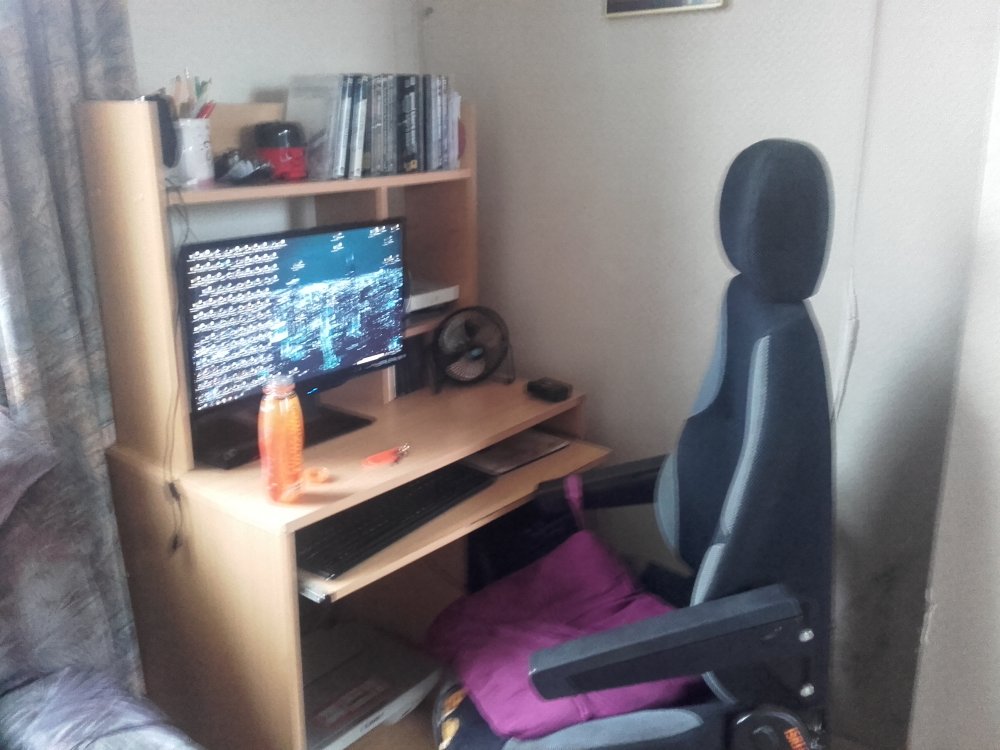
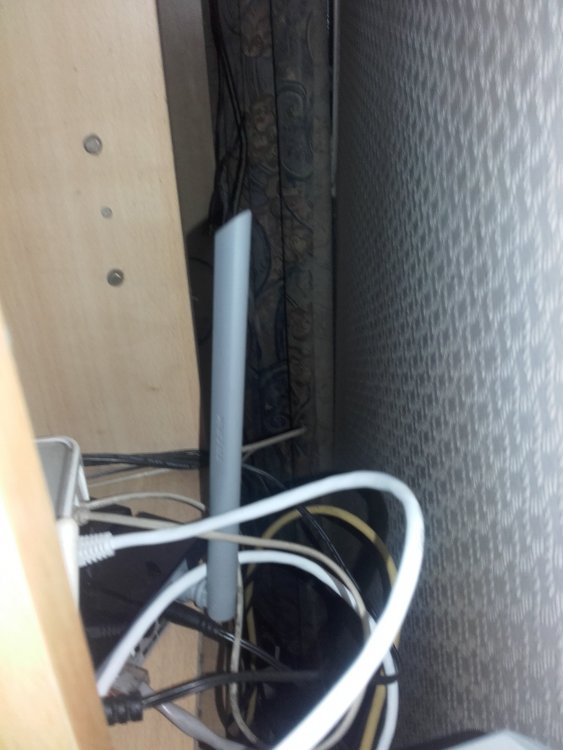
don't judge me :( never take pictures at 7am if you've barely slept. also, pls don't judge desktop. networking "setup" that oddly reminds me of a complete fail...
-
 Yay! Another update. Probably the last, unless something massive happens. CHP Siren for CHP Vehicles only. THIS MODIFICATION VERSION IS UNTESTED DUE TO TIME LIMITS! http://bit.ly/2bD6Qra 1.4 - Redone the layout of the installation. - Added an option to allow for use with Siren Mastery, see link above. - Added an option to allow use of the "Replace Priority with Yelp" for both of the optional sirens. - Redone most of the readme file again. - Put all links into bit.ly links to save space. - Slightly changed the Main CHP Siren to not sound a bit insane.
- 501 comments
- 104 reviews
-
OHH! You mean the civilian vehicles? I'm all for replacing them with real cars, but their all too high poly so bring down the FPS to a halt. For now, until my GPU gets it's next upgrade, i'm good with the defaults, they don't bother me much as civ cars.
-
Never did, never will. I like me an all real setup :) I'd also have to say the default vehicles have sort of reached the end of their usefulness, most of us have seen the same old cars since 2013 (or even 2008, for some of the GTA IV converts)
-
why do you mention me? sidenote: i run lapd, lasd, us park ranger, lafd and chp, so i'd have to disagree.
-
Follow the crossed out instructions.
-
Only fix I know is to download Invincible Police Vehicles, since this is a issue with the models.
-
You don't have a mods folder then - http://openiv.com/?p=1132 Are you talking about GTA V or GTA IV?
-
-
I'm not convinced, of course I'll come and check it out but I've been really getting into Train Sim.
-
Train Simulator, believe it or not.
-
You also need to update your Ragehook. http://ragepluginhook.net/
-
Or the latest one, which means there is no chance of this happening.
-
I just put all of my mods into patchday11 and mpstunt.... The game really doesn't care where you put them as long as it's not being overwritten by a new version.
-
Would you perhaps like to share the solution so others can benefit from it?
-
I'm honestly not waiting for this mod much anymore, I've sort of left GTA V already...
-
-
-
http://bit.ly/CHP_SIREN1_3 As for the first part, I don't really know. You should just be able to transfer the meta lines to a new slot really. Addon means that the files do not replace (in this case) most of the police vehicles. The addon version only replaces FBI, FBI2 & Police4 and instead adds hwaycar1,2,3,4,5,6 and 7. The replace version replaces all of the default police vehicles: police, police2 etc... The installation process is different for both, so follow the correct one.
- 501 comments
- 104 reviews
-
 I might try this one again and try different ones around to see if (and which ones) do work for me.
- 149 comments
- 33 reviews
-
-
-
No matter what, you cannot run it at all. Low end patch or not, your computer is way to weak, even for that.
-
You do realise you have a single core CPU, right? GTA V requires a four-core CPU. You also only have 2GB's of memory, GTA V requires 4GBs.




