XTREMEHEAT
Members
-
Joined
-
Last visited
Everything posted by XTREMEHEAT
-
-
-
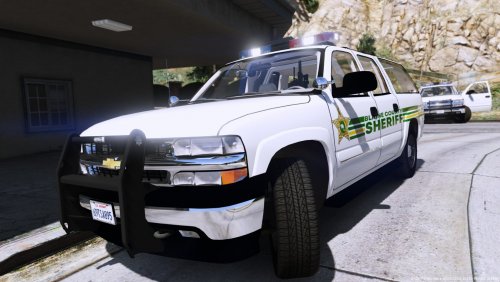 I really liked this except that the nighttime running tail lights dont work. Only illuminates when brakes are pressed.
- 2 comments
- 1 review
-
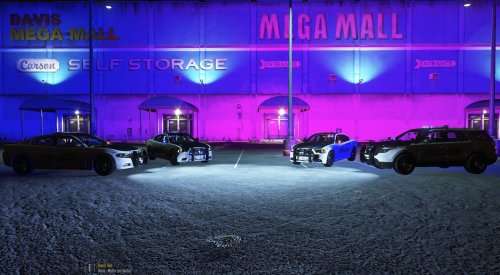 @Deputy Carnes Hi, can you kindly specify which lines were changed to get both brighter and higher coverage of the headlights? I am specifically interested in brighter headlights being cast onto the environment not really the emissive bits and of course the higher area the headlights cover. I have a modified visualsettings already. Thank you very much!
- 11 comments
- 3 reviews
-
 @PNWParksFan Is there a way to: 1) hide a default LSPDFR backup entry such as Ambulance from showing up on the CustomBackup main menu? I tried to hide it using the mainmenu="false"> but it is not working. 2) reorder the backup sections such as putting Noose SWAT first on the menu etc? It does not seem to follow the same sequence as I put in the XML. 3) configure which keystrokes are sent when opening the CustomBackup menu and hiding the default LSPDFR backup menu by opening and closing the interaction menu etc? Thanks.
- 378 comments
- 23 reviews
-
-
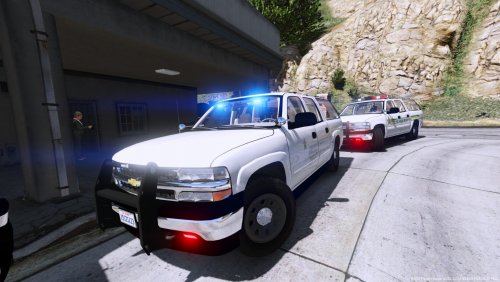 Hey I had an issue. My tail lights do not work, only the brake lights and headlights are functioning.
- 24 comments
- 5 reviews
-
Thanks!
-
Hi all, Does the ELS stage 2 traffic advisory lights actually do anything to the AI traffic as stage 3 does or is it more for immersion purposes with no real effect on AI traffic? Thanks.
-
-
 Hi I am not quite sure exactly what you meant. You want the taillight to flash as normal as per my pattern, but you want the headlight to stay on always? If that is so, I can send you that pattern. PM me. You inadvertently shut off the headlight flashes by removing headlight entries from the XML.
- 54 comments
- 5 reviews
-
Hi, Can you PM me with a specific description of the issue you are facing? What steps did you take and maybe the original script was not installed correctly etc. PM me please.
- 54 comments
- 5 reviews
-
-
Ok I think I see what you mean. You want headlight to not flash at all and stay ON all the time. BUT you would prefer if it can stay ON, while having another light within the headlight to flash on and off similar to having the taillights on all the time with the brake lights strobing, correct? If that is so, I wish that can be done too, but unfortunately the original script has no way of doing that except with the tail/brake lights. Because the script does not recognize the part of the car which allows the high beam lights to function, and usually it is the high beam lights which wig wag or "strobe". So that would not work, otherwise I would have done that as a part of the original pattern I made. Option A) If you still do not want the headlights to flash but remain on, you can switch to the night pattern and that will allow the taillights and headlights to remain on always, but only the brake lights will strobe. Option B) If you want both the brake and taillights to flash on and off but keep the headlights on all the time, I can do that too. Let me know which option works for you.
- 54 comments
- 5 reviews
-
Then it is perhaps the Day Pattern. The Day pattern has the rapid flashing as part of the pattern. If you want to remove the headlight flashes, you have to switch to the night pattern which removes headlight flashing but keeps the brake lights flashing only (taillights will remain on). You have to switch your pattern using the button specified in the ini configuration file by the original emergency strobes script by alexguirre. Or I can remove the headlights flashing for you completely with a new pattern I can make specific for you. But I need clarity, do you want the headlights to remain solid on without flashing, or you want them to stay solid off with no flashing for day pattern?
- 54 comments
- 5 reviews
-
Coronas to be disabled for headlights, you have to turn them off in the ELS config files for the specific cars. The specific line is: <Headlights DfltPattern="9" ColorL="white" ColorR="white" /> Change the DfltPattern="9" or whatever number it is to DfltPattern="0". This should disable the corona flashing. Can you PM me a video, is this flashing part of the strobe pattern itself or is this external? Day Pattern will flash rapidly, night pattern will have no flashing.
- 54 comments
- 5 reviews
-
 The reason why Nicooo had suggested reporting it on his discord server is because the mod author himself has requested it. It says the following under the mod description: "For immediate support join my discort at http://discord.cheep-yt.com." But it also says: "If you encounter any bugs, please tell me via this form." Even though he also said to report bugs in comment section, try all the avenues, higher chance of faster response from him.
- 136 comments
- 42 reviews
-
 you have to use a different search plugin such as: https://www.gta5-mods.com/scripts/lspdfr-search-warrant They have couple others as well.
- 546 comments
- 103 reviews
-
 Oh ok. My hunch was, in the case that the game DID freeze, it probably was due to some resolution issue or scaling issue where the computer was activated but just not visible on the monitor, and the game play would freeze until you exit the computer screen (which was not displaying properly). But you are saying that it does not freeze for which I am not sure what the issue in that case would be. Sorry that I could not be of more help.
- 1,742 comments
- 172 reviews
-
-
That probably means it did not install properly (i.e. some plugin files are missing perhaps). Or you can try changing the button to access the computer from E to some other letter and try it out.
- 1,742 comments
- 172 reviews
-
-
 Is there a pack that can go with this for example with a crown vic, tahoes, and 2014 chargers etc?
- 61 comments
- 27 reviews
-
Did you download the additional Images folder? It is a separate download provided when clicking the download button. It does NOT come with the default plugin folder.
- 1,742 comments
- 172 reviews
-