
R4TT94
Members
-
Joined
-
Last visited
Everything posted by R4TT94
-
Don't use them online. Rockstar stated that they will not ban somebody for using single player mods. They want to keep online mod free. Which I guess I understand!
-
 Looks great! Any graphics mods?
 -
Enhanced native trainer is really good. I recommend it
-
-
-
-
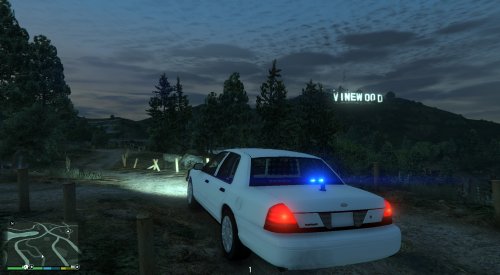 alright! i put in the original graphics.ytd and the original visualsetting, gonna test it out and let ya know! maybe it was the improved LED and spotlight mod. thanks for the great mod anyways!
- 35 comments
- 3 reviews
-
could it be because im using the improved led lighting? I put in his modded graphics.ytd or whatever.. And everything else in that mod. Cause the vanilla lights didn't look very good and that changed the look of them
- 35 comments
- 3 reviews
-
i used your visualsetting and have my post fx on ultra. still looks like this :/
- 35 comments
- 3 reviews
-
-
 i think the hubcaps/ rims look a little too big....? maybe thats just me! i absolutely love the car though! just a little suggestion to downsize them a little bit! although i might just be going crazy :P
- 139 comments
- 38 reviews
-
The RPH backup feature is a gem you guys. So glad I backed my game up
-
damn! Of course it comes out right when I get to work D: tempted to go home sick *cough cough*
-
oh boy... March of next year.. Makes me almost tear up thinking it could be that long!:P I hope it'll be sometime soon! Although that video was fricken amazing.
-
Love the idea. Never heard of that before! It's unique and I like it :) it would be cool
-
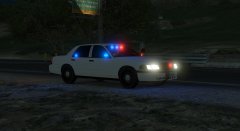 Holy beautifulness :D
 -
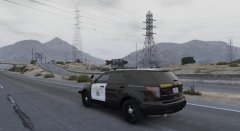 Is that a wraparound I see?!:D
 -
I'm obsessed with that video... The lighting on the buildings and overpasses look fantastic!! Hell of a lot better than IV
-
i tthink it would be cool if one of the callout devs worked with the guy who made the open all interiors script. Make callouts happen in all the opened building around the map. I believe that script opens like 40 interiors.
-
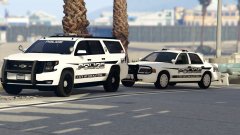 I think that's F5544s cvpi with the wraparound pushbar and the 2 lightbars.
 -
i wouldn't mind a release with a low poly interior, as long as the outisde looks good! Then he could just work the interior into updates. Just my opinion.
-
All the videos were taken down as request by the developers... Could that be a bad sign?:/
-
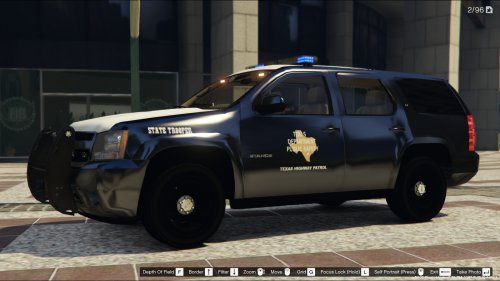 I read somewhere that it has to do with the model! Nothing you can do about it at this moment:/ thanks for looking into it!
 -
hey man i really like the skin! one thing i was thinking though, the black isnt really black.. looks more like a black chrome to me! if there is anyway that you could make it like the metallic black in the game that would be awesome! other than that 10/10 :)
-
having the same problem. I can check peds a few times when I first start the game, then the third or fourth LSPDFR crashes.