.png.22897c42e5e93c7e0d52995e3c33fb92.png)
Dippa
Members
-
Joined
Everything posted by Dippa
-
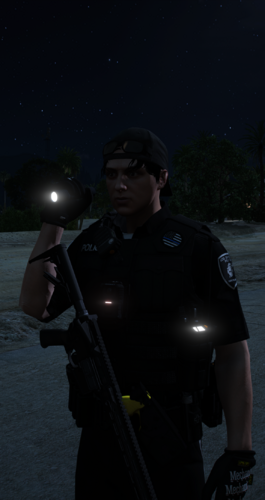
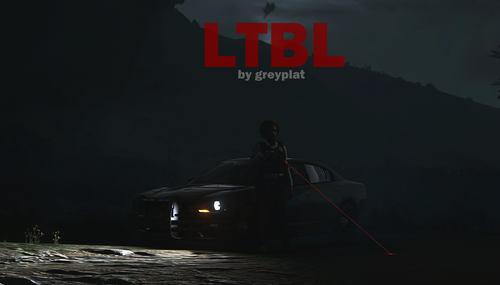 I don't know what’s going on but lately the community has been producing mods that we needed for the past 11 years but no one made, all within the last 6 months and this is one of the absolute bangers! It offers the animation of holding the flash light in the left hand for the first time, while the right hand is on your weapon! Recommended must have in my opinion. 5Stars *****
- 22 comments
- 5 reviews
-
-

- 1
-
-
That's the thing, there isn't anything to take a video or picture of because the flash light toggle is disabled. Your menu still opens but that’s it. The error message shows on the bottom corner but in the Rage hook log is where you will see what happened. I think it would be great if you downloaded it and drop it in your game to see if you get the same error. TaserBarbsSP is one of the best realistic mods I've used and your flash light mod is a must have as well so It would be so fantastic to have them working together👍 I will add you on discord thought 😂😂@ the name
- 22 comments
- 5 reviews
-
Its actually pretty cool to see the flash light being held in the left-hand while resting his right-hand on his gun for the first time in like ever lol Pretty cool indeed. You did a really great job with this! Only thing I would request is that it would be made to be compatible with TaserBarbsSP? Due to how the taser laser is setup your mod will shut down completely because it is reading an error that says "Error the laser is always on"
- 22 comments
- 5 reviews
-
-

- 1
-
-
-
 Nah, y’all have to give bro his flowers for this mod.. He should have way more likes because this is the one piece of the puzzle that’s been missing since LSPDFR dropped. Great job with this, and it works flawlessly 10/10
- 15 comments
- 3 reviews
-
 @00T.K00 i have an idea for a mod that nobody has made that is much needed. I script that make NPC jog or run to get out the way if you blow your horn and they are in the way of your vehicle, be it walking, or standing. They don't respond to horns or sirens so something that make them respond like a real person would. Real people trying to get out the way if a car could possibly hit them. I know they jump when you are about to hit them, but if we had them responding before we get close or react to horns.
- 32 comments
- 9 reviews
-
-
- 1
-
-
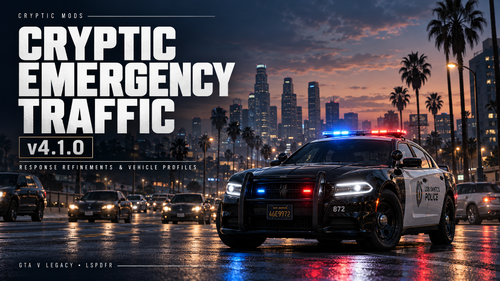 I would say this is a good working alternative mod, however if you incorporated emergency vehicles to pull over out the way like any other civilian vehicle does, like the MTFO mod offers, this would be totally equal in my opinion. MTFO is a solid mod in my experience however your mod did return the feature of allowing only the vehicle you are pulling over to yield during traffic stops, which is money in the bank. Great job with it overall.
- 40 comments
- 2 reviews
-
 Tried to use the F7 feature you mentioned but it didn't work unfortunately. I did not see it listed in the INI or Read me as well so maybe the old version was uploaded mistakenly?
- 13 comments
- 4 reviews
-
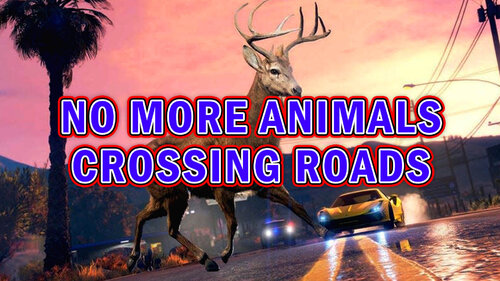 Those pesky coyotes has left the building 😎
 -
Just what the doctor ordered. JM nice work👍
-
You did a great job with this mod. You gave use the ability to have that STP flash light feature back which is currently missing with PR. Just all a flash light to your inventory using your training and you are back in business! The only thing I would recommend is making the light cone adjustable as well as the transparency so you can see the cone of the light itself. Great job with this!
- 13 comments
- 4 reviews
-
-
- 1
-
-
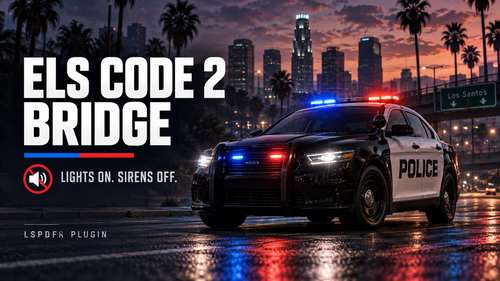
OK bro...you did that! The AI running code 2 with just the lights is basically the only thing that was missing from ELS and you knocked it out the park! AND gave us the ability to pull a vehicle over,allowing only that vehicle to yield, while the others continue driving! That is something that I miss from UB that PR don't currently offer but now we have it. Great work and I really recommend this mod!
- 40 comments
- 2 reviews
-
-
- 1
-
-
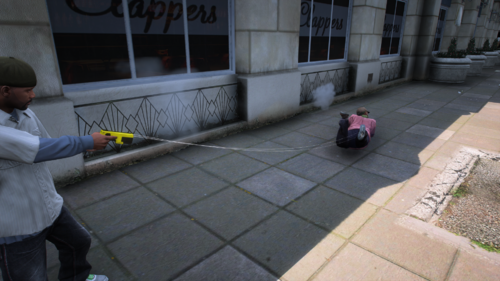
This is a great mod! It gives realism to the stun gun because it provides the red laser-beam as well as the barbs that stick to the suspect! Using this mod in combination with a proper stun gun sound and I love it. Great work.
- 32 comments
- 9 reviews
-
-
- 1
-
-
-
 That sounds good! I also noticed it seems to turn the siren on when you get out even if i turned it off leaving just the lights on. I have to hop in and back out to try to get it to stop. I actually like when I hope out sometimes it will turn the siren off and just chirp but unfortunately its not consistent. I'm using ELS by the way.
 -
-
-
-
 @CossackGames would it be possible to make it so the name of the suspect could be labeled beside the evidence where the evidence is listed? It seems it would be helpful when you have multiple arrest and trying to navigate which suspect was caught with what?
- 425 comments
- 48 reviews
-
-
- 1
-
-
 Oh wow, it did not show any of my message. Sorry about that! I'm running into the same issue as the other person in terms of excepting a callout but every time I do, it will say “disregard code-4”.
 -
RagePluginHook.log
-
@CossackGames Is it possible to make so we may come across more female or male police officers that may be in plain clothes or off-duty when we are doing traffic stops or asking peds for ID on foot?
- 425 comments
- 48 reviews
-
-
-
.thumb.png.69333a247b9117caac821eda3fa59672.png)
.thumb.png.8cef6bf40847c87cdc7f2b84d14bb45d.png)