




Iconography
Members
-
Joined
-
Last visited
Everything posted by Iconography
-
Is it a bad thing that this made me laugh on the inside.....? I didn't find it gruesome, really.... Weird thing to happen though, nonetheless. At least he is (mostly) ok.
-
Tow truck? No clue TBoGT had one..... What's the name?
-
I've always wanted to live up around Scandinavia but not so much right now... Hopefully nothing ELSE happens up there today or in the future. They have my support.
-
The PM is reported to be just fine, no injuries.
-
A car with an iPhone stuck to the front, with its screen changing colors I think.
-
How do you make the light reflections blue? In the config file go to the car you want to change and read the codes for colors (should be four or five, from 0-4). It will only change the reflection, not the actual lights, but that might be what you want. So, for example, Active = 1 Color_Light1L = 0 Color_Light2L = 0 Color_Light3R = 0 Color_Light4R = 0 Offst_SLights = 0 is all red reflections, but adding ones makes some blue. Example: Active = 1 Color_Light1L = 1 Color_Light2L = 0 Color_Light3R = 0 Color_Light4R = 1 Offst_SLights = 0 makes some blue and some red. @Olanov then why is "Ai_ELS_SP = 1 // Toggles ELS on/off for AI in SP" in there?
-
My invisible ninja is from Maine.
-
You don't need compatibility mode, it is designed for Vista / 7. You do need to run as admin though. EDIT: Yes, use the scripthook.
-
Make sure in the config file ELS for SP is enabled (set to 1).
-
Also it is worth nothing at ELS V6 has a tendency to cause the game to randomly crash, for many people. Not all, but many. Do what Jacob said and you should be fine. Usually, though, you shouldn't have to check or un-check anything on the auto installer, even with other mods installed.
-
No... it's for V5. "This script is for a V5 problem." Assuming you mean the ELS fix.
-
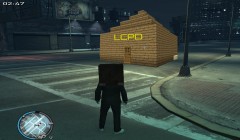 Well, someone has too much time on their hands. /s
 -
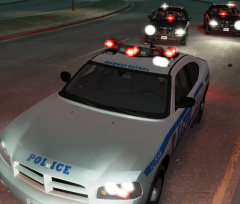 Looks good
 -
Sometimes the AI does not use ELS. There is an ELS fix out there, I think on GPM, but it doesn't always work, especially if the police are in their vehicles. It just has you press a button to turn on the ELS in other vehicles nearby. However, like I said, it will not usually work if the AI is in their vehicles.
-
I lol'd. This almost makes me want to edit the cargrp.dat file and make Taxi drivers use buses.... oh the carnage. But, to be on topic, I would love to see parking tickets. Just keep it simple.
-
Once I get my M.D. probably a newer version of a Cadillac CTS-V (depending if they are still made by then and how good Cadillac is by then). Also looking into some Porsche models but for where I am, they aren't the best winter cars.... Really, I love any type of luxury sport cars.
-
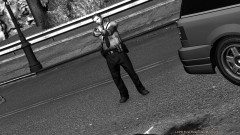 Don't suppose anyone else has had this issue?
 -
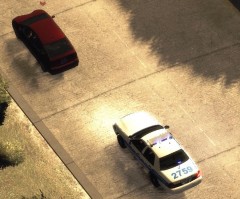 "Suspect Person" For some reason that made me lol.
 -
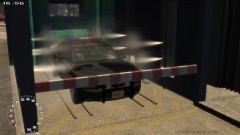
From the album: Psychology of Liberty City
A good car wash always helps to lift your spirits. -
 Cool. You use photoshop or did you actually swap out the player's files?
 -
Google Chrome has themes you can download, close enough.
-
Yep, I do. Sorry about that.
-
I have never heard of this happening before.... Interesting. Try going into the .ini and setting KeyBindingsDisabled=1
-
Not sure if this is how it is where you are or not, but typically one new police officer can not change how a department runs. Hate to burst your bubble Of course that doesn't mean it is impossible to change things over a long period of time.
-
It is not native to 0.91.


