





🇺🇸 English
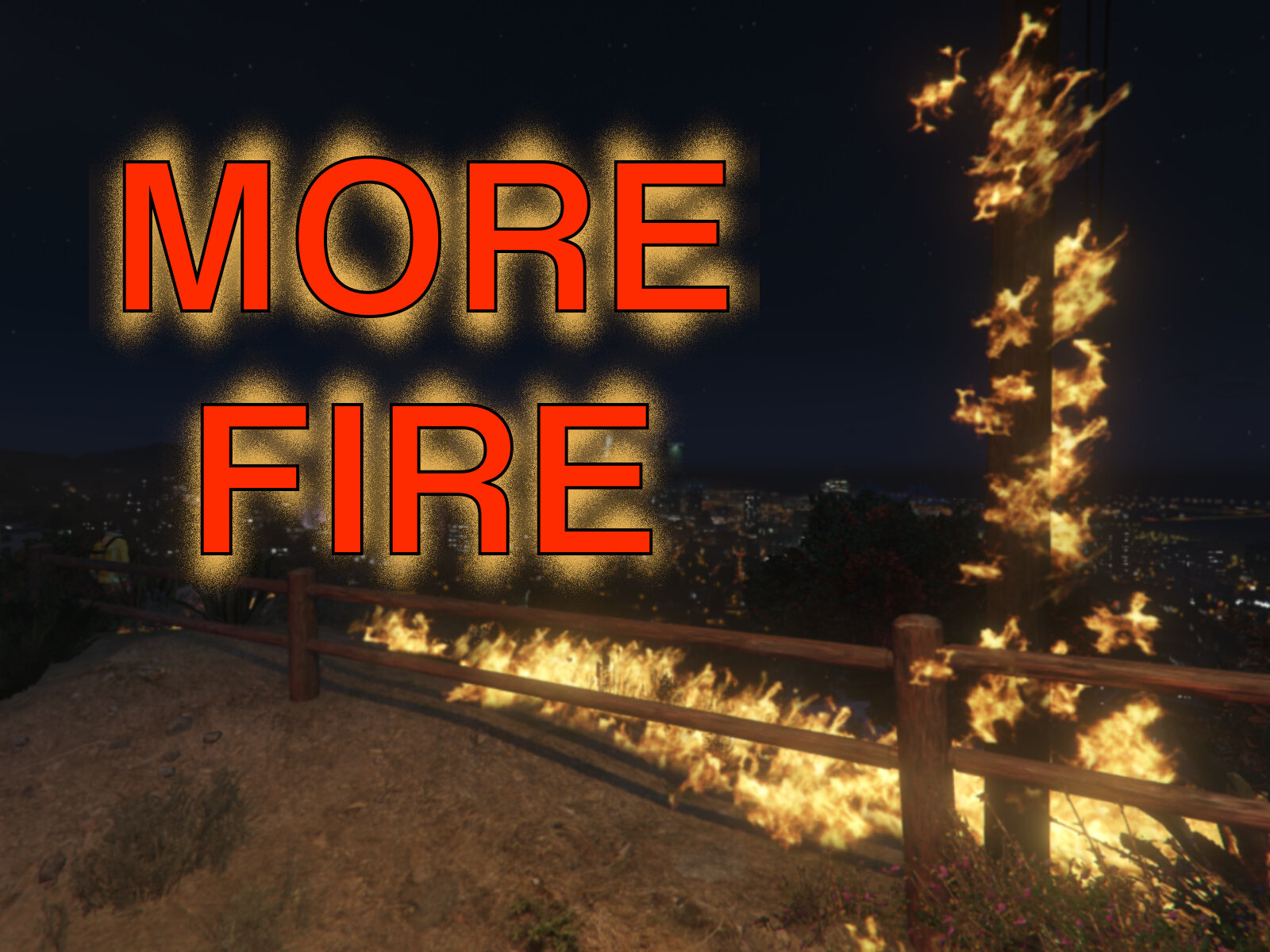
This RAGEPluginHook plugin make fires burn longer/spread further.
It also adds a console command : RemoveAllFire which... removes all fires.
Preview :
🔧 Configuration
You can adjust some settings in the .ini file :
The fire duration,
The max number of fires (Auto or a specific number),
The radius of fire propagation (how fast it spreads),
The fire extinguishers' efficiency.
The radius of the effect produced by fire trucks (customizable vehicle list): fires will stop spreading in this radius around the vehicles.
If the player should be fire proof
📂 Installation
1. Prerequisites
RAGE Plugin Hook
2. Installation
Open the downloaded .zip archive, then drag and drop the contents of the “Grand Theft Auto V” folder into your game folder.
Note: If you have modified the configuration file (.ini), compare the two instead of replacing the file.
After installation, you should have the following files:
[Game folder]/plugins/MoreFire.dll
[Game folder]/plugins/MoreFire.ini
3. Enable the plugin
Automatically on startup: go to RPH settings > “Plugins” tab > check that the plugin is selected (or that all plugins are loaded on startup).
Manually in-game: Open the RPH console and type
LoadPlugin MoreFire.dll
⚠ Know issues
Water hoses on trucks are not effective (Added the fire truck effect as a temporary workaround).
🔗 Links
Source code : github.com/SSStuart/MoreFire_RPHPlugin
Discord : @ssstuart
- - - - - - - - - -
🇫🇷 Français
Ce plugin RAGEPluginHook permet aux feux de brûler plus longtemps et de se propager plus.
Il ajoute également une commande : RemoveAllFire qui éteint tous les feux.
Vidéo de présentation : voir la partie en anglais.
🔧 Configuration
Vous pouvez ajuster certains paramètres dans le fichier .ini :
La durée du feu,
Le nombre maximum de feux (Auto ou un nombre spécifique),
Le rayon de propagation du feu (à quel vitesse il se propage),
L'efficacité des extincteurs,
Le rayon d'action des camions de pompiers (liste de véhicules personnalisable) : les feux cesseront de se propager dans ce rayon autour des véhicules,
Si le joueur devait être résistant au feu.
📂 Installation
1. Prérequis
RAGE Plugin Hook
2. Installation
Ouvrez l'archive .zip téléchargée, puis glissez le contenu du dossier “Grand Theft Auto V” dans votre dossier du jeu.
Remarque : si vous avez modifié le fichier de configuration (.ini), comparez les deux fichiers au lieu de remplacer le fichier.
Après l'installation, vous devriez avoir les fichiers suivants :
[Game folder]/plugins/MoreFire.dll
[Game folder]/plugins/MoreFire.ini
3. Activation du plugin
Automatiquement au lancement : allez dans les paramètres de RPH > onglet "Plugins" > vérifiez que le plugin est coché dans la liste (ou que tous les plugins sont chargés au lancement).
Manuellement en jeu : Ouvrez la console RPH et entrez
LoadPlugin MoreFire.dll
⚠ Problèmes connus
Les lances à eau des camions ne sont pas efficaces (Ajout de l'effet "camion de pompier" comme solution temporaire).
Liens : Voir la partie en anglais.
Edited by SSStuart
Updated formatting
What's New in Version 0.1.6
Released
0.1.6
The longer fire effect no longer affects peds (player included).
Reported by @Vladx18, thanks.Added a small delay when iterating over the fires to reduce stuttering.





![[DLS/Add-on] 1998 Ford CVPI - St. Thomas Police](http://s3-screenshots.int-cdn.lcpdfrusercontent.com/resize/500/-/monthly_2026_09/1.thumb.png.7dad0fa9cfd4989030b2f25c2a2a7e9e.png)
![Ferrari F8 Tributo Glasslight [FiveM Ready] (GL Customs)](http://s3-screenshots.int-cdn.lcpdfrusercontent.com/resize/500/-/monthly_2026_09/Screenshot2026-09-16165018.thumb.png.8515c287c6c69efc196b543b50fd62ae.png)


![Jed's Mega-Garage Sale [ELS]](http://s3-screenshots.int-cdn.lcpdfrusercontent.com/resize/500/-/monthly_2023_03/BCRP15Charger(3).thumb.jpg.335a5c2afffd469b763c8cb47d7219f9.jpg)

Recommended Comments
Create an account or sign in to comment