





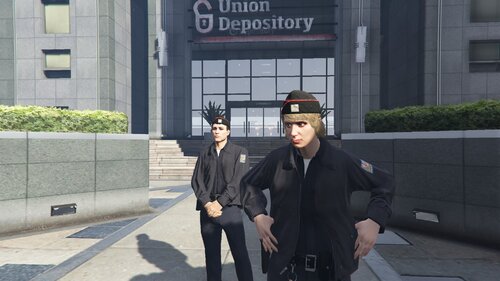
It adds patrolling noose vehicles around the map 1 NOOSE Helicopters you can see one above LSIA and Multiple above NOOSE HQ and sometimes one above city or highway, 2 NOOSE Tula you can see one above LSIA, NOOSE HQ and Fort Zancudo 3 USCG TITAN 250D you can see them above the ocean in these three areas: Port of LS, NOOSE HQ and Fort Zancudo. also there is kortz center guard's. I did use AI to help me but not to fully write the scripts.
Short Description
It adds patrolling noose vehicles around the map not too much and only in specific areas. I did use AI to help but only a bit.
AI disclosure
The author has disclosed that AI tools were used in creating the following aspects of this file:
- Mod and Mod Content (Minor)
I got it to teach me how to write it and also write small parts.
Me, @turtlewizzardman on discord, ScripthookVDotNet







Recommended Comments
Create an account or sign in to comment