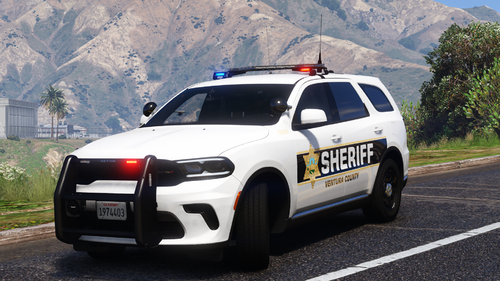
-
-
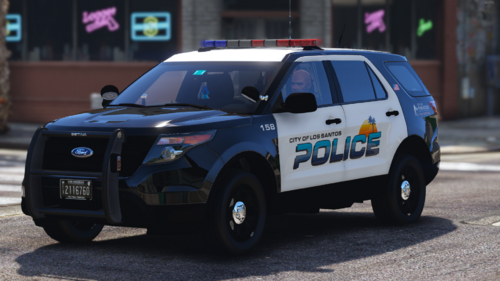
-
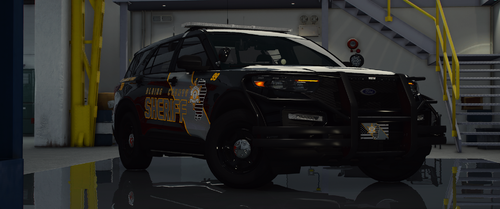
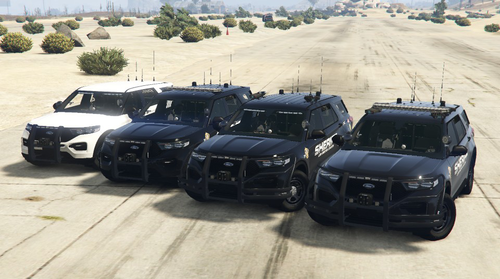
(ELS) Blaine County Sheriff's Office MEGA Pack (Addon)(R/B/W) 4.0
by Midwest Mods · in Vehicle Models
-

-
-
-
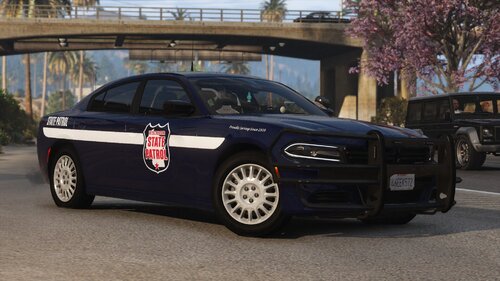
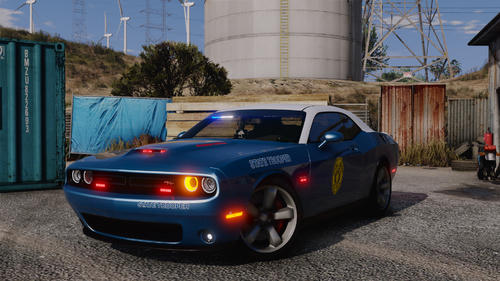
[ELS Hybrid][Addon][Real/Lore friendly] Wisconsin State Patrol Pack 1.0.0
by Scorpionfam · in Vehicle Models
-

-
-
-
-
-
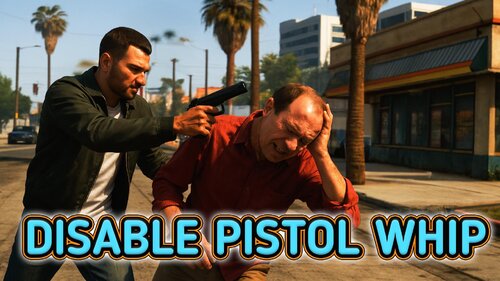
Disable Pistol Whip aka "Stop With The F***ing Pistol Whipping" 1.0.7.0
by JM Modifications · in Scripts & Plugins
-

-

-
-

[NSD][DLS] Federal Signal Valor 2020-2022 Ford F-250 Pack 1.1.0
by Northstar Development · in Vehicle Models
-
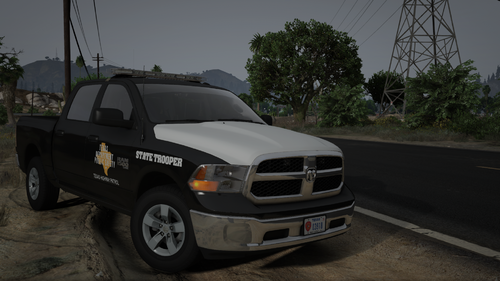
TXDPS Ram Classic 1500 CVE [ELS,NONELS HYBRID, ADDON] ver.1.2 1.2
by JankModding · in Vehicle Models
-
-

-
-
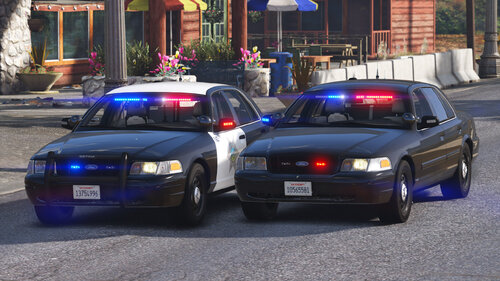
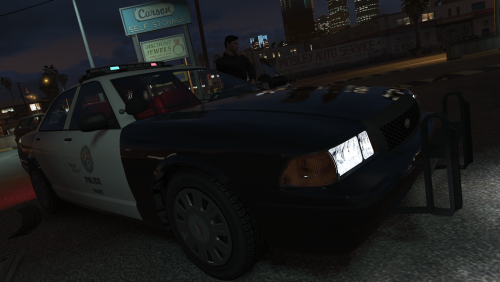
2010 Ford Crown Victoria Police Interceptor - BCSO Slicktop and Unmarked 1.3
by Cj24 · in Vehicle Models
-
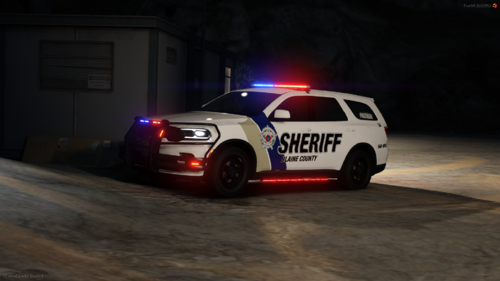
[FiveM] 2025 Blaine County Sheriff's Office Megapack 1.3.0
by Personalized Modifications · in Vehicle Models
-
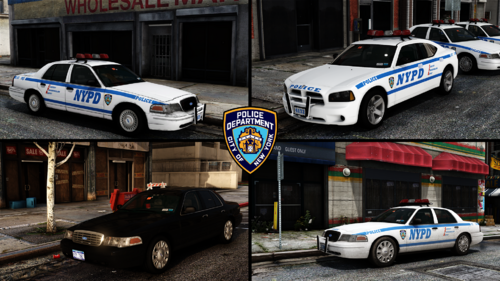
-
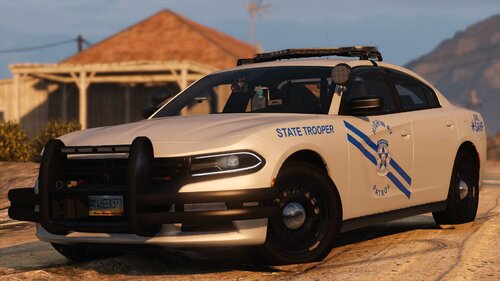
[ELS][Addon/Replace][NON/Reflective] San Andreas Highway Patrol Pack 1.0.6
by Scorpionfam · in Vehicle Models
-
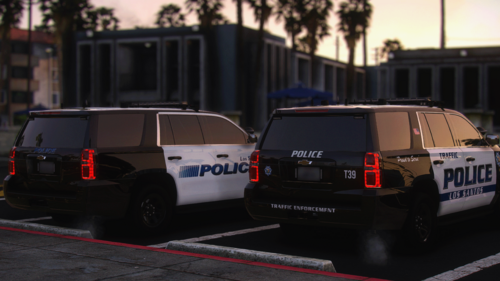
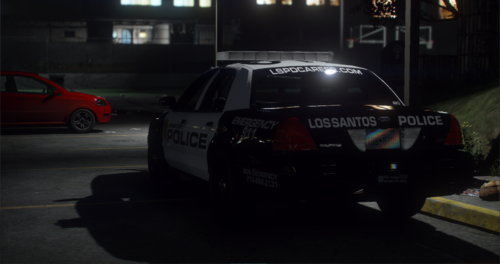
Los Santos Federal Signal Pack 32 sirens [Add-on-FiveM] [3 Stages] 1.0.0
by Nathan's · in Vehicle Models
-
-
-
-
-
-
-


Latest Files