Skip to content
View in the app

A better way to browse. Learn more.

LCPDFR.com

A full-screen app on your home screen with push notifications, badges and more.

To install this app on iOS and iPadOS
  1. Tap the Share icon in Safari
  2. Scroll the menu and tap Add to Home Screen.
  3. Tap Add in the top-right corner.
To install this app on Android
  1. Tap the 3-dot menu (⋮) in the top-right corner of the browser.
  2. Tap Add to Home screen or Install app.
  3. Confirm by tapping Install.

LSPD Pack [ELS] 4.0

(59 reviews)

16 Screenshots

We haven't gotten an upload from that loser hah in like 2 weeks... Where is he?


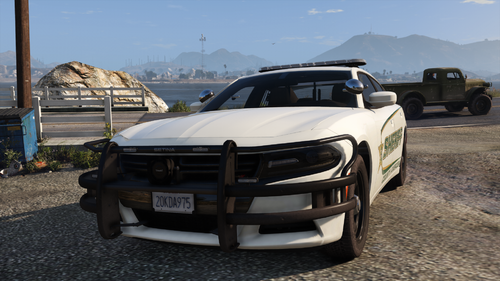
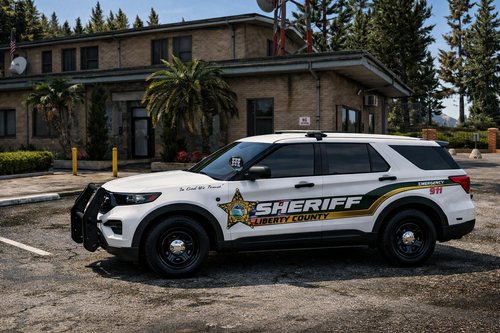
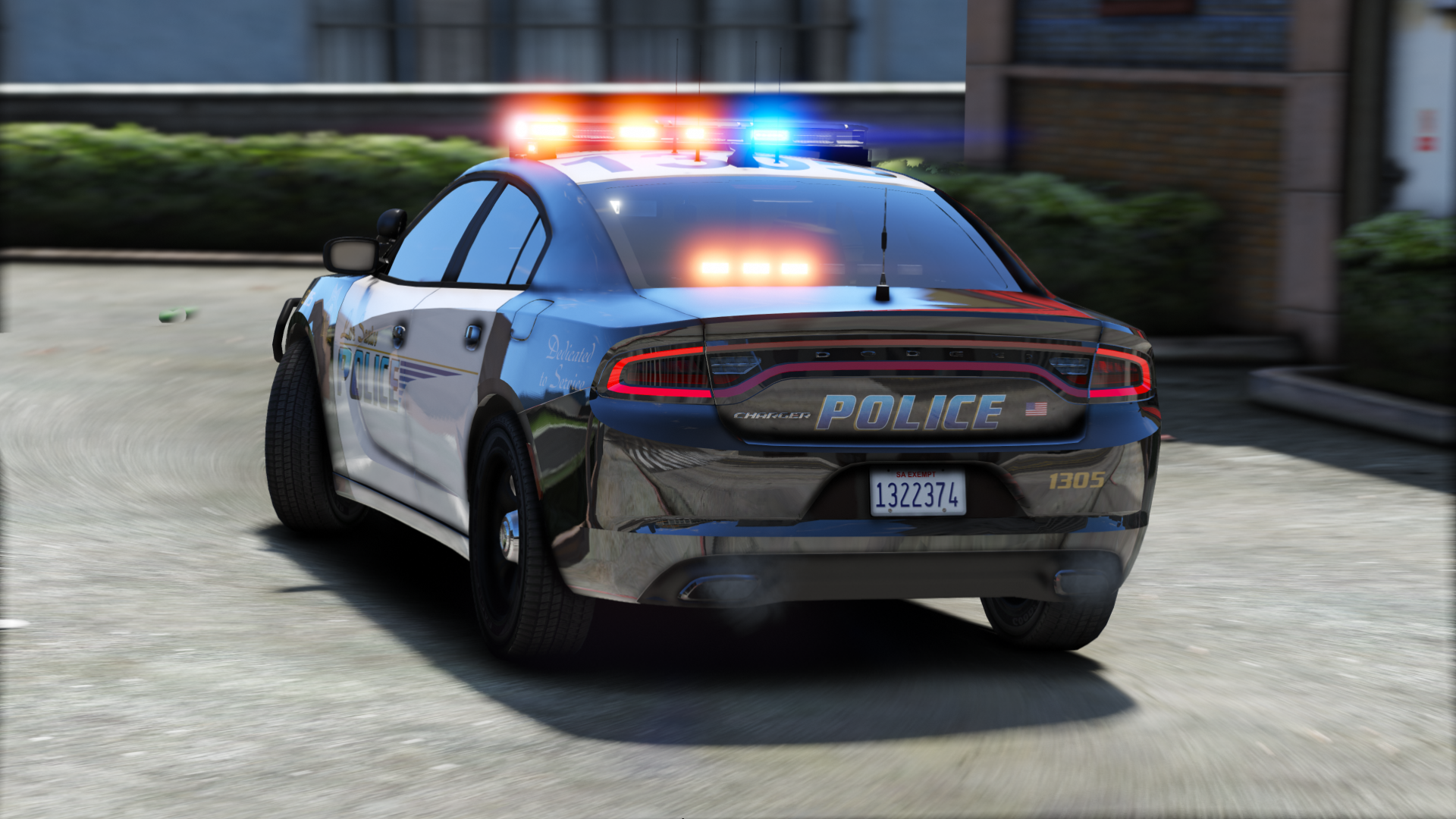
Contains seven sexy vehicles, outfitted with a good amount of lights, and sexy skins from Getinmybelly! 


Please lemme know if I missed a credit!

What's New in Version 4.0

Released

-Redid much of the 2016 FPIU (Push bar is also an extra now)

-Fixed dirt mapping on FPIU

-Added window tint to 2014 Charger

-Added partition to 2015 Charger


Note: I messed up the screens for the FPIU. There are dual spotlights despite what it looks like on the screenshot.

User Feedback

Recommended Comments

Kilyin

Members

3 minutes ago, One Chance said:

Just downloaded this pack but I can't completely figure out where to install it.

I suppose patchday16 is the latest patchday for me.

Also what I've noticed is that several car models use the same .ytd

(for example 2011 CVPI uses police.yft/ytd, but 2016 FPUI does as well

2014 Charger uses police2 but so does Chevy Tahoe

2016 Charger uses police3 but so does 2016 FPIS.


Am I doing something wrong?
Would love some support


Latest patchday is fine.


You'd have to rename the duplicate model and ELS files to another slot if you want to use them all at once.

One Chance

Members

15 hours ago, Kilyin said:


Latest patchday is fine.


You'd have to rename the duplicate model and ELS files to another slot if you want to use them all at once.


Thanks for helping out, much appreciated!

C35Signal1

Members

(edited)

N/m

Edited by C35Signal1

LebronTheKing23

Members

Where do you install them, I dont know where Patchday is????

Scottvdken

Members

Great pack! The only issue I'm having is the lightbar on the Explorer doesn't work. Any ideas why? The other lights work fine, just not the lightbar itself.

Dragonsword86

Members

I really would love to see a OIV install solution Just maybe Please!!!!!!!!!!!!!!!!!!!!!!!!!!!!!!!!!!!!!!!!!!!!!!!!!!!!!!!!!!!!!!!!!!!!!!!!!!!!!!!!!!!!!!!!!!!!!!!!!!!!!!!!!!!!!!!!!!!!!!!!!!!!!!!!!!!!!!!!!!!!!!!!!!!!!!!!!!!!!!!!!!!!!!!!!!!!!!!!!!!!

Monkeytrev11

Members

Why can you only use 3 police spots?, why not 4 because i would like to run the 2011 CVPI, 2014 Charger, 2016 FPIS, and the 2016 FPIU but i only can run 3 at a time, is there a way to make 1 switch to police4? thanks

On 9/24/2017 at 10:12 PM, LebronTheKing23 said:

Where do you install them, I dont know where Patchday is????

latest

cjc27

Members

On 7/13/2017 at 11:16 PM, Checks said:

Whenever the I break the doors to the FPIS and the Charger it always shows a 'ghost' model with the broken off door. Is there a fix to this?


20170714011233_1.jpg


I'm having this issue as well, I'm also unable to break the windows of any vehicle in this pack. Is there some way to fix this or any way we can get an update? 

lymac

Members

There are no vcf files?

GTA Cop

Members

On 28-12-2017 at 11:13 PM, cjc27 said:


I'm having this issue as well, I'm also unable to break the windows of any vehicle in this pack. Is there some way to fix this or any way we can get an update? 

Same issue here

SWATMEN

Members

(edited)

Removed

Edited by SWATMEN

PatientMental

Members

(edited)

The dash gauges on the FPIU are using the wrong texture, is this normal

GTA5 2018-02-02 13-04-55-507.jpg

Edited by PatientMental

borememore

Members

The cars would not show up but i followed everything on the read me and also did what it says but the cars would not show up and it is replaced by the default cars. 

Royul

Members

How do I correctly change police3 to sheriff2 without messing everything up? When I do it the longer I drive the darker the windows get because of the dirt texture. That's just one problem.

Deputybrandt84

Members

question had downloaded this pack and the Tahoe has Police2.xml, Police2.yft,  Police2_hi.yft,  then is has Police3.ytd. why does it have 3 police 2's and 1 police 3 and how would I use this in the game. I didn't use it yet due to not knowing if it would affect anything negatively. thx

Ethan Rubinacci

Members

Template for the 2016 Charger is wrong.


THEMIGHTYCB

Members

Couple of things, sick pack by the way. The headlights look very dim almost not noticeable except for the obvious white effects they make. Second, the textures take a while to spawn and seem to put up when close. Also, lights are bright and good up close but when other units are far away they aren't as noticeable. Finally, I am driving through the charger for some reason when I have it in my sheriff because I want to get a LASD livery for your cars. I can basically drive through the rear of the car.

yeap7

Members

Hi there! I cant seem to find the ELS folder, anyone can enlighten me? 

Antix70

Members

Why does the 2015 Chevy Tahoe (police2) have a police3.ytd file in it? It's causing the vehicle to have very strange textures.

Skiezy

Members

Um, where are the VCF files?

SiRtRoLlsAlOt

Members

Not seeing the Templates for the vehicles?

winglesschip209

Members

can you plz 🙏 fix the tail lights on the 2015 tahoe they dnt light up or turn on when braking 

Yankee6

Members

Hello, I am having an issue with this pack. 

  When ever I get into light stage 3 of ELS, the left tail light and left Headlight turn off, I dont know why this is, I love this pack and hope there is a fix.

Create an account or sign in to comment

Latest Mods

Account

Navigation

Search

Search

Configure browser push notifications

Chrome (Android)
  1. Tap the lock icon next to the address bar.
  2. Tap Permissions → Notifications.
  3. Adjust your preference.
Chrome (Desktop)
  1. Click the padlock icon in the address bar.
  2. Select Site settings.
  3. Find Notifications and adjust your preference.