Skip to content
View in the app

A better way to browse. Learn more.

LCPDFR.com

A full-screen app on your home screen with push notifications, badges and more.

To install this app on iOS and iPadOS
  1. Tap the Share icon in Safari
  2. Scroll the menu and tap Add to Home Screen.
  3. Tap Add in the top-right corner.
To install this app on Android
  1. Tap the 3-dot menu (⋮) in the top-right corner of the browser.
  2. Tap Add to Home screen or Install app.
  3. Confirm by tapping Install.

LSPD Pack [ELS] 4.0

(59 reviews)

16 Screenshots

We haven't gotten an upload from that loser hah in like 2 weeks... Where is he?


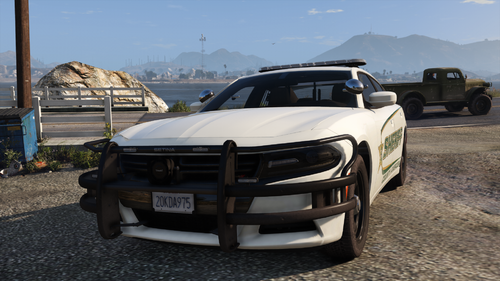
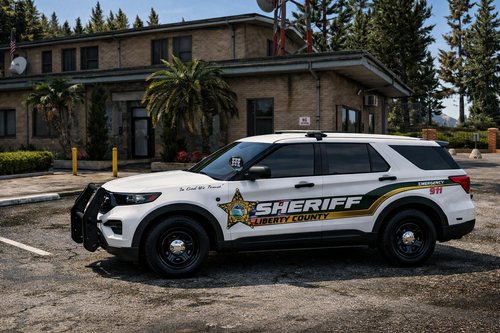
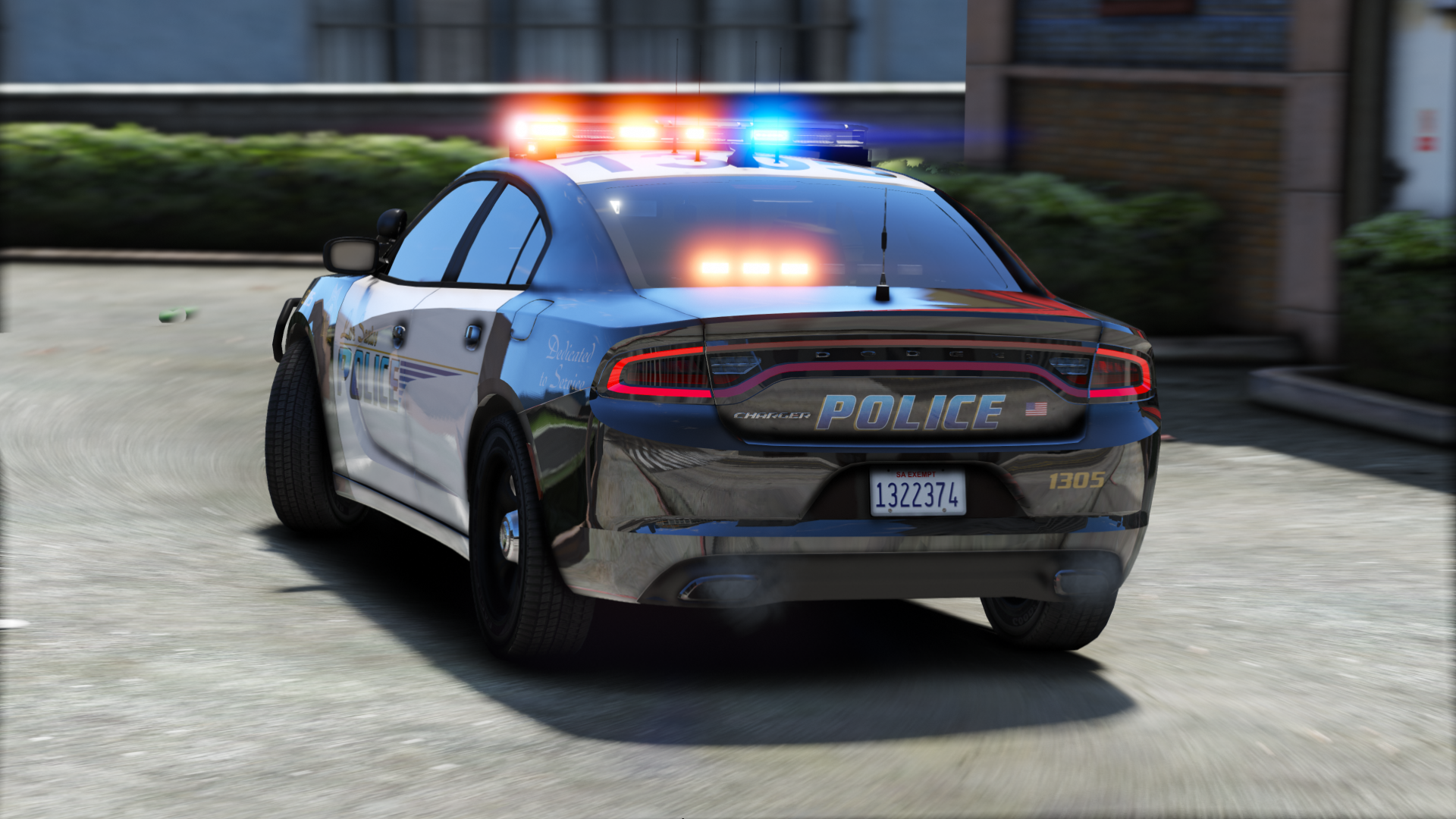
Contains seven sexy vehicles, outfitted with a good amount of lights, and sexy skins from Getinmybelly! 


Please lemme know if I missed a credit!

What's New in Version 4.0

Released

-Redid much of the 2016 FPIU (Push bar is also an extra now)

-Fixed dirt mapping on FPIU

-Added window tint to 2014 Charger

-Added partition to 2015 Charger


Note: I messed up the screens for the FPIU. There are dual spotlights despite what it looks like on the screenshot.

User Feedback

Recommended Comments

thewizz100

Members

could i release a skin for a PT van using your skins pls?

Kelford

Members

Quick question, do these vehicles all have working takedowns and alley lights? 

Riley24

Members

Would you consider doing a similar version without the dashboard/windshield lights? I love the lightbar and the cars, but the dashboard/windshield lights feel a little heavy handed and Christmas tree-esque lol.

XxTechMad24xX

Members

There are no VCF files for ELS...

CedricSavastano

Members

hello, 


I have a probleme with instalation pack ! 


I have create a file "mod" in the directory of GTA 5 and I slide file police.yt, ...
For someone vehicle there are 3 files for the CVPI, but for other vehicle there are 3 files while in OPEN IV there are 4 ex: https://ibb.co/hDAdD5 How I do when I have 4 files to install the vehicle ?


Thanks for your help ! 


Cedric Savastano

Sorry for my english , I'm French 

ISPfan12

Members

@thegreathah is there any way you could add a 2013 Tahoe to this pack? With a light bar and a regular patrol version, not a k9. 

Destroyer11687

Members

(edited)

@thegreathah These are excellent vehicles and I really like the whole pack! I noticed a few things on a couple of them that I was wondering if you were thinking of fixing? The CVPI doesn't have breakable windows like the rest, and the lightbar is different than the fpis and the fpiu. At stage three lights, the yellow lightbar flashes instead of full b/r. Also, The FPIS spotlights are off and don't work like the other vehicles. Lastly, the window tints are a bit too dark for the lights. When they get dirt on them, the lights disappear. I can fix myself using Photoshop, but I wanted to let you know. IMO, these are some of the best vehicles you have made and it would be really awesome to see another update to them to fix these smaller things. Thanks for your great work! I'd like to give five stars so I'll wait a bit and see if you plan on doing an update. 


I didn't get a chance to check out the chargers or the tahoe yet.

Edited by Destroyer11687

thegreathah

Friends of LSPDFR Author

5 hours ago, Destroyer11687 said:

@thegreathah These are excellent vehicles and I really like the whole pack! I noticed a few things on a couple of them that I was wondering if you were thinking of fixing? The CVPI doesn't have breakable windows like the rest, and the lightbar is different than the fpis and the fpiu. At stage three lights, the yellow lightbar flashes instead of full b/r. Also, The FPIS spotlights are off and don't work like the other vehicles. Lastly, the window tints are a bit too dark for the lights. When they get dirt on them, the lights disappear. I can fix myself using Photoshop, but I wanted to let you know. IMO, these are some of the best vehicles you have made and it would be really awesome to see another update to them to fix these smaller things. Thanks for your great work! I'd like to give five stars so I'll wait a bit and see if you plan on doing an update. 


I didn't get a chance to check out the chargers or the tahoe yet.

Thanks for the feedback bud. I am working on an update that should be available soon

ZanderT

Members

love the cars but is there any way it could be turned in to a package

mason45j

Members

anyway to get the cvpi to work on police4


r.y.a.n

Members

@thegreathah Is there an expected updated to have the glass break?

Marbuster99

Members

(edited)

@thegreathah stupid question.... :/ It says in the readme "Place ELS vcf files in pack_default"... But WHERE is the ELS vcf files.... :O 

Thanks in advance :) 

Edited by Marbuster99

football45353

Members

So what is the path into where I need to put the cars? like how most others dumbyfy it and tells you exactly when folder to go into and how to get there.

TrustedChimp

Members

how does one install all the models if they copy over each other not vary well planned out there 

Royal Jay

Members

@thegreathah I have a small question since I'm a bit stumped. I've been trying to replace the red | blue color on top of the light bar with all silver (the color in the middle). I am trying to edit the emergrx file, unfortunately, when I replace the red | blue with silver I can no longer see the lights (as you can see from the picture). What's even more confusing is, if I drop the opacity down to say 50-75% I can see the lights. Unfortunately, the problem with that is I can also see the lightbar design, which I don't want. Is there a way I can change the default top color without having to edit opacity or losing the ability to see the lights?


Thanks

tau.png

BUZZK1LL2000

Members

My interceptor gives birth to another car every time the bumper falls off? XD Ruined this pack for me...

cline420

Members

Sorry i'm new to this stuff. I've been having issues with this pack. I want to be able to add all of them to my game but some files have the same name? like for example the 2014 Charger and the 2015 Tahoe are both called police2?? How do I install this so that ALL cars are in my game the correct way. Please help me, thanks :)

BigDaddyLazarus

Members

do you plan on making a CVPI with hubcaps?

Royal Jay

Members

(edited)

@thegreathah hey I know your busy and all, just wondering if you mind helping me resolve this lightbar issue (I have a picture posted three posts above). Decided to revisit this model and still running into the same issue


Edit: Nevermind I FINALLY figured out how to resolve the problem, required a multi-layer edit.

Edited by MrAnarchy

Checks

Members

(edited)

Whenever the I break the doors to the FPIS and the Charger it always shows a 'ghost' model with the broken off door. Is there a fix to this?


20170714011233_1.jpg

Edited by Checks

shimmiiin

Members

can someone help! all the textures are messed up and i have no idea what to do or how to install

Kreemerz

Members

my lights are not working. I used OPENIV to install the files and the XML files to their appropriate folders. But still not flashing lights


Am I supposed to activate the lights from a menu?


joe25

Members

i am confused on how to install this, it doesnt make sens on the files ?

you have multiple police files and police 2 and police 3 models, very confused, i cant use you files till it is fixed


0/5 *

b2d04183dbbbb0d4fcc37020f9ca83f2.png
https://gyazo.com/b2d04183dbbbb0d4fcc37020f9ca83f2


DivineHustle

Members

These would be perfect if the Taurus had a push bar.

One Chance

Members

Just downloaded this pack but I can't completely figure out where to install it.

I suppose patchday16 is the latest patchday for me.

Also what I've noticed is that several car models use the same .ytd

(for example 2011 CVPI uses police.yft/ytd, but 2016 FPUI does as well

2014 Charger uses police2 but so does Chevy Tahoe

2016 Charger uses police3 but so does 2016 FPIS.


Am I doing something wrong?
Would love some support


Create an account or sign in to comment

Latest Mods

Account

Navigation

Search

Search

Configure browser push notifications

Chrome (Android)
  1. Tap the lock icon next to the address bar.
  2. Tap Permissions → Notifications.
  3. Adjust your preference.
Chrome (Desktop)
  1. Click the padlock icon in the address bar.
  2. Select Site settings.
  3. Find Notifications and adjust your preference.