




ineseri
Friends of LSPDFR
-
Joined
Everything posted by ineseri
-
You can download the x86 version and use the manual installer to install the mod.
-
It's because they are the same. The episodic weapons are in here: G:Program Files (x86)Rockstar GamesEFLCTBoGTpcmodelscdimages G:Program Files (x86)Rockstar GamesEFLCTLADpcmodelscdimages
-
You can test, just make backups. And yes, I believe that they are different.
-
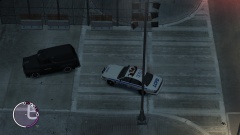
From the album: ineseris LCPDFR images
-
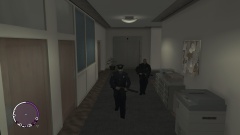
From the album: ineseris LCPDFR images
-
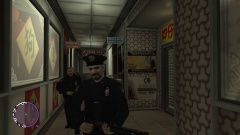
From the album: ineseris LCPDFR images
-
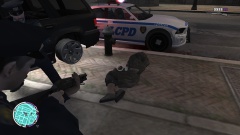
From the album: ineseris LCPDFR images
-
This is a nice place to start ('?do=embed' frameborder='0' data-embedContent>>).
-
And did it work?
-
Okay, have you tried with the latest Dsound version (comes with the LCPDFR manual install).
-
Does the game work without any mods, except LCPDFR and Dsound inplace?
-
Can I see a screenshot of your GTA IV folder?
-
Xlive disables GFWL. You need to use Dsound instead.
-
Over here ('?do=embed' frameborder='0' data-embedContent>>).
-
Do you have xlive in your game directory? Also, it seems a like multiple users are having issues with RGSC atm.
-
Are you running the game as administrator? Are you using many mods?
-
You simply use the manual install. There is a guide on how to do it in the LCPDFR Knowledge Base.
-
Have you tried reinstalling the game?
-
Then I think it is something wrong with the social club at the moment.
-
Does this error happen if you re-add paul.dll?
-
1. This seems to be a issue that several users are having, haven't found a fix for it. Stand by for patch from the devs. 2. You don't always have to, if the search circle is up the pursuit is already in effect.
-
Can you use the manual installation package instead?
-
No problem, I'm used to that being the case lol.
-
Chances are that you are IP banned, it was common practice for GPM to ban anyone affiliated with LCPDFR. Try launching the site through www.hiload.org.
-
You can install the x86 version of C++ and use the manual installation package to install LCPDFR v 1.0.


