




Bxbugs123
Members
-
Joined
Everything posted by Bxbugs123
-
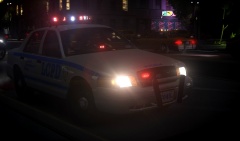 I like this one.
 -
I think it's because of a bad map conversion. Those buildings were not converted properly.
-
Here is the official non-stolen release of that vehicle. http://gtapolicemods.com/downloads.php?do=file&id=619
-
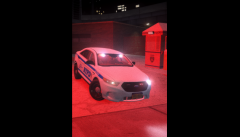 Its the Galaxy S5
 -
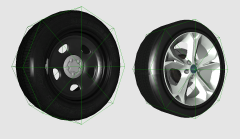 Right=2013- Ford Police Interceptor steel rims. Lift= 2011 Ford Taurus SHO stock rims. 2005? huh
 -
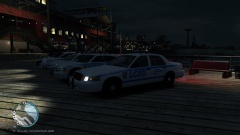 Thats how it done right there braaa.
 -
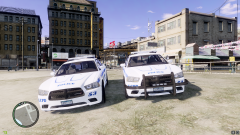 Looks rented.
 -
It's due to the vehicle model messing up. Only way to fix it is to keep exporting the model or delete poly's off the model till it stops that part for Yard, Most of the time it's the lightbar.My location tho.When i came up with that idea i used badge material seem's to work best, also supports a bump map.No you do not have permission to use them have a nice day. Taking something without permission is still stealing. Carper did not make those rim's he doesn't know how to model. Those rims are from an unknown source, converted for IV by me.
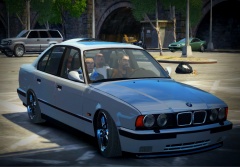 Stolen car for sure.
From the album: Bxbugs123's IV Images
Full Res Image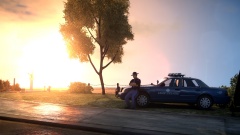 Damn.This not because of lcpdfr it is because of a poorly assembled vehicle model.
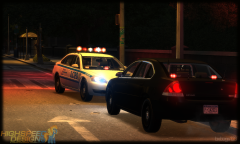 (MTN=Midtown North Precinct) (RPM number=3010) (10-84=Arrived at Scene)
This vehicle model is fictional it is somewhat based off the NYPD. The reason why it is setup this way its because this vehicle is one model file so you can choose between marked, slicktop or unmarked without having multiple vehicle slots taken.
(MTN=Midtown North Precinct) (RPM number=3010) (10-84=Arrived at Scene)
This vehicle model is fictional it is somewhat based off the NYPD. The reason why it is setup this way its because this vehicle is one model file so you can choose between marked, slicktop or unmarked without having multiple vehicle slots taken.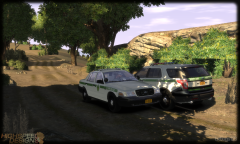
From the album: Bxbugs123's IV Images
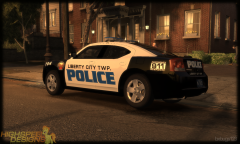
From the album: Bxbugs123's IV Images
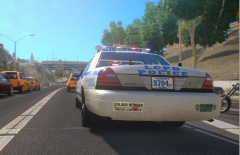 Looks very fancy.
From the album: Bxbugs123's IV Images
'?do=embed' frameborder='0' data-embedContent>>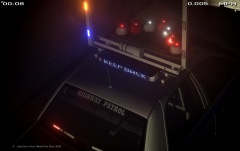 This vehicle is from GPM and was an official release today by me, the other release was not official.


