Bxbugs123
Members
-
Joined
Everything posted by Bxbugs123
-
Bxbugs123's IV WIP & REL Images
-

From the album: Bxbugs123's IV Images
© HighSpeed Designs (2015)
-
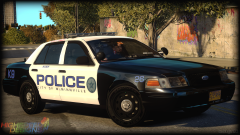
From the album: Bxbugs123's IV Images
© HighSpeed Designs (2015)
-
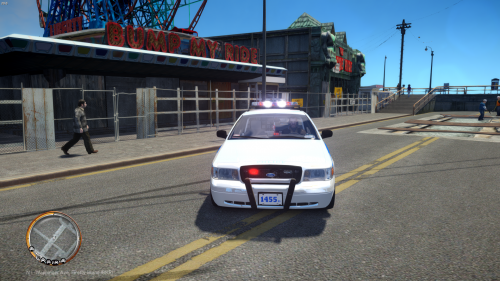 Nice, maybe you could add tint to the windows to simulate that there could be a K9 in the back.
 -
-
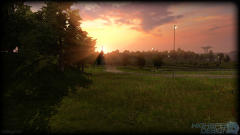
From the album: Bxbugs123's IV Images
© SCS
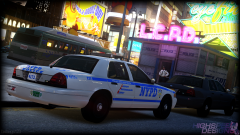 This is an edited version of CryENB v3 not a "timecyc". Where does it say this is a "timecyc" ?Pictures would be nice.
https://farm8.staticflickr.com/7382/12330011703_d18fd43b9a_h.jpg
This is an edited version of CryENB v3 not a "timecyc". Where does it say this is a "timecyc" ?Pictures would be nice.
https://farm8.staticflickr.com/7382/12330011703_d18fd43b9a_h.jpg
From the album: Bxbugs123's IV Images
© HighSpeed Designs (2015)
Not sure what you mean?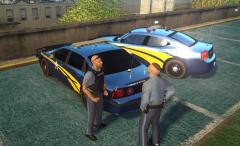 Nice to see people still using those old models.Try this.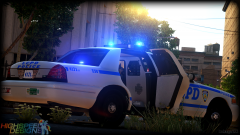
© HighSpeed Designs (2015)
People could start to pre-load(download the install files) of the game on the 7th.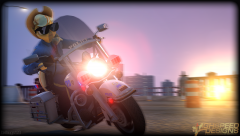
From the album: Bxbugs123's IV Images
I agree "1O.D" sucks.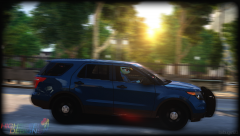 Haha you get it xD.
From the album: Bxbugs123's IV Images
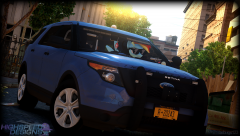
From the album: Bxbugs123's IV Images
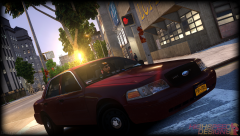
From the album: Bxbugs123's IV Images
Yes it does & this helps alot with people that are getting map or texture loss rebuilding your .img files.