Bxbugs123
Members
-
Joined
Everything posted by Bxbugs123
-
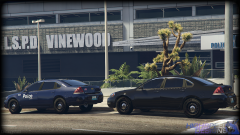 Interior is not finished.
 -
From the album: Bxbugs123's V Images
© HighSpeed Designs (2015)
-
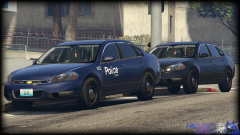
From the album: Bxbugs123's V Images
© HighSpeed Designs (2015)
-
Maybe most of the weapons have animation i will look in to it & let you know.
-
Nice i converted the one i made for IV yesterday will be releasing it soon here. any idea if we can make it open & close this is my 1st weapon convert top V.
-
-
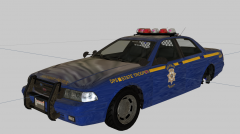 Nice, here come the nypd cars.
 -
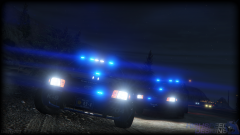
From the album: Bxbugs123's V Images
© HighSpeed Designs, Luxart 2015
-
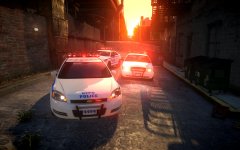 Good old nypd :)
 -
-
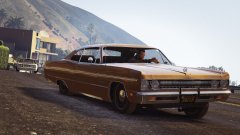 Wow epic going to need to try that out.
 -
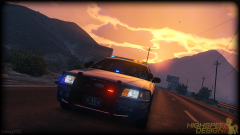 It's only been a week guys there will a lot more to come from the community, something is in the works for the "locking" problem. you will all know in time.
 -
From the album: Bxbugs123's V Images
© HighSpeed Designs 2015
-
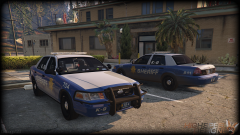 Well atm i am using the default gta police lights & i am using 18 dummies. I do not us any filters on my pictures this is all ingame. I was thinking of doing that but i am already using this feature for the lightbar takedown's
 -
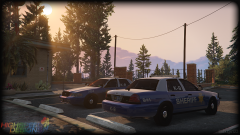 This model may or may not be released unlocked, i have 100's of models that i will be converting to V some will probably be released & some will not need to wait & see before blowing up my image with comments go make a forum topic on this.
 -
K9 units look epic.
-
I feel for R* & what people are doing to their GTA online it's sad & no i wouldn't be pissed.
-
This is true but rippers are not welcomed here or almost anywhere in the gta community. But ripping for V will be very difficult.
-
It has nothing to do with a pissing contest, i work very hard & spend alot time doing what i do & if i want to lock my models so others can't edit my hard work then i don't see a problem with that. How would you like if you left your door unlocked & someone came in to your house & messed up your house or even took something i don't think you would be so happy. Thats why we have locks on our doors.
-
When a way is figured out to lock models i will release this & no Stryker locking doesn't mean you can't do textures just means you can't import the model in to the program it was exported from.
-
Sadly this is true i will try & find a way to lock models.
-
From the album: Bxbugs123's V Images
© HighSpeed Designs 2015
-
From the album: Bxbugs123's V Images
Saw those sitting there had to take a picture.© HighSpeed Designs 2015
-
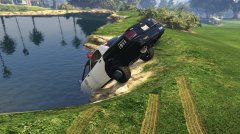 Sarge gunna be pissed.
 -
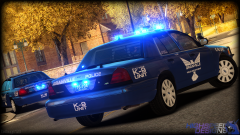 I will probably be making another non k9 version of this for release as this version will not be released for IV. Thank you.