




Illusionyary
Members
-
Joined
-
Last visited
Everything posted by Illusionyary
-
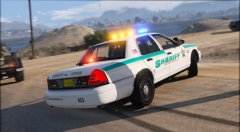
From the album: GTA V Illusions
-
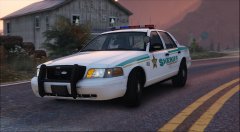
From the album: GTA V Illusions
#TooManyBlaineCountySheriffLiveries -
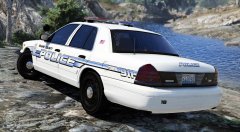 You can download it here if you like.
 -
From the album: GTA V Illusions
-
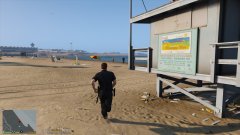 It's at this point when I just unholster my pistol and shoot the guy in the leg.
 -
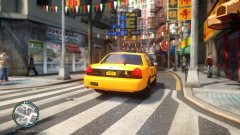 They've always been there :3
 -
I haven't been in the FSX modding community for years now (after Gamespy shut down the servers and I couldn't be bothered to bypass it to play online) but as far as I know, no such thing exists. You can get stuff that enhances the weather and scenery, but there isn't an overall graphic modification that enhances everything available.
-
I don't believe there's any massive graphical modifications that change anything aside from certain airports or areas, etc.
-
What a fucking bellend. These "pranks" just get more and more ridiculous. I'm still waiting for the day when one of these fucks gets shot by law enforcement for "pranking" someone with a weapon or whatever.
-
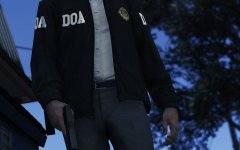 Ah yes, Dead or Alive... the fighting game... *cough*
 -
Yeah looks more like the Sabre model from the images OP provided. Seems they also use the Interceptor too. http://i.imgur.com/901nUMB.jpg
-
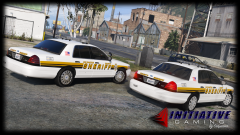 Old looks better. Love the Freedom bar.
 -
Uh... how? It doesn't even have a box in the middle. Rochester Police use the "Star Interceptor" bar, whatever the hell that is. http://starlightingproducts.com/
-
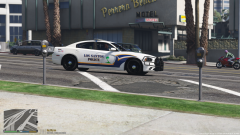 As iansonwheels said, the font doesn't match the livery at all. Definitely change it.
 -
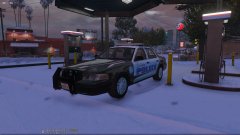 You can use my skin if you want to assuming it runs on the DSF template.
 -
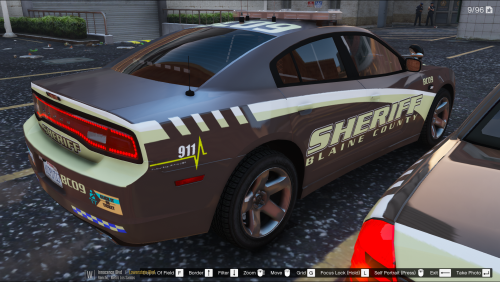 Interesting colour scheme. I don't think the blue and yellow checkerboard works with the rest of the design, though.
 -
The default size is 200x200 pixels, however anything larger than that is fine provided it's square. In terms of what's actually shown, you need to throw a circle on it. Here's what a 500x500px square will look like once it's trimmed into a circle. Red area is what's cut off.
-
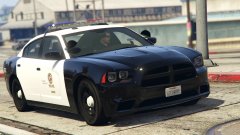 Nope, he's sober alright. Very, very sober.
 -
Hmm... not sure. Changing the colours shouldn't mess up the lighting configuration. Was it like that before you changed the colours?
-
Nope. The author of the vehicle decides whether to map the license plates on the template or use the defaults.
-
Depends what that actually is, I think it's just a transparent segment not mapped to anything so you can either leave it as is or delete it. What I would do though is select the parts you want to change the colour of using the rectangular marquee tool and then alter the colours using the hue/saturation tools from there. Photoshop will only change the colours from within the selection, as you can see below.
-
In Photoshop CS6 it's under Image, Adjustments, Hue/Saturation. Or you can hit Ctrl+U.
-
You can use the hue/saturation and colourize tools to alter the colours of an image without having to actually edit anything yourself.
-
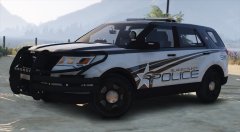
-
Fjord Exploder still needs to explode :<


