




Illusionyary
Members
-
Joined
-
Last visited
Everything posted by Illusionyary
-
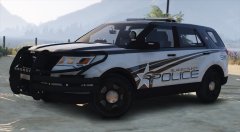
From the album: GTA V Illusions
What have I done?! -
-
-
You pretty much answered your own question with this:
-
I like the song choice, video editing wasn't bad either.
-
You know, like the rest of the world.
-
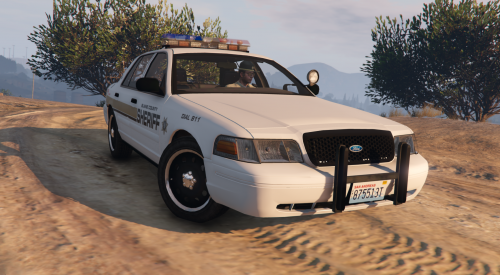 Unfortunately not. The car was something I whipped up quickly myself and I no longer have access to it.
- 13 comments
- 2 reviews
-
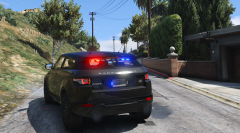 Yeah rear-view visibility doesn't look great...
 -
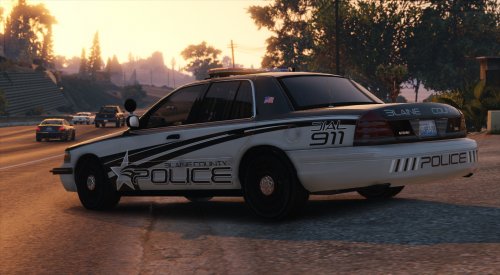 Good question, I don't know. Probably at some point yes, but I don't have a set time-frame which is why I've included the PSD in this download. Thanks by the way.
- 7 comments
- 6 reviews
-
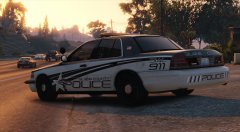
From the album: GTA V Illusions
I've released the development texture so there's only one PNG file and a PSD file so you can do what you want with it. -
Development release of my two tone concept texture for GTA V. This file only includes one texture for the Driver: San Fransisco Ford Crown Victoria model, however a PSD file has been included so you can do what you want with it. Features: Scratch made decals, logos and license plates Ultra High Quality Version Photoshop Document This texture is free to edit provided I am credited for my work. Be sure to leave feedback below! Thanks for downloading! Model used for showcase:
- 7 comments
- 6 reviews
-
-

- 11
-
-
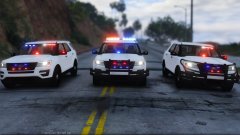 Hmm... the new Fjord Exploder doesn't look that awful with a wrap-around on it. I'd make the rambar spawnable.
 -
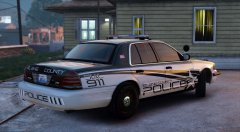 Alright, I'll release it this weekend with a PSD so you guys can edit it. Probably won't be a pack initially but I may do one eventually, depends if I feel like it. One of my favourite designs if I do say so myself, thanks. Thanks, I just use VisualV: https://www.gta5-mods.com/misc/visualv Thank you again!
 -
From the album: GTA V Illusions
Changed the license plates, added some flags and a unit number on the trunk. Release? -
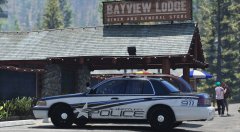 As in Los Santos PD or Los Santos County PD? Or, like, a sheriff variant? Thank you! ^^
 -
Thanks Serek :)
-
From the album: GTA V Illusions
-
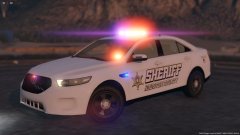 I gotta say, that skin could be pretty cool if you gave the car some colour. Perhaps leave the doors and roof white but paint the rest of the car green?
 -
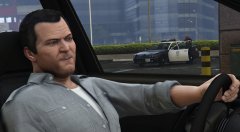 So much win in this edit.
 -
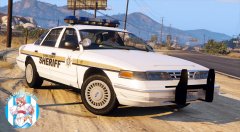 Go to bed. Thanks mate!
 -
In the VisualSettings.dat file (located under \Program Files\Rockstar Games\Grand Theft Auto IV\common\data), edit the variable next to "car.defaultlight.emissive.on" under the "# Other emissive lights" section. I use 120 and it looks like this.
-
Oh yes, me too.
-
I don't think they've been added yet (I didn't even notice to be honest). Lundy is still working on the model so I'll let him know that they're missing.
-
Hehe. I thought the blue's suited it perfectly.
-
From the album: GTA V Illusions

