




Illusionyary
Members
-
Joined
-
Last visited
Everything posted by Illusionyary
-
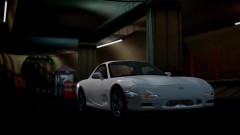 Love the Japanese cars. I prefer the tuned version though, this car looks sick with a bodykit and spoiler.
 -
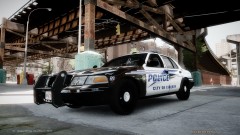 Mah skins! ♥
 -
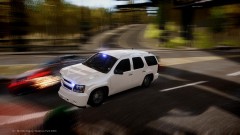 Awesome picture! Although you're clearly at fault since you're on the wrong side of the road. :P
 -
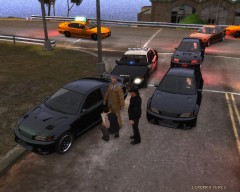 "Nice belt! Where'd you get it?"
 -
The graphics were quite a let down in 18 WoS for me, also I didn't like the details. The Australian mod for one of the 18 WoS games was my favourite.
-
It's definitely in production, or so we hope. There's also rumours of a "World Truck Simulator", which would be awesome. I'd love to be trucking in an Oversize Load down here in Aus!
-
Federal Signal Touchmaster Delta or the Thunder tone on the Galls Street Thunder siren.
-
MARS Skybolt Lightbar:
-
They look great but the textures are quite blurry, I tried applying some of mine and they were blurry too. I'm not sure why that is since they are the correct resolution... unlike your Metro pack... xD
- 41 comments
- 18 reviews
-
Sorry, I'm useless when it comes to this sort of stuff. If it's not part the game, leave it alone. I doubt it serves as a crash fix since TDU2 has it by default and that game crashes all the time. I did a quick Google and came up blank so I have no idea what it does either.
-
I'm not entirely sure what it does exactly but I know it's not just GTA IV that uses it, several other games use it too. My advice is to just leave it alone and not worry about it just in-case it's an important file (I think it is).
-
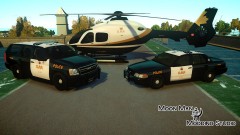 I love that chopper skin, the maple leaf on the tail looks awesome! :D
 -
What? This is a GTA IV mod haha, the pictures are in GTA IV just on low graphics.
- 9 comments
- 13 reviews
-
Technically yes, but the car is mostly Australian and branded as a Holden over here. They just swap out the Holden badges for Chevy ones when they import it.
-
I think the stripes should blend a little close to the text and you also spelt "Dial" wrong on the trunk. Other than that it doesn't look half bad, nice job.
- 3 comments
- 4 reviews
-
Do you happen to have a working microphone? I think your videos would be much more entertaining with commentary, even if it's just you saying "Copy that, show me en-route code 3". Other than that, nice work.
-
As far as I am aware there's nothing you can do about it. ELS V7 also disabled the ability to use the one touch tone selection in MP too, meaning you need to hold down H to change the siren tones rather than simply pressing T. I haven't really dug through the ELS files so there may be a way to change this, but I don't know of one.
-
It's a shame to see the Crown Vic go, but all good things must come to an end at some point I guess. Too bad I've never seen one in real life though. Hopefully you'll get a good run out of the Holden Caprice!
-
Your ELS settings look correctly set up so I'm quite confused to as of why the reflections are red when they're set to blue in the config files. Very odd. Try renaming the default_config file to something else and see if that works. Also, do you happen to have a backup copy of GTA IV you could install a fresh copy of ELS too just to check that it's not messed up there too?
-
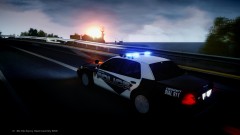 Looks really nice, I gotta try this out for myself!
 -
I would advise against uploading your first few textures unless you feel they're really good, this one doesn't look that bad but it's really bland.
- 6 comments
- 8 reviews
-
You could try PMing the video uploader about the texture as-well as requesting it in the thread Sgt.Hoffers linked. You can only install one patch on a single directory or everything goes haywire. If you want to have both just copy the fresh GTA IV folder and name it something else, then install the patches on the separate directories.
-
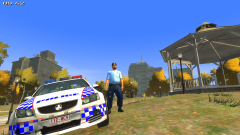 Lookin' good! There's something about the Aussie police uniform that screams "I'll wreck you!" xD
 -
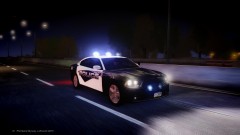 Epic screenshot! :D
 -
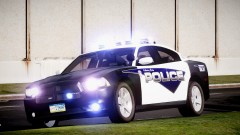 Rolling in the good old 122 skin with the "5H4RP" plates aye? That was my easter egg skin if you hadn't already noticed haha.


