


tee
Members
-
Joined
Everything posted by tee
-
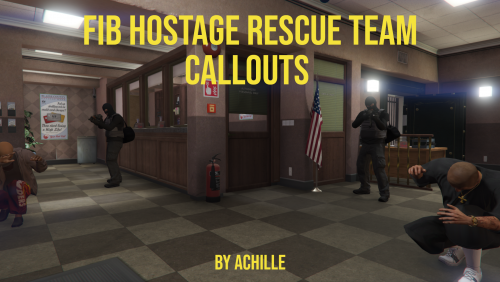 Love the callouts and I just love the endless gunfight in the "Rescue the VIP" callout, but It seems like that's all I can do is kill the enemies as I don't see the vip that I'm suppose to rescue. When I get close to the second hotel unit my game crashes every time so, is the vip supposed to be located in the 2nd unit? RagePluginHook.log
 -
It has crashed back to desktop Friday with no log, but I have the lastest gameconfig, heapadjuster and packfile limit adjuster installed and updated scripthookvdotnet. I reverted back to Direct X 10 and that solved my problem per se as I was just able to play for almost 2 hours no crash at all, but it causes my visuals to look very bright in game and has a little stuttering and lag when in the city. What graphic settings should I use to have a smoother lspdfr experience?
-
Hello, my lspdfr has been crashing a lot this week for no apparent reason. I have not made any changes this week; however, my graphics card did an update late Tuesday night that maxed out my gta v graphics. I've tried to bring everything down which has worked to a certain extent because I was getting texture loss now I'm getting textures blurring then crashing the game after 30 minutes. my log is attached. RagePluginHook.log
-
My small issue is within the startup. When coastal callouts load, it says 1 eup outfit missing. The LSSD Marine outfit is missing. Is there a workaround solution for this? I have EUP 8.3 installed What were you doing when the crash/bug occurred? it occurs when loading into lspdfr Did the game crash to desktop, or did the plugin crash? neither it says to check my log for the missing eup Does the same crash or bug happen consistently? yes RagePluginHook_15032022_170026.log
-
 I am having an issue with Zancudo Fire Station. At first, I thought it wasn't in the configuration ini file but, I finally saw it and added my custom units to it. After calling first responders while on Zancudo Air Force base, I get a constant responses from Paleto Bay Fire Station and Hospital instead of Zancudo Fire Station. Am I doing something wrong or? RagePluginHook.log EMSUnits.xml
- 783 comments
- 86 reviews
-
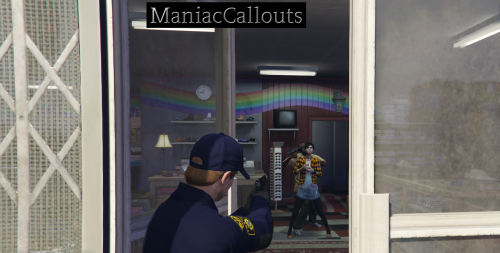 During the Stolen vehicle callout, an armed pursuit ensued. After the vehicle was stopped one of the suspects got killed while the other was arrested. When coroner came to pick up the body lspdfr crashed. I don't know if this was a random crash or was I suppose to arrest both of them to complete the call to not crash, but I thought I'd let you know.
 -
I recently got Rednecks DOT Pack and installed it, but I do not know how to make the message board light up and have the word up. Does anyone know how to get a message to appear on the boards?
-
I just installed a few non-els vehicles. I added them to ultimate backup, but their vehicle extras are not spawning at all. is there a way to randomize the vehicle extras without having to do it one by one?
-
 I really enjoy this pack, but I don't know if its a bug or not when responding to the hwy traffic backup call, the officer in the scenario is a regular pedestrian model instead of a cop model. Maybe in a future update we can customize the officer like vehicles.
- 160 comments
- 20 reviews
-
That's interesting because I just tested the model by calling for backup and it responded. No, I was not in those areas mentioned above, but I was able to spawn the vehicle manually as well and it worked. Could vehicle chances affect it because the vehicle chance set for lspd20 was 60 by default. What other solutions are there?
-
Can anyone help me please? I crashed once again after a chase in pillbox hill RagePluginHook.log
-
I've had quite a few crashes while in certain areas of the city I guess such as getting on the interstate closest to Franklin's home, or seemingly the area of Richmond closer to del Perro BLVD & Rockford Hills. the most recent crash being as I was responding to the mafia raid callout passing in front of the Davis Sheriff Station and then game crashed. Is this a crash everyone has been getting or is mine being caused by something else RagePluginHook.log
-
Hello, I have done a fresh install of GTA 5 and after EUP and its menu, EUP works fine when choosing from the station but EUP Menu crashes. What is my problem? RagePluginHook.log nevermind I updated the rageNativeUI
-
 Dell G5 Nivida Geforce 1660I graphics Intel(R) Core(TM) i7-9750H CPU @ 2.60GHz 2.59 GHz 16.0 GB RAM 64-bit operating system, x64-based processor
- 422 comments
- 25 reviews
-
I experienced serious lagging or Section136 callouts crashes all together when accepting and arriving on scene. The Last call I responded to was the UnArmed robbery at the Zancudo Store. The Robbers came out. 2 of them got in the van and took off before the last 2 could get in, so they stole seperate vehicles to start a 3 car chase and it caused the lag and texture loss. RagePluginHook.log
- 422 comments
- 25 reviews
-
Problem solved!!!!!! I changed the audiohash to a police vehicle such as fbi or police. hope this solves anyone facing the same issues
-
That might be the issue. I know that it was mine
-
This usually happens to me when I have Menyoo installed. By any chance do you have that mod installed?
-
I just installed a non-els Camaro and I got everything working but the siren. The lights flash and ai cars stop/yield to the lights but my siren will not sound. It's basically functioning as a civilian car with lights Could anyone give me some pointers on what to do or change to get the lights to work?
-
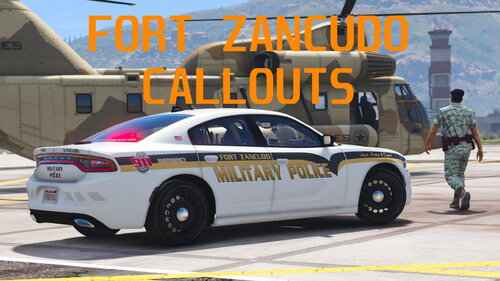 I really enjoy your callouts. Maybe add some waypoints in the next update, but all of the callouts crash lspdfr or crash back to the desktop after completing them.
 -
ok
-
I updated Ultimate Backup to the latest update that includes Air Ambulance having the option to land or repel, but when I call for Air Ambulance it says on the way; however, nothing happens. Am I doing something wrong or was I supposed to replace more than the Localization and dll? RagePluginHook.log
-
I think I may have found the problem. It was the gameconfig by F7YO that caused the crash. Once I changed and tested the gameconfig by Dilapidated it worked fine.
-
I'm working through it now to see what works and what doesn't. It allowed me to come into the city after being in Blaine County for a while. I was able to answer a couple of calls but the Firstresponse.dll crashed a few times while in the city before Rage crashed around the airport. Is there anything new in my log that may have caused the crash? RagePluginHook.log
-
I will try that, The last thing I installed was a 2 hellcats and a corvette from 2 different packs and I downgraded all my vehicle liveries from 4k to 2k. I do have a few outdated enhancers/plugins such as Rich's Enhancements, Cleanupthemess, typical, fire, and traffic callouts.

