


tee
Members
-
Joined
Everything posted by tee
-
ok....Are there any good ENB that you would suggest? I have tried various different 2013/2014 models, marked, unmarked, and slicktop, that were not part of a package that has given the same result.
-
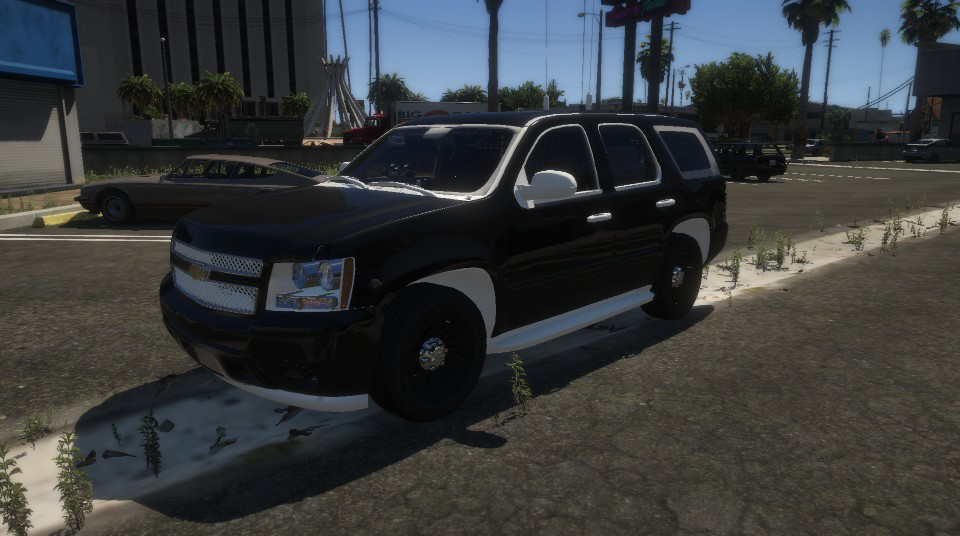
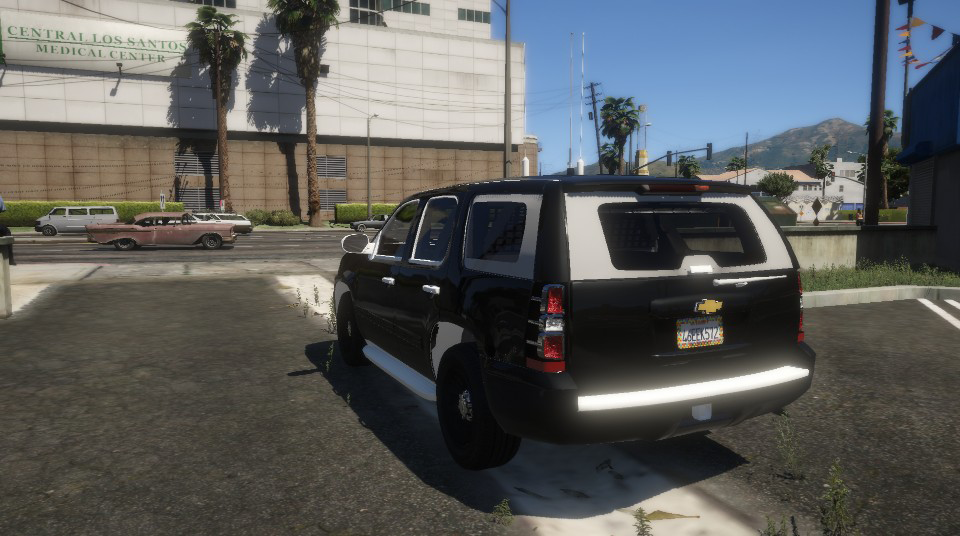
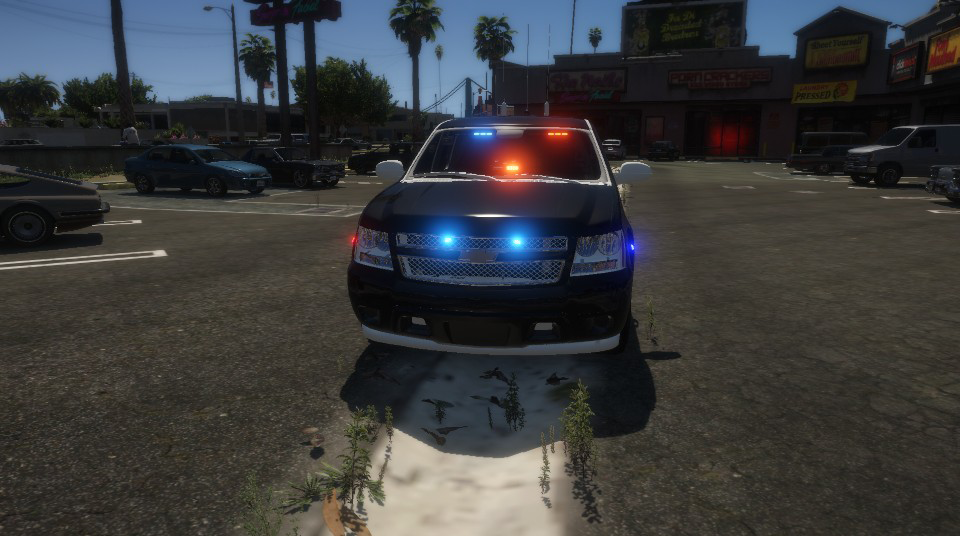
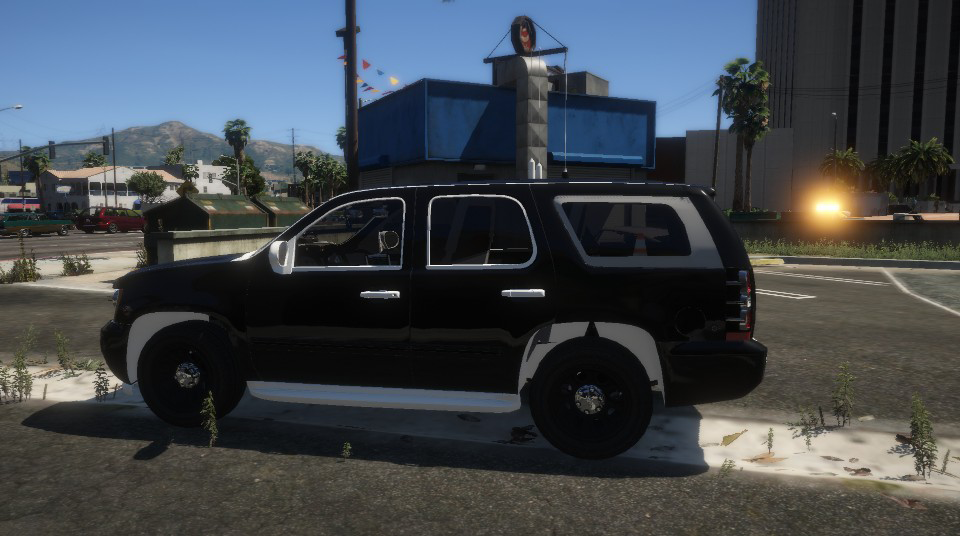
I now have pics that explains what my problem is if anybody know what's happening and can help me solve it
-
thanks again that worked
-
oh ok well that's odd that they didn't apply to the backup units
-
ok and where do I go to change the tint for backup because they are still responding with the window tint now
-
SWAT for City, County, and Blaine County
-
Thanks for all your help and suggestions, but it didn't work out so well it's still spawning more of the livery's than the color although the color responds rarely.
-
so like this? <Vehicles> <Vehicle pax="3" pax_chance="34" color="black">POLICE2</Vehicle> <Vehicle pax="3" pax_chance="33" livery="3">POLICET</Vehicle> <Vehicle pax="3" pax_chance="33" livery="4">SHERIFF2</Vehicle> </Vehicles>
-
Thank you Oh, I just thought about it. Could it be that I have an ENB install because I do have Natural Vision?
-
Like this? <LosSantosCity> <VehicleSet> <Vehicles> <Vehicle pax="3" pax_chance="100" color="black">POLICE2</Vehicle> <Vehicle pax="3" color="blue" pax_chance="50">POLICE2</Vehicle>
-
I originally had BlueGhost's Unmarked Tahoe as an addon vehicle in patchday22 and then I removed it after I saw the issue, so I tested it out by replacing a vehicle in another DLC Pack and got the same result
-
I am calling for backup via UB and UB 1.8.4.2 is the version I have. I had BluGhost's unmarked 2010 Charger in the police 2 slot
-
I don't know if its after GTA V updated or LSPDFR update but, when i spawn a '13 or '14 Tahoe it spawns; however, it spawns with what appears to be missing textures. I have installed and reinstalled different models but I get the same result. is anybody having the same problem or is it just me?
-
After upgrading from 0.4.7 to 0.4.8, my vehicles, assigned in ultimate backup, are unable to respond with their designated colors only their livery's. For example, I have my vehicles set to <Vehicle pax="3" pax_chance="100" color="black">POLICE2</Vehicle> but only different livery's appear as opposed to the color like I set it to be. I have played around with it by changing the color names but to no avail. Can someone give me advice on how to fix it or if it can be fixed.
-
LSPDFR has been crashing a lot lately and I don't understand why . My log is attached Can someone help me? RagePluginHook.log

