GlitchGamer
Members
-
Joined
-
Last visited
Everything posted by GlitchGamer
-
From the album: Nick's WIP
-
From the album: Nick's WIP
-
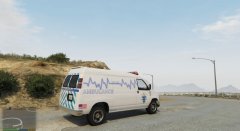
From the album: Nick's WIP
-
From the album: Nick's WIP
-
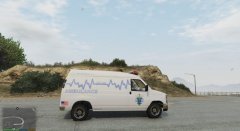
From the album: Nick's WIP
-
It is because you may need to make a carvariation file to edit the light setting
-
-
-
_(1).thumb.jpg.e2bdb0a5e5c3cbfe86db39f1a577b969.jpg) I like it :) definitely since my model has multiple liveries I am gonna use this skin for personal use!
I like it :) definitely since my model has multiple liveries I am gonna use this skin for personal use! -
-
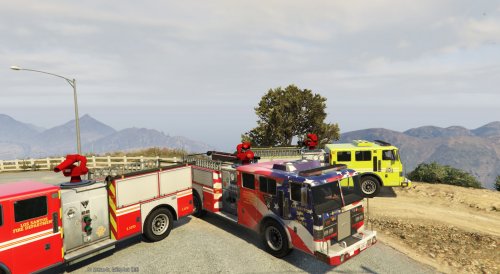 UV mapping is In a sense changing the placing of the textures. With the normal.UV mapping of the stock vehicles, the textures are limited and do not have much expandability or customizability. With UV mapped vehicles, I have made it so the whole outside is UV mapped. If you look at the stock.fire truck and mine, you will see the difference. thank you!!!
- 23 comments
- 3 reviews
-
-

- 1
-
-
 This version also supports multiple liveries ;)
 -
There are no editable carvariations for the stock police vehicles. It is encrypted somewhere
-
-
The read me tells you everything and even the description. It the flags portion for firetruvk will look like this
- 23 comments
- 3 reviews
-
-
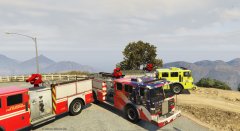 I love it! I believe it supports up to 8 liveries? IDK have to test it
 -
-
-
-
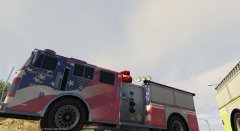
From the album: Nick's WIP
making sure my fire truck template can be easily understood by labeling and coloring the truck. -
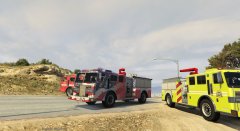
From the album: Nick's WIP
-
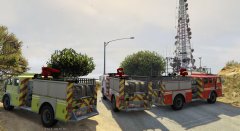
From the album: Nick's WIP
-
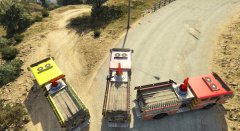
From the album: Nick's WIP
-
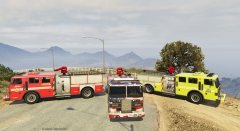
From the album: Nick's WIP

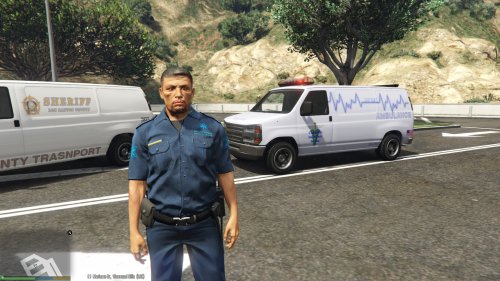
_(1).thumb.jpg.e2bdb0a5e5c3cbfe86db39f1a577b969.jpg)